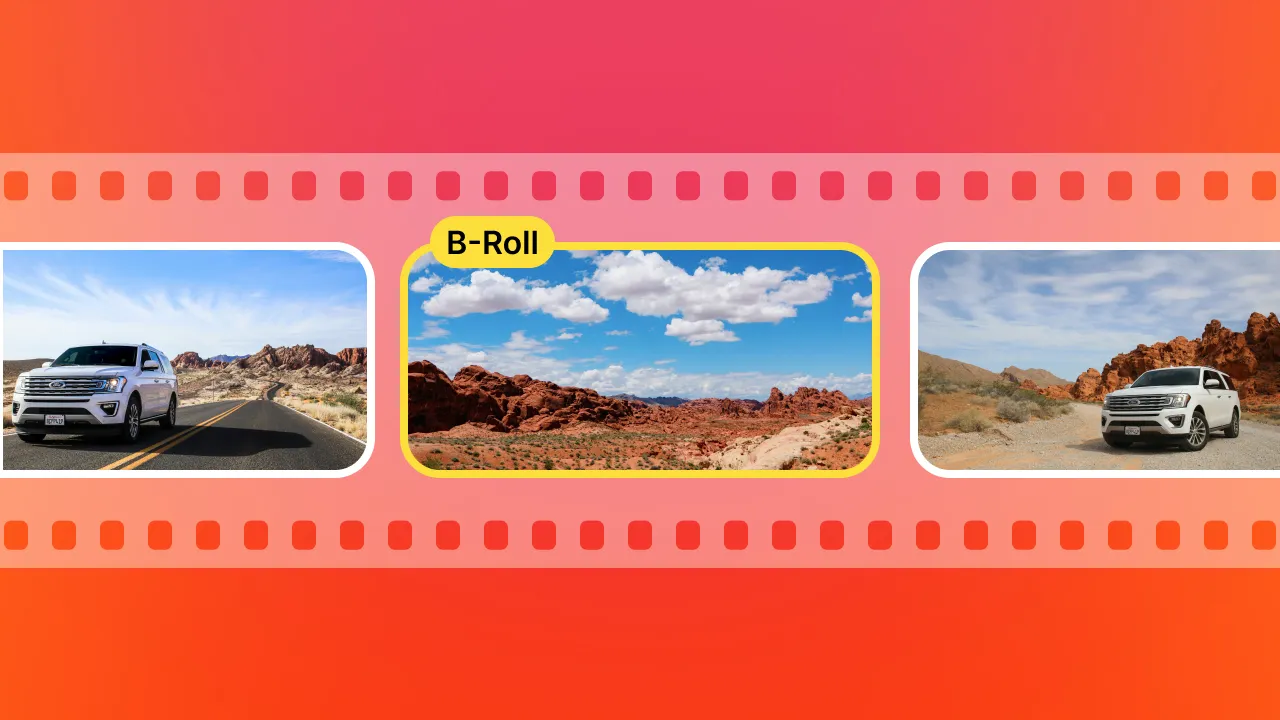
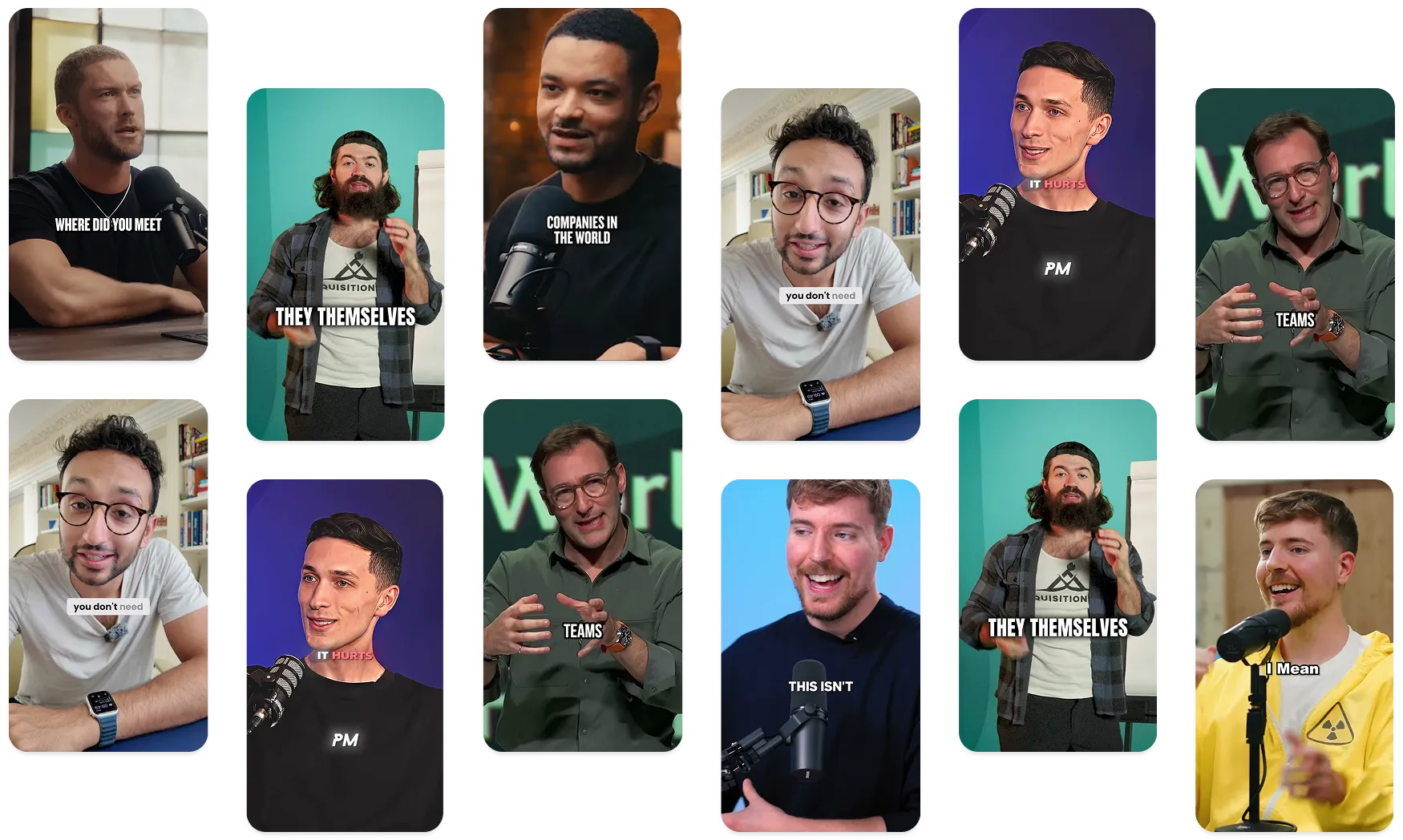
I’ll just say it: Most AI b-roll generators feel like they were designed by someone who doesn’t actually edit videos. At Submagic, we dogfood our products.
As actual users of B roll generators, you and I both know the pain—editing talking head clips for TikTok, YouTube Shorts, and reels used to mean manually finding b-roll footage, trimming it, dragging it into the timeline, and praying it synced. It was a full-time job.
Now? It’s one click. Absurdly easy.
Here’s how I’ve cut my video editing time in half with the best AI b-roll generator on the market—plus a few others that come close, but still miss the mark.
Submagic – The best AI B-roll generator
Transparency is key to building trust. Most AI video editors, Submagic included, are not shooting their own B roll footage. Okay? Almost all the providers here use a common third-party for images, gifs, and videos. It’s most likely Storyblocks.
Now that the playing field is levelled, what makes Submagic special? Well, it’s how we use it in combination with our own tech. It’s like taking 5 Uber rides in identical cars but that one driver goes above and beyond.
Everything you need for your ride is within reach—and suddenly an Uber ride is more than just transportation, it was actually enjoyable. And, now you seek out the same driver. It’s not about the vehicle anymore.
Thanks for coming along for that ride ;). We love analogies, but now it’s back to editing.
When I edit for social, I use Submagic—every time, all the time. It’s built by people who actually create content. It’s more than just an AI tool; it’s a workflow upgrade. It’s a productivity tool parading as an AI video editor, and I save hours each week.
What makes it the best AI B-roll generator?
- One click to add relevant, royalty-free b-roll footage.
- Automatically syncs the relevant b roll to your script or voice.
- Smart context matching: add video clips, gifs, or dynamic overlays based on what you’re saying.
- Adds subtitles, music, transitions, and even lets you swap out b-roll in seconds.
- Handles everything from podcasts to vlogs to talking head clips.
Plus, it’s crazy fast. I can create high-quality AI video content for myself and clients in under 10 minutes—fully captioned, optimized, and scroll-stopping. The entire editing process feels so intuitive.
Now, Submagic is very customizable. It gives you full control in choosing your footage and also how it looks, and where it appears on your screen. Additionally, you can one-click add “Magic B Rolls” and our AI model will add the perfect visuals and supplemental footage at the right time.
Pro tip: Submagic is hands-down the best AI subtitle generator too. I link it once in every post because captions are the foundation of engaging videos. Check it out here.
Other video editors & AI B-roll generators worth knowing
If you’re just exploring or want options, here’s a breakdown of other tools I tested. I suggest you test them too. They all have free trials. Upload a video into each tool and take them for a ride (that’s an Uber call back). But, should you want an unbiased opinion, read on.
None beat Submagic, but some are worth trying depending on your content creation needs.
At the very least. You can agree we have a sense of humor. We see you smiling in our rear view mirror.
OpusClip AI B-roll generator
OpusClip is known for chopping longform video content into short viral clips. Their AI b-roll generator is a decent add-on, especially for YouTube Shorts or TikTok snippets.
Good for: Fast turnaround, solo creators
Not great for: Full video editing, detailed control, or branded content
Gling AI B-roll generator
Gling’s focus is AI video editing for YouTube. It auto-detects pauses, cuts dead air, and now offers b-roll footage options.
Good for: Podcasts or longform edits
Not ideal for: Social media snippets or punchy reels
Hypernatural AI
Hypernatural positions itself as a “creative AI studio,” with more cinematic AI video generator tools. Their b-roll is more stylized than others.
Good for: Artsy or documentary-style video production
Overkill for: Quick reels or TikTok content
BIGVU AI B-roll generator
BIGVU is known for teleprompters and captioned video content. Their AI b-roll generator is beginner-friendly, but basic.
Good for: Business coaches, realtors, simple video marketing
Not for: Editors who want speed or customization
Veed.io
VEED has an easy-to-use AI video editor with free AI b-roll support. It’s simple, but that’s also its limit.
Good for: Total beginners
Not ideal for: Power users, agencies, or creators making high-quality videos
Kapwing AI B-roll tool
Kapwing is popular for templates and quick edits. Their AI b-roll generator pulls stock footage, but isn’t super smart about context.
Good for: Educational or templated videos
Not great for: Dynamic, voice-synced b-roll footage
Why B-rolls matter
B-roll isn’t fluff—it’s strategy. It's the fastest way to boost retention, add context, and stop scrolls.
Whether you're teaching, telling a story, or selling, great b-roll footage adds polish and professionalism—especially if you're on TikTok, Instagram, or building a YouTube channel.
And let’s be real: Nobody’s watching 60 seconds of a talking head anymore unless there’s movement, visual cues, or subtitles on screen.
AI tools like Submagic make it effortless. And with new templates, text-to-video, ai image, and voiceovers baked in—it’s no longer about editing videos, it's about creating momentum.
Who doesn’t love a good recap?
If you’re a content creator or agency churning out clips for clients, you need an ai b-roll generator that just works.
-
Submagic is my go-to for workflow speed, accuracy, and high-quality results
-
OpusClip is decent for YouTube Shorts
-
Gling works for longform editing
-
Hypernatural is cinematic, but niche
-
VEED and Kapwing are fine for beginners
But if you're serious about scaling your video production or just want to create more engaging videos in less time—Submagic is the clear winner.
It’s not just a tool. It’s part of my process now.
| Tool |
Best For |
Downsides |
| Submagic |
All creators, full workflow |
None I’ve hit so far |
| OpusClip |
Auto-shortform |
Not smart with context |
| Gling |
Podcast-style edits |
UI still a bit clunky |
| Hypernatural |
Cinematic storytelling |
Not made for social media |
| BIGVU |
Coaches & business reels |
Very basic editing |
| VEED |
First-time creators |
Too limited for power users |
| Kapwing |
Easy templates |
Random b-roll, not always relevant |
FAQ
What is the best B-roll software?
The best B-roll software is Submagic—a user-friendly editing tool built to automatically match B-roll with your dialogue using AI. It’s fast, trending with creators, and helps you create videos without manual syncing or annoying watermarks.
Where can I get good B-roll footage?
You can get high-quality, royalty-free B-roll footage using Submagic or other AI tools that automatically source relevant visuals. Some even integrate image generators for custom scenes, which makes it easier to build unique tutorial or Zoomclips.
Which is the best AI video generator?
Submagic is hands down the best AI video generator for speed, automation, and smart B-roll sync. It's built for modern creators, with fair pricing and features that let you create videos without the usual headaches.
What makes a good B-roll?
Good B-roll is contextually relevant, visually dynamic, and adds meaning to your story without stealing focus. Whether you're making a tutorial, Zoom highlight, or social clip, smart B-roll combined with a solid editing tool makes all the difference.




.png)

.png)
.png)
.png)