




Submagic is the best AI tool to create captivating short-form videos in seconds for teams and businesses.



Turn long videos into Shorts with Magic Clips, add AI captions and effects, then schedule directly to YouTube. One workspace, no downloads.
These companies trust and love Submagic AI captions.


Magic Clips turns long videos into Shorts. AI adds captions and schedules to YouTube.
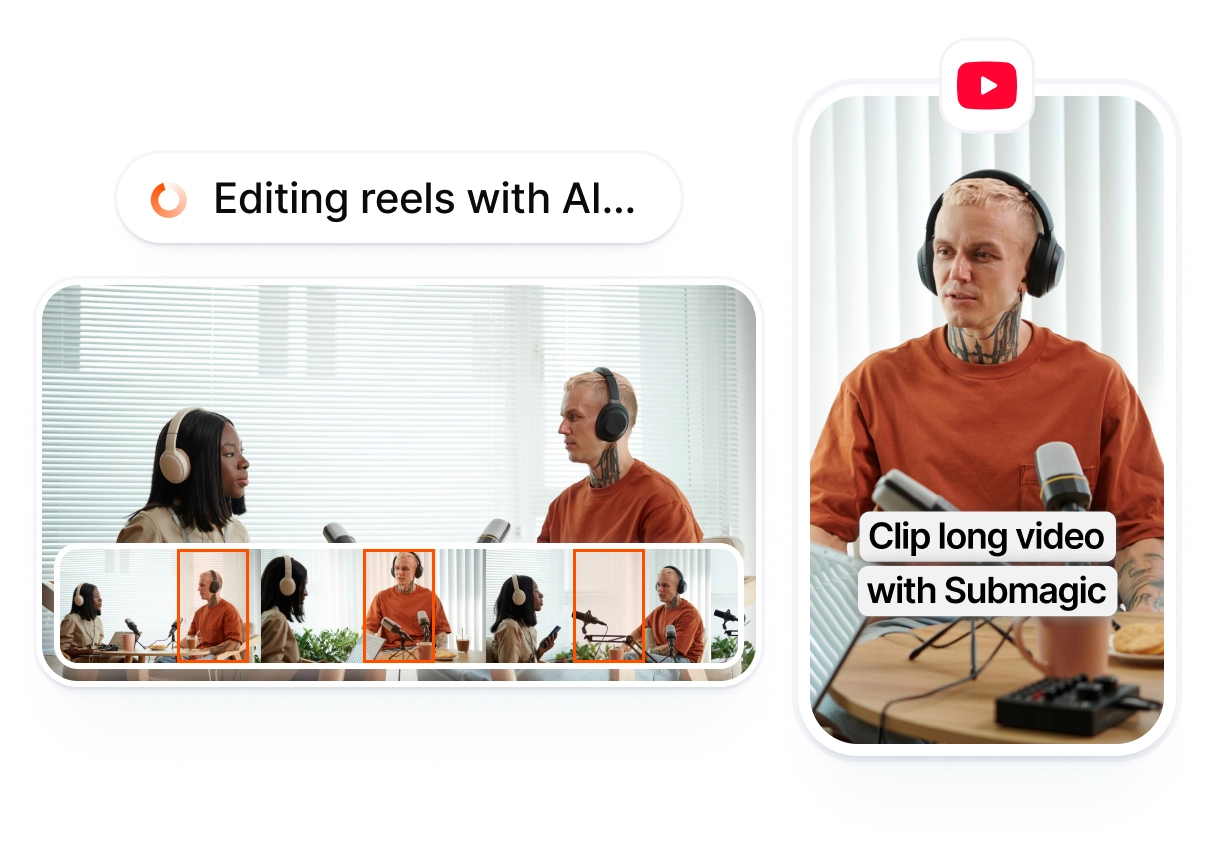
Paste a YouTube link and Magic Clips cuts your long video into Shorts. Add AI captions and effects, then schedule every clip to your channel from one workspace.
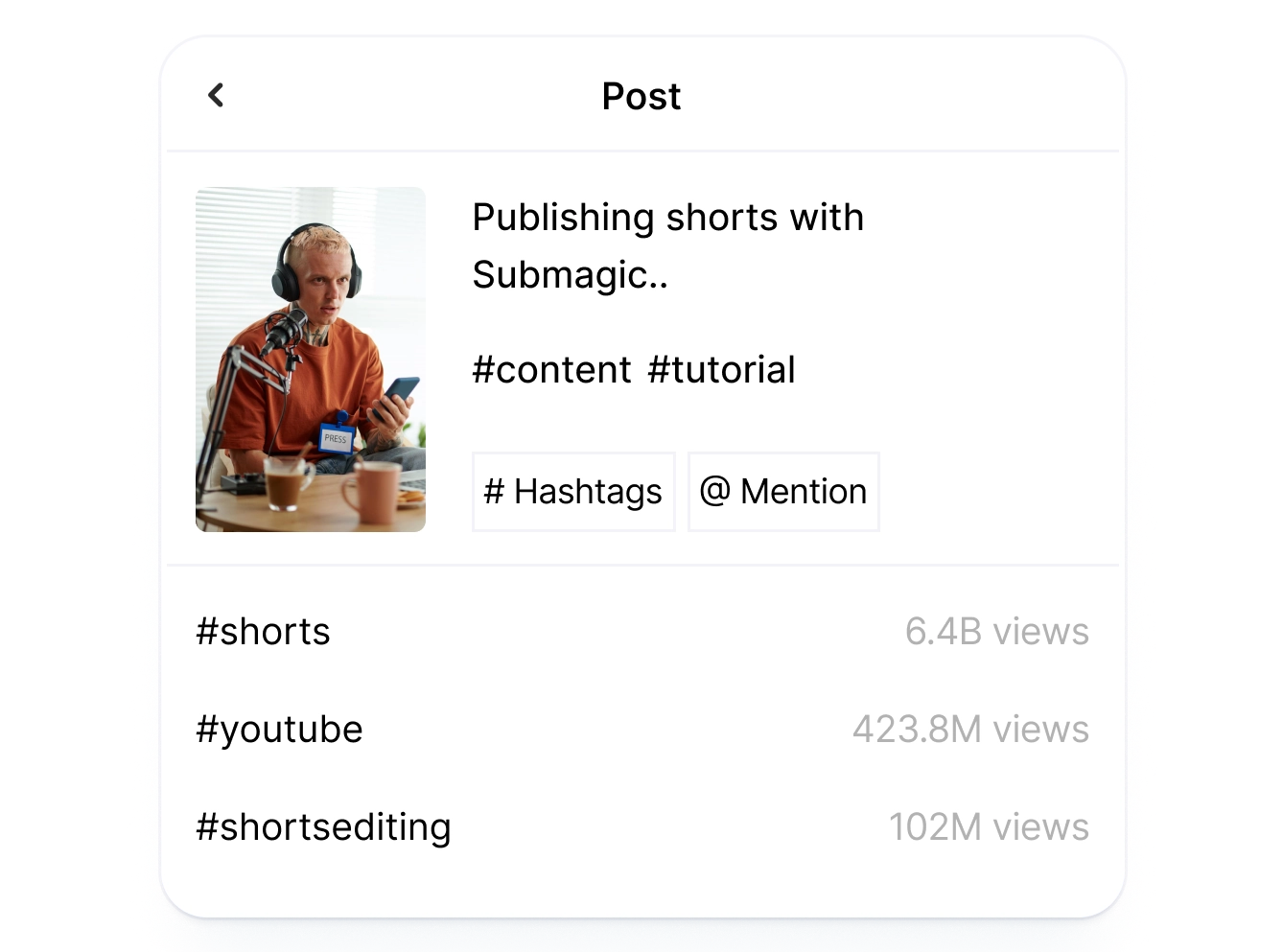
AI reads your Short's transcript and fills in a title, tags, and first comment for YouTube. You can edit any field or regenerate with one click before publishing.
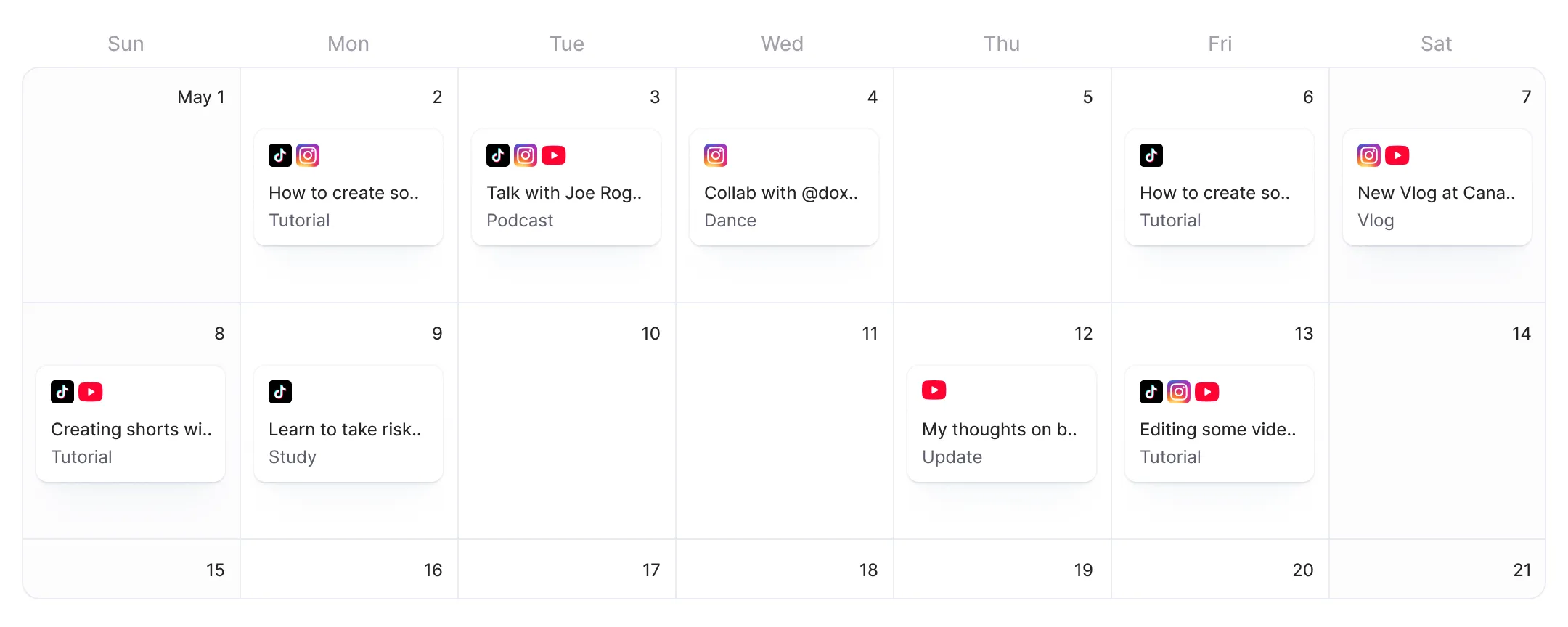
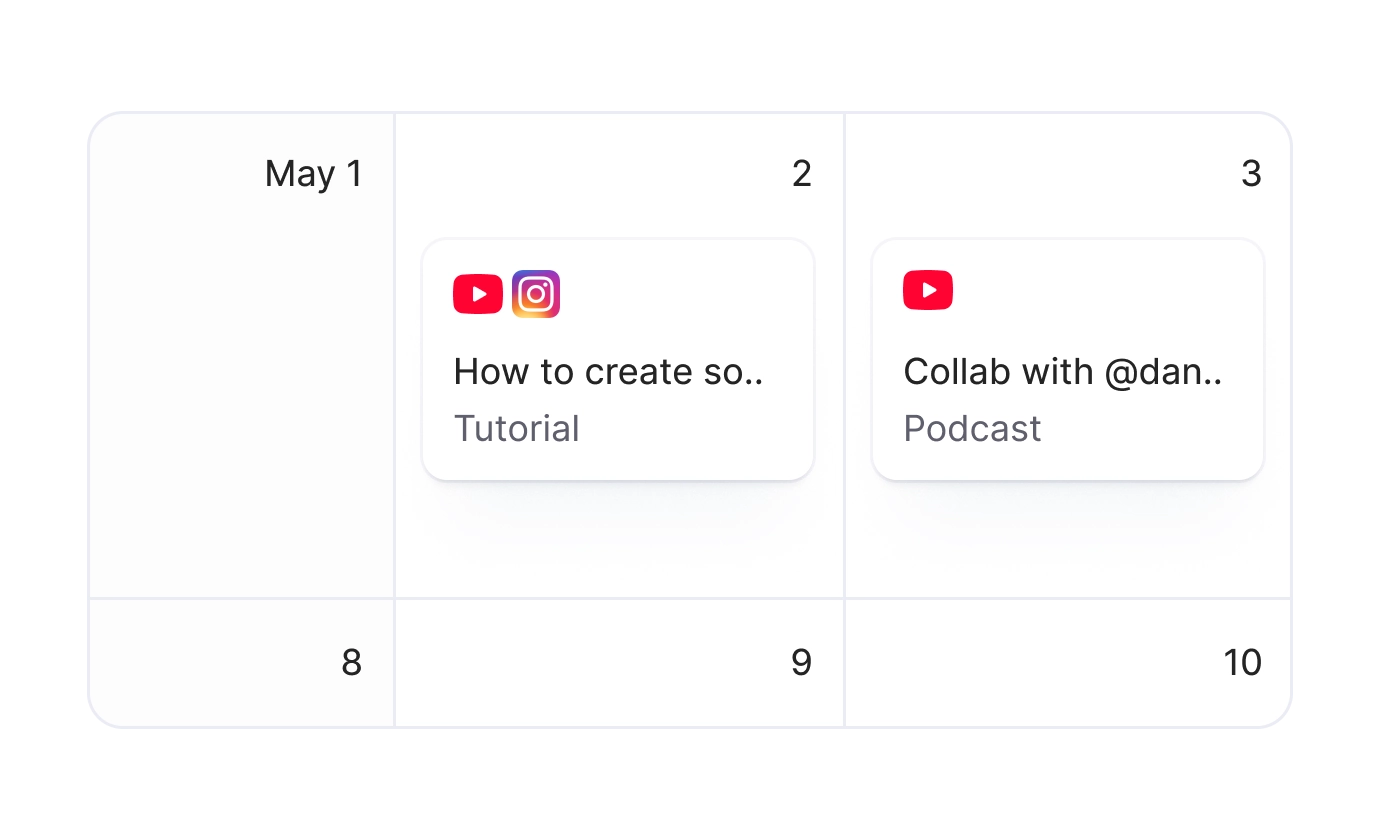
Schedule your Shorts and preview how each one will look on YouTube before publishing, without opening YouTube Studio.
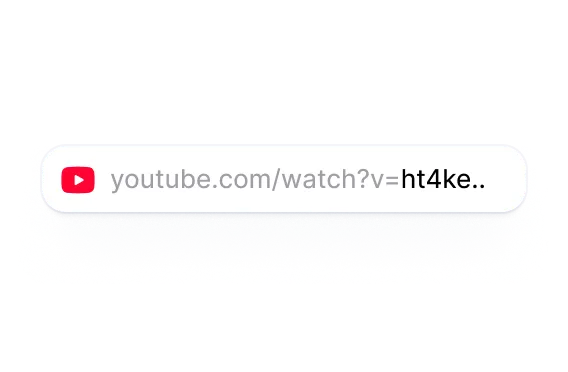
Paste a YouTube link or upload a video. Magic Clips identifies the strongest moments and cuts them into Shorts automatically.
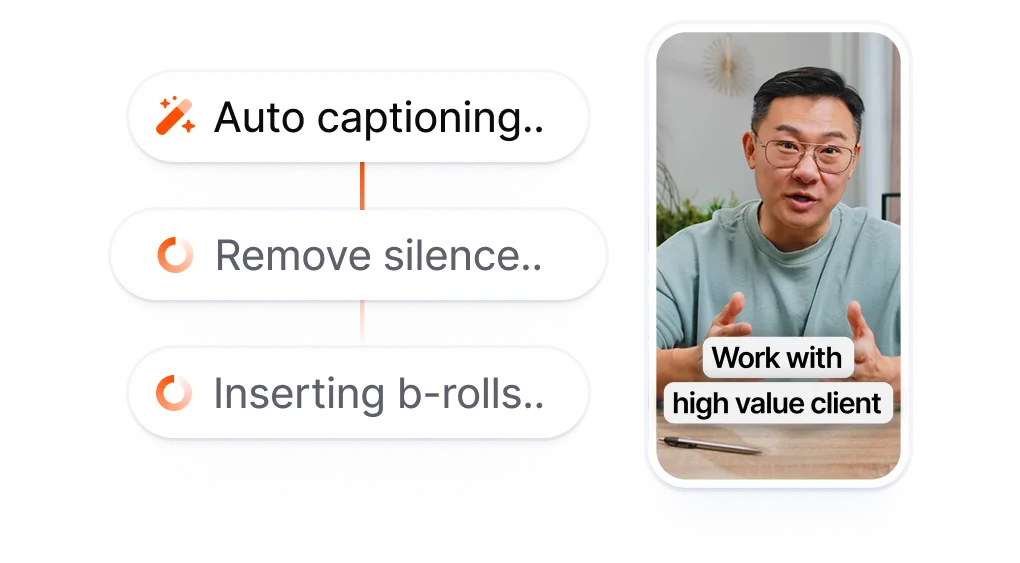
Add AI captions, effects, and transitions. AI generates your title, tags, and first comment inside the project. Toggle YouTube on in the publish modal, review the pre-filled fields, and approve.
Pick a date and time, or go live right away. Your Short publishes automatically at the time you set.
Other YouTube video schedulers ask you to bring a finished Short. You record, edit in a separate app, export, open the scheduler, upload, fill in the details, and hit publish. Submagic starts earlier. Paste a long video link, let Magic Clips cut it into Shorts, edit with AI, and schedule directly.
Every Short means clipping, downloading, and re-uploading separately.
Clip, download, re-upload, fill in metadata.
Repeat for every Short.
vs
Paste a link. Get Shorts.
Schedule directly to YouTube.
Paste a YouTube link and Magic Clips turns the best moments into Shorts. Edit with AI and schedule every clip to your channel without a separate tool.
AI reads each Short's transcript and generates a title, tags, and first comment for YouTube. Edit any field or regenerate with one click before you publish.
Clipped five Shorts from one long video? Preview each one in the publish modal and confirm captions, titles, and formatting look right before you schedule.

You’re upgrading fast and constantly adding new features like music, trimming, and more.

Submagic is amazing, and the support team is by far the best I've seen from all the apps I'm using before.

The interface is clean, the subtitles are accurate, and it saves me so much time.

It is a monumental time-saver for me every single day. The workflow is extremely well-thought-out.



The YouTube Shorts scheduler that starts with your long video. Magic Clips extracts the highlights, AI adds captions and effects, and Submagic publishes on schedule.


Yes. Submagic connects to your YouTube channel via OAuth and publishes or schedules Shorts on your behalf. Pick a date, time, and timezone. Submagic posts your Short automatically at the scheduled time.
Yes. Paste a YouTube link into Submagic and Magic Clips identifies the strongest moments in your video, then cuts them into Shorts automatically. Add AI captions and effects, then schedule each Short to your channel, all from one workspace.
YouTube Studio lets you schedule uploads, but it has no video editing, no AI clipping, and no AI-generated titles or tags. Submagic combines clipping, editing, and scheduling in one tool. Paste a long video link, get Shorts, and schedule them without switching apps.
It depends on your workflow. If you already have finished Shorts and just need a calendar, YouTube Studio works. If you want to turn long videos into Shorts, add AI captions and effects, generate titles and tags, and schedule directly, Submagic handles the full workflow from one screen.
YouTube Shorts can be up to 3 minutes. Submagic and Magic Clips create Shorts within this limit. You can trim the length inside the editor before scheduling.
The free tier lets you publish one Short with Publish Now. To schedule posts or publish more, upgrade to Pro or Business. No credit card required to start.
Yes. AI generates tailored details for each channel in the editor. In the publish screen, toggle on both YouTube and TikTok, review the pre-filled fields, schedule once, and Submagic publishes to both platforms at the set time.
Yes. The publish screen includes a live preview that shows exactly how your Short will look on YouTube, including captions, title, and formatting. You can review and adjust before you schedule or publish.
Common high-engagement windows for Shorts are Friday through Saturday, 3-6 PM in your audience's timezone. Weekday afternoons also perform well when viewers are on break. Submagic lets you schedule for any time and timezone, so you can test different posting windows.
Submagic is the best AI tool to create captivating short-form videos in seconds for teams and businesses.