




Submagic is the best AI tool to create captivating short-form videos in seconds for teams and businesses.



Batch-create your Stories with AI captions and effects. Schedule them for peak hours and let Submagic publish automatically.
These companies trust and love Submagic AI captions.


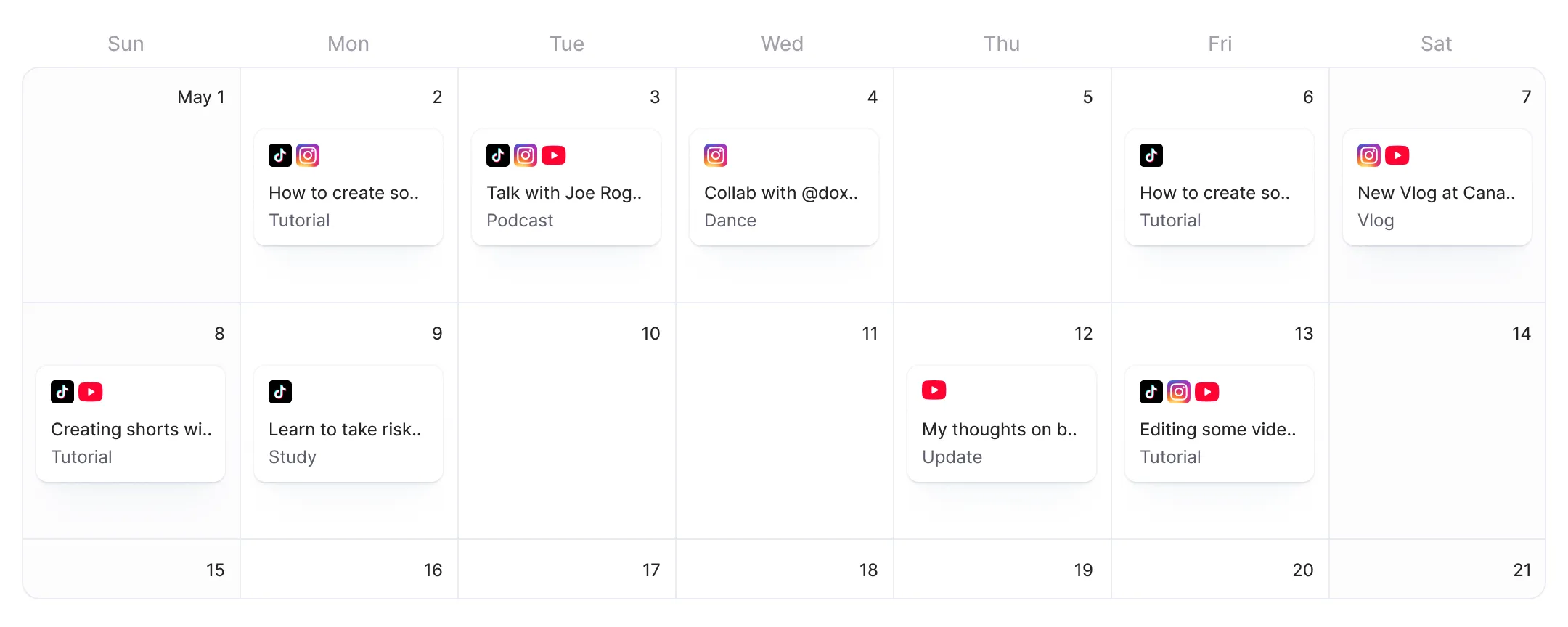
Create a week of Stories in one session. AI edits and publishes at peak hours.
You can batch-create a full week of Stories in one session, add AI-powered captions and effects, then schedule each one for peak hours.

Your audience is active at specific hours, not when you happen to be free. Schedule Stories for morning, lunch, or evening and Submagic publishes at your scheduled time.
Submagic shows a live Instagram Story preview as you edit your content and captions. You can see the final result, adjust, and then schedule or publish.
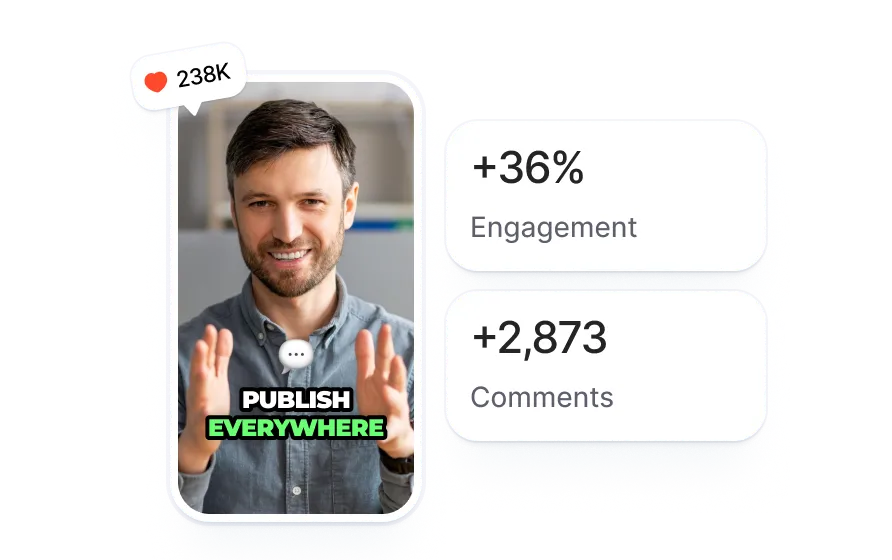

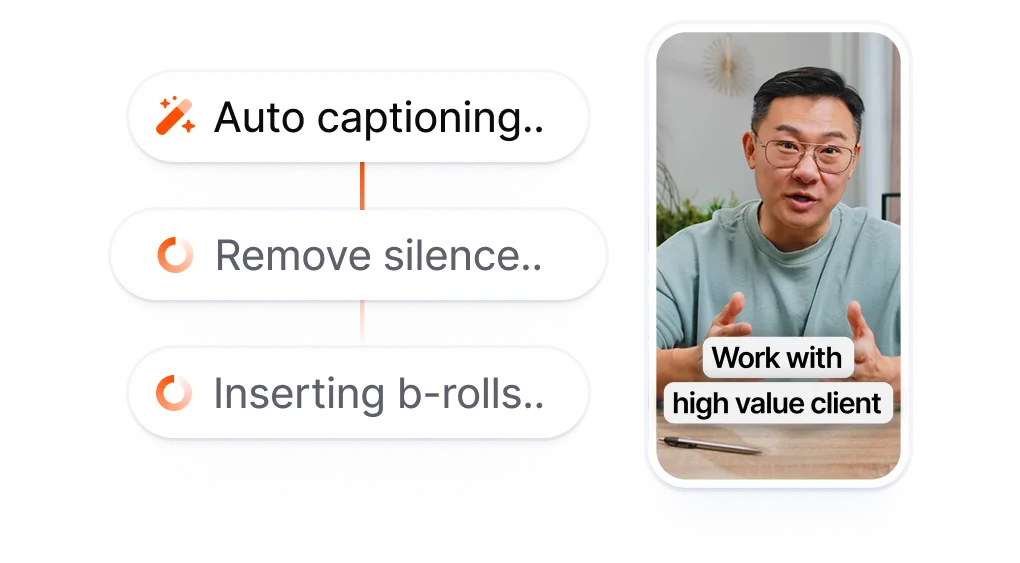
Upload your video or select from your library. Submagic adds captions, effects, and branding, then formats it as a 9:16 Story.
AI generates your caption and first comment inside the project. Choose a date, time, and timezone. Review the pre-filled fields and preview how the Story will look on Instagram.
Your Story goes live at the scheduled time. See your published posts from the Submagic dashboard. No need to open Instagram.
Stories disappear in 24 hours. That short lifespan makes timing everything, and manual posting means you're chained to your phone at peak hours, every single day.
Every Story means opening Instagram and posting on the spot.
Posting Stories manually = reactive content
on someone else's schedule.
vs
Batch Stories. Pick peak hours.
Auto-publish without being online.
Stories expire, but that doesn't mean you need to create them daily. Batch a week of Stories in one sitting. Submagic schedules and publishes each one at the time you set.
Schedule Stories for the exact hours your audience is most active. Morning commute, lunch break, evening wind-down. Hit every window without being glued to your phone.
AI generates your Story captions and first comment. You choose the content and the timing. Less busywork, more creating.

You’re upgrading fast and constantly adding new features like music, trimming, and more.

Submagic is amazing, and the support team is by far the best I've seen from all the apps I'm using before.

The interface is clean, the subtitles are accurate, and it saves me so much time.

It is a monumental time-saver for me every single day. The workflow is extremely well-thought-out.



Batch your Instagram Stories, schedule them for peak hours, and let Submagic publish while you focus on creating. One session covers the whole week.


Yes. Submagic lets you schedule Instagram Stories to publish automatically at a specific date and time. Create your Story, set your schedule, and Submagic posts it for you. You don't need to be online when it goes live.
Stories disappear in 24 hours, which means timing matters. Scheduling lets you hit peak engagement hours (morning commutes, lunch breaks, evening sessions) without interrupting your day. You can also batch-create a full week of Stories in one sitting instead of scrambling to post one every day.
Yes. When you publish to Instagram through Submagic, you choose the format: Reel or Story. Submagic formats your video as a 9:16 Story and shows a live preview of exactly how it will look on Instagram before you schedule or publish.
Yes. Submagic is a video editor first. You add AI-generated captions, effects, transitions, and branding to your Story inside the editor, then schedule it directly. No need to edit in one app and upload to another.
Free users can connect Instagram and publish one Story via Publish Now, no credit card required. Scheduling Stories for a future date and time requires a Pro or Business plan. Scheduling is included in the subscription at no extra charge.
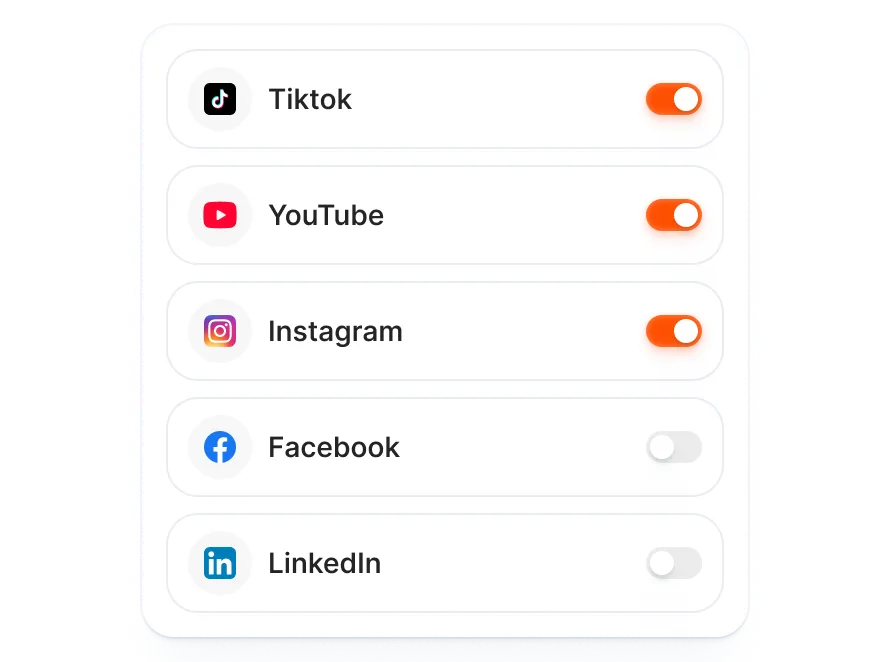
Yes. You can schedule both Stories and Reels to Instagram from the same Submagic session. Each format gets its own content, captions, and scheduling time. You can also schedule to TikTok and YouTube Shorts in the same publish flow.
Stories disappear in 24 hours, so timing matters. Common high-engagement windows are morning commutes (7-9 AM), lunch breaks (12-1 PM), and evenings (7-9 PM) in your audience's timezone. Submagic lets you schedule for any time and timezone, so you can test different posting windows.
Instagram does not currently offer native Story scheduling in the app. Meta Business Suite allows scheduling Stories for business accounts, but it has no video editing tools. Third-party tools like Submagic let you edit Stories with AI captions and effects, then schedule them directly. If you want editing and scheduling in one workflow, a third-party tool is required.
Submagic is the best AI tool to create captivating short-form videos in seconds for teams and businesses.