




Submagic is the best AI tool to create captivating short-form videos in seconds for teams and businesses.



Add AI captions, B-roll, and effects to your Reels inside Submagic, then schedule and publish directly to Instagram. Upload, edit, schedule, and post from one screen.
These companies trust and love Submagic AI captions.


AI adds captions and effects, generates your caption with hashtags, and publishes your Reel.
Bring your vertical video or paste a link. Submagic adds AI captions, B-roll, effects, and sound, then schedules or publishes your Reel directly to Instagram.
AI generates a caption with hashtags and a first comment from your transcript. Review pre-filled fields in the publish modal, make any changes, and post your Reel.
Schedule each Reel for peak engagement hours and preview exactly how it will look on Instagram before publishing, without leaving the editor.
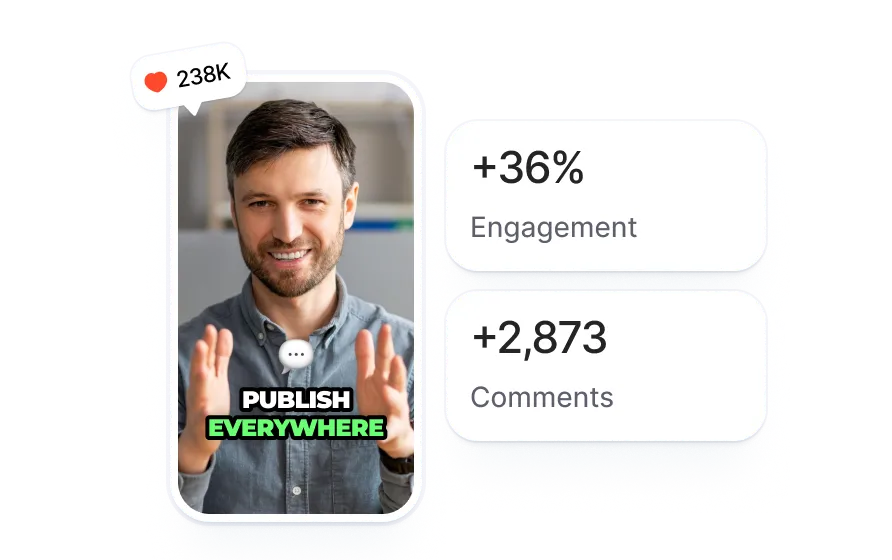
Import your clip or paste a link. Submagic adds AI captions, B-roll, effects, and sound to your video in vertical 9:16 format.
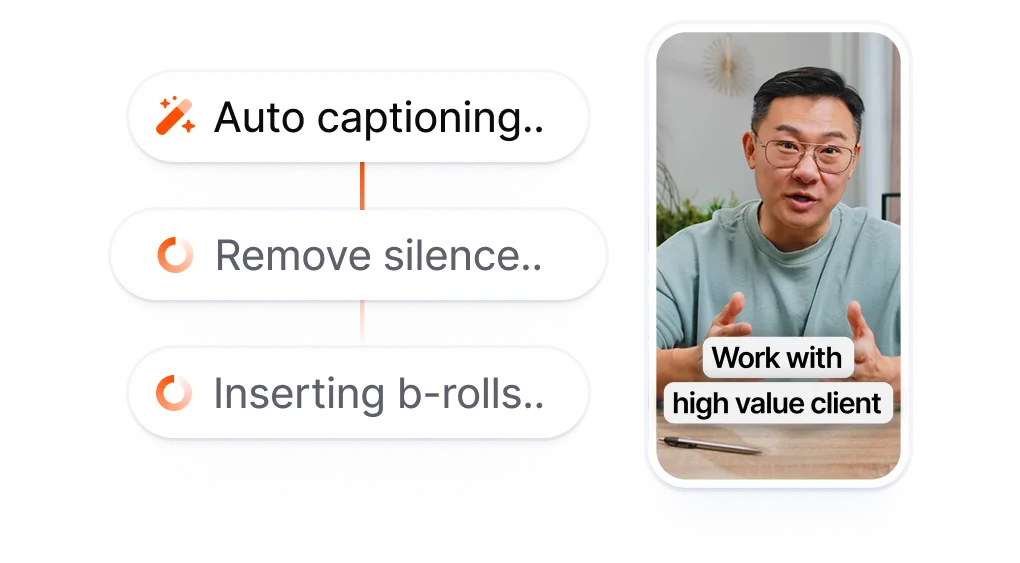
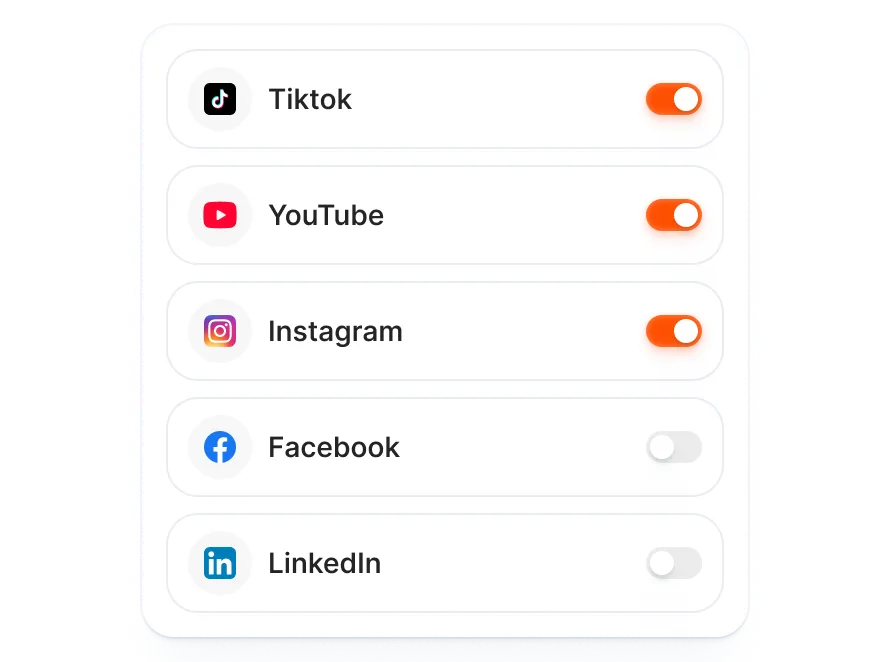
AI generates your caption and first comment inside the project. Toggle Instagram on in the publish modal, select the Reel format, review the pre-filled fields, and approve.
Pick a date and time, or go live immediately. Your Reel publishes automatically at the time you set.
Most Reels schedulers accept a finished video. You edit somewhere else, export, download, upload it into the scheduler, then fill in the caption and tags manually. Submagic starts at the edit. Add AI captions, effects, and sound to your Reel, then publish directly to Instagram without downloading.
Every Reel means editing in one app and scheduling in another.
Two apps minimum for every
Reel you post.
vs
Edit your Reel. Add captions.
Schedule directly to Instagram.
Your Reel gets AI captions, B-roll, and effects in the same editor that publishes it to Instagram. One workspace from first cut to live Reel.
AI drafts a caption with relevant hashtags and writes a first comment to boost engagement. You can adjust any detail or approve everything at once.
The preview panel shows an Instagram-specific mockup of your Reel, captions, effects, and all, before you publish. Catch issues before your audience sees them.

You’re upgrading fast and constantly adding new features like music, trimming, and more.

Submagic is amazing, and the support team is by far the best I've seen from all the apps I'm using before.

The interface is clean, the subtitles are accurate, and it saves me so much time.

It is a monumental time-saver for me every single day. The workflow is extremely well-thought-out.



Submagic was built for Reels. Every feature, from AI captions to one-click publishing, is designed around the vertical video format creators post most. Edit, caption, and schedule your next Reel without leaving the editor.


Yes. Submagic connects to your Instagram account via OAuth and publishes or schedules Reels on your behalf. Pick your date, time, and timezone. Submagic posts your Reel automatically at the scheduled time.
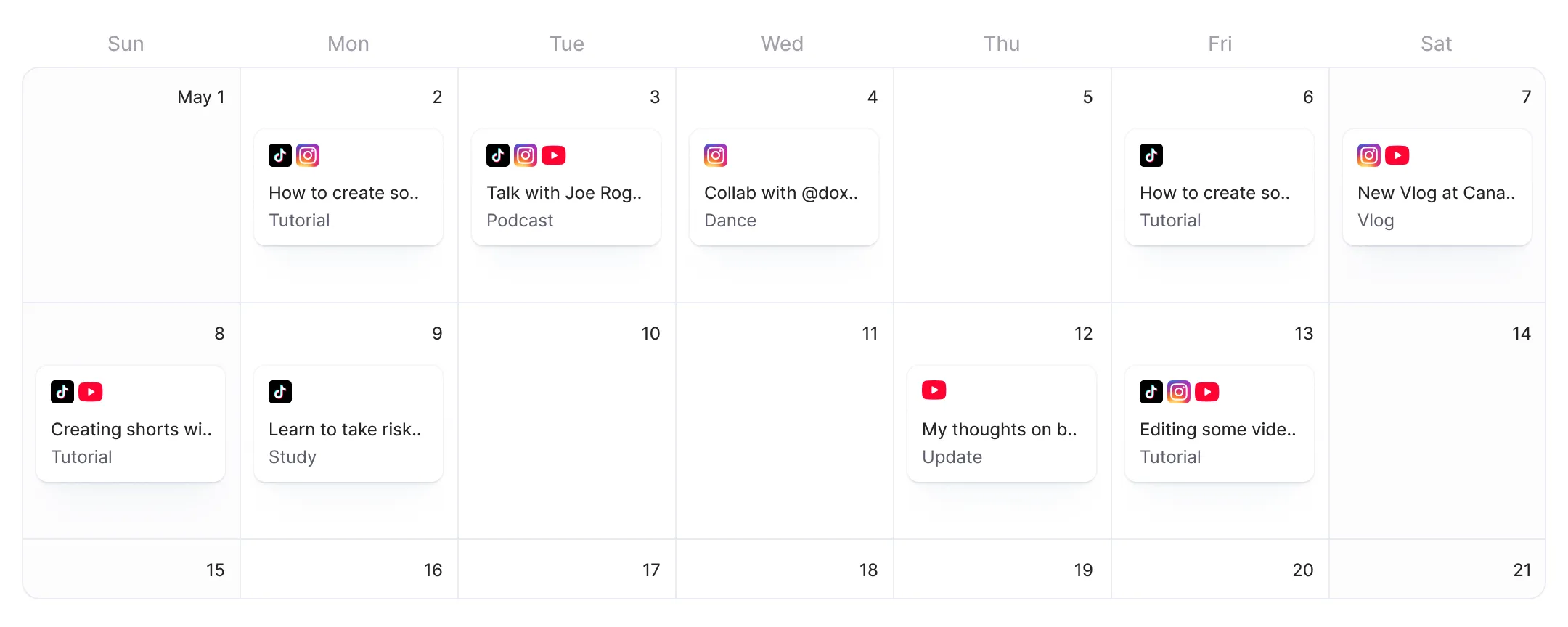
Upload your video to Submagic and add AI captions and effects. AI generates your caption in the editor. Open the publish screen, toggle Instagram on, select the Reel format, review the pre-filled caption, pick your date and time, and hit Schedule. Submagic handles the rest.
Yes. Submagic is a video editor first. You add AI-generated captions, B-roll, transitions, effects, and sound inside the editor, then schedule the Reel directly to Instagram. No need to edit in one app and upload to another.
Yes. In the publish screen, you can schedule both Reels and Stories to Instagram from the same session. Each format gets its own content, captions, and scheduling time. You can also schedule to TikTok and YouTube Shorts in the same flow.
Free users can connect Instagram and publish one Reel via Publish Now, no credit card required. Scheduling Reels for a future date and time requires a Pro or Business plan. Scheduling is included in the subscription at no extra charge.
Peak engagement times vary by audience, but common high-activity windows are morning commutes (7-9 AM), lunch breaks (12-1 PM), and evenings (7-9 PM) in your audience's timezone. Submagic lets you schedule Reels for any time and timezone, so you can test different posting windows.
Yes. AI generates tailored details for each channel in the editor. Toggle on both Instagram and TikTok in the publish screen, review the pre-filled fields, schedule once, and Submagic publishes to both platforms at the set time.
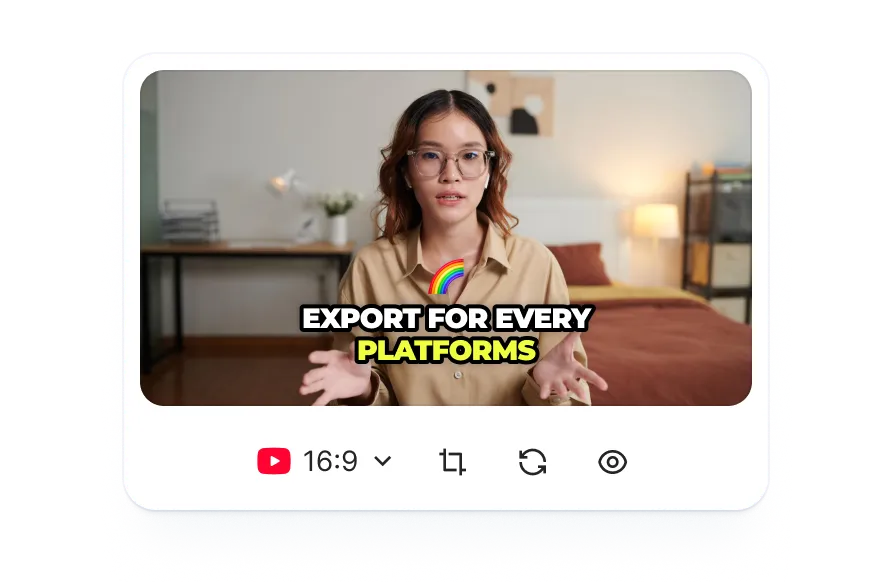
Submagic formats your video in vertical 9:16 for Instagram Reels. You see a live preview of exactly how the Reel will appear on Instagram before you schedule or publish, including captions, effects, and the first comment.
Instagram lets you schedule Reels up to 30 days ahead, but only from the mobile app, and only after you finish editing elsewhere. Submagic handles editing and scheduling in one step: add AI captions, B-roll, and effects, then schedule to Instagram without downloading or re-uploading. You also get AI-generated captions and first comments that native scheduling does not offer.
Submagic is the best AI tool to create captivating short-form videos in seconds for teams and businesses.