
.png)





Submagic es la mejor herramienta de IA para crear vídeos cautivadores short-form en segundos para equipos y empresas.




La confianza de las mejores agencias y editores de vídeo de todo el mundo



Convierte tu voz en visualizaciones. Más de 50 idiomas y viral que se adaptan a tu marca… o crea el tuyo propio.


Recorta, ajusta la duración y perfecciona el vídeo con una IA que sabe lo que querías hacer. Se acabó el estrés. Se acabaron las noches en vela.


Submagic lee tu guion y añade b-roll relevante b-roll que puedas decir «pico de interacción».
¿Tu cara? ¿El remate? Hacemos un zoom justo en el momento clave. Llama la atención al instante.


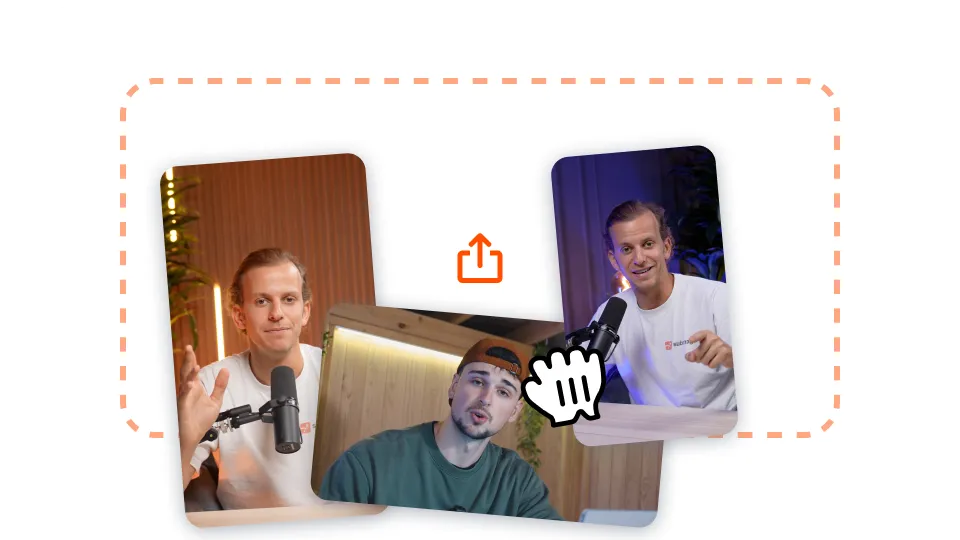
Sube tu vídeo de formato largo a Submagic o simplemente pega un enlace de vídeo de YouTube.

Añade autozooms, consigue generaciones de imágenes de archivo en tu vídeo con un solo clic, ¡y mucho más!
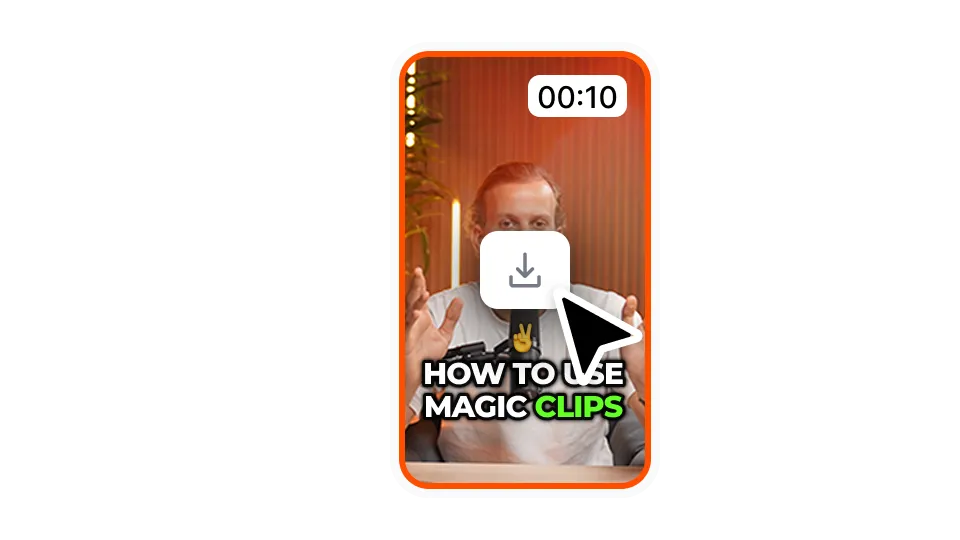
Exporta tu vídeo con los subtítulos haciendo clic en "Descargar". Puedes exportar tus primeros vídeos de forma gratuita.
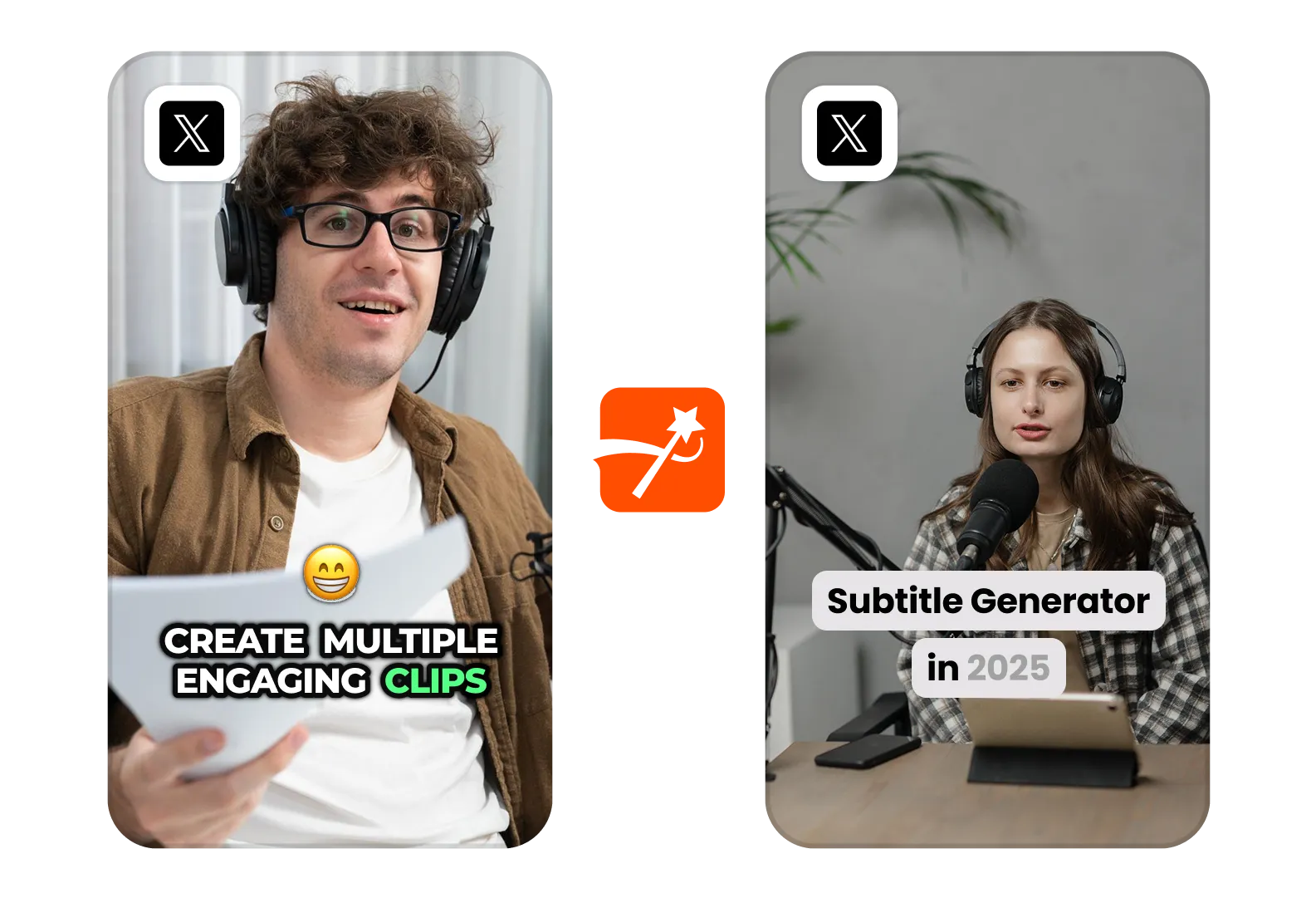
Genera automáticamente subtítulos para tus vídeos de Twitter. Se pueden compartir, buscar y resultan mucho más atractivos al instante.
Enseña y explica en Twitter con subtítulos nítidos. Mantén a tu público interesado desde el primer fotograma.
Añade subtítulos explicativos para aclarar tus tuits. Ayuda a tus seguidores a comprender tus ideas rápidamente.
Consulte los precios y empiece hoy mismo.
Genera tus subtítulos en minutos. Añade emojis animados, colores y GIFs.
Añade B-Roll libres de derechos a tu vídeo o importa tus propios clips en un clic.
Cree transiciones suaves entreB-rolls, anime emojis con sonido.
Genera transiciones de 5 estrellas entre clips para crear vídeos dinámicos.
Elimina todos los silencios de tu vídeo con un movimiento de varita mágica.
Dinamiza tu vídeo añadiendo imágenes y GIFs con un solo clic
Añada efectos de sonido para crear una atmósfera y resaltar los momentos clave.
Añade un fondo musical a tu vídeo en cuestión de segundos como guinda del pastel.
Genera una descripción y hashtags para optimizar tus vídeos en las redes sociales.
Cree clips de vídeo cortos y atractivos a partir de sus contenidos más largos con sólo unos clics.
Extraiga y mejore los mejores momentos de sus vídeos para conseguir el máximo impacto.
Deja que la IA mejore tus vídeos con transiciones profesionales y ajustes de sincronización.
Traduce tus vídeos en segundos con subtítulos sincronizados con tu voz y tu estilo.
Submagic es la mejor herramienta de IA para crear vídeos cautivadores short-form en segundos para equipos y empresas.