
.png)




Submagic es la mejor herramienta de IA para crear vídeos cautivadores short-form en segundos para equipos y empresas.


No code integrations for Submagic to automate and scale your video production.
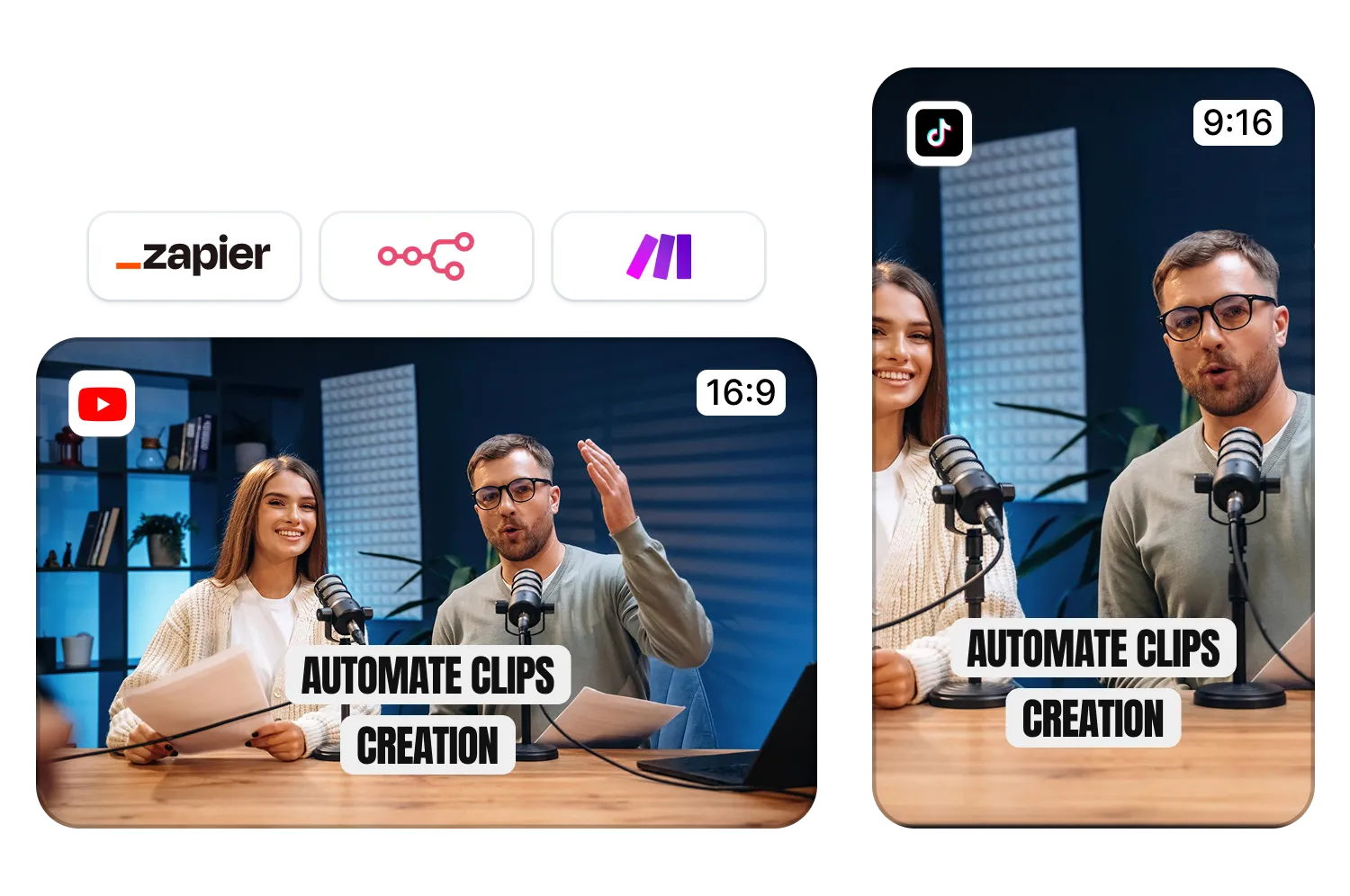
Connect with Zapier, Make, n8n, and more to auto-edit videos at scale. Drop in your raw footage and get fully polished content ready to post, or even posted for you.
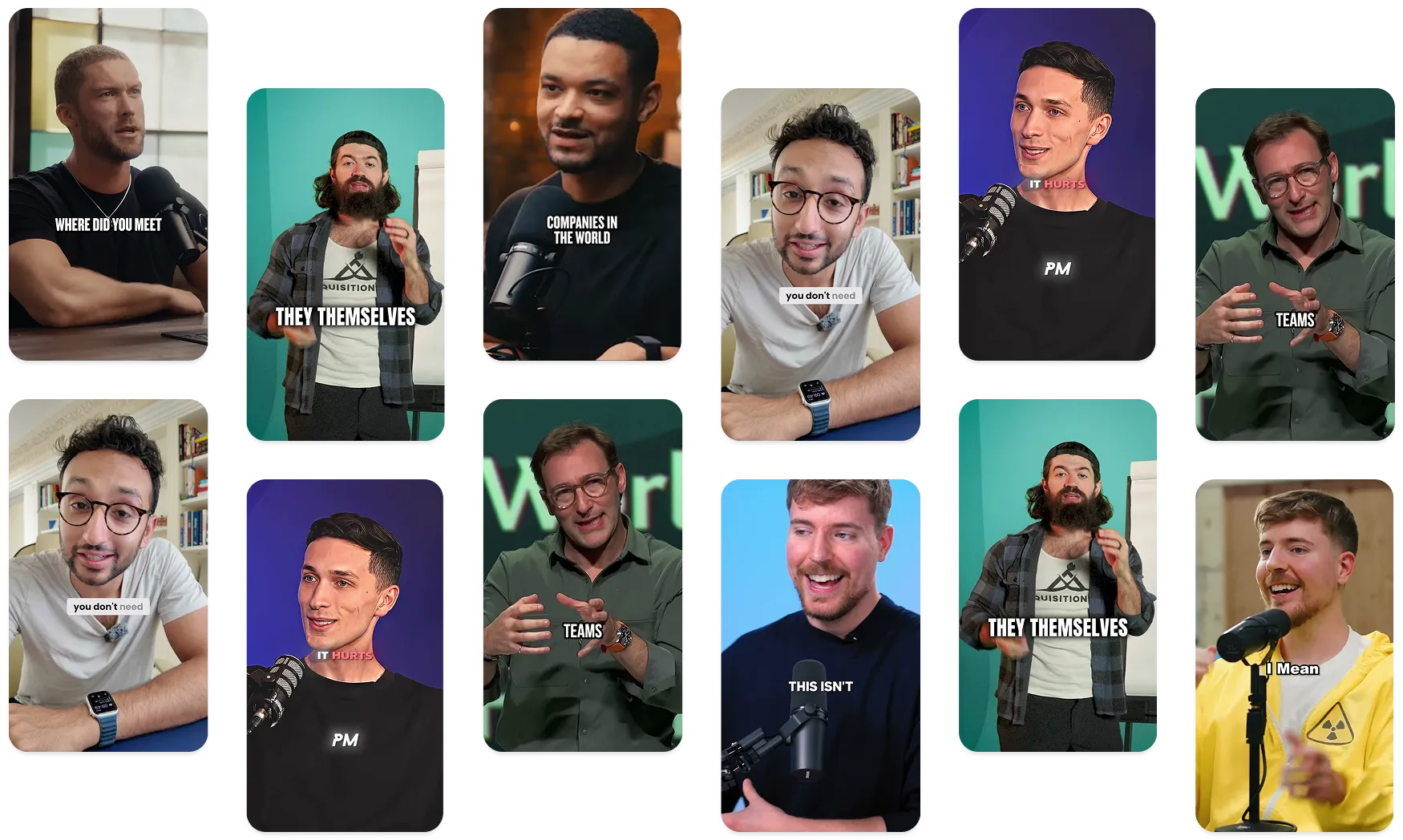
Adorado por más de 200.000 agencias y editores de vídeo


La confianza de las mejores agencias y editores de vídeo de todo el mundo


Connect Submagic to your favorite tools and turn video
editing into a hands-free workflow.
Millions of agencies, coaches, entrepreneurs, and enterprises use Submagic every day to create high-quality videos. From accurate captions to AI-powered editing, it’s built to save time and boost output.
Now, Submagic connects with the tools you already rely on. Automate your editing with Zapier, sync with Google Drive, or run advanced workflows through Make or n8n.
It’s the same Submagic you love, now working as part of your team. You are always the captain.
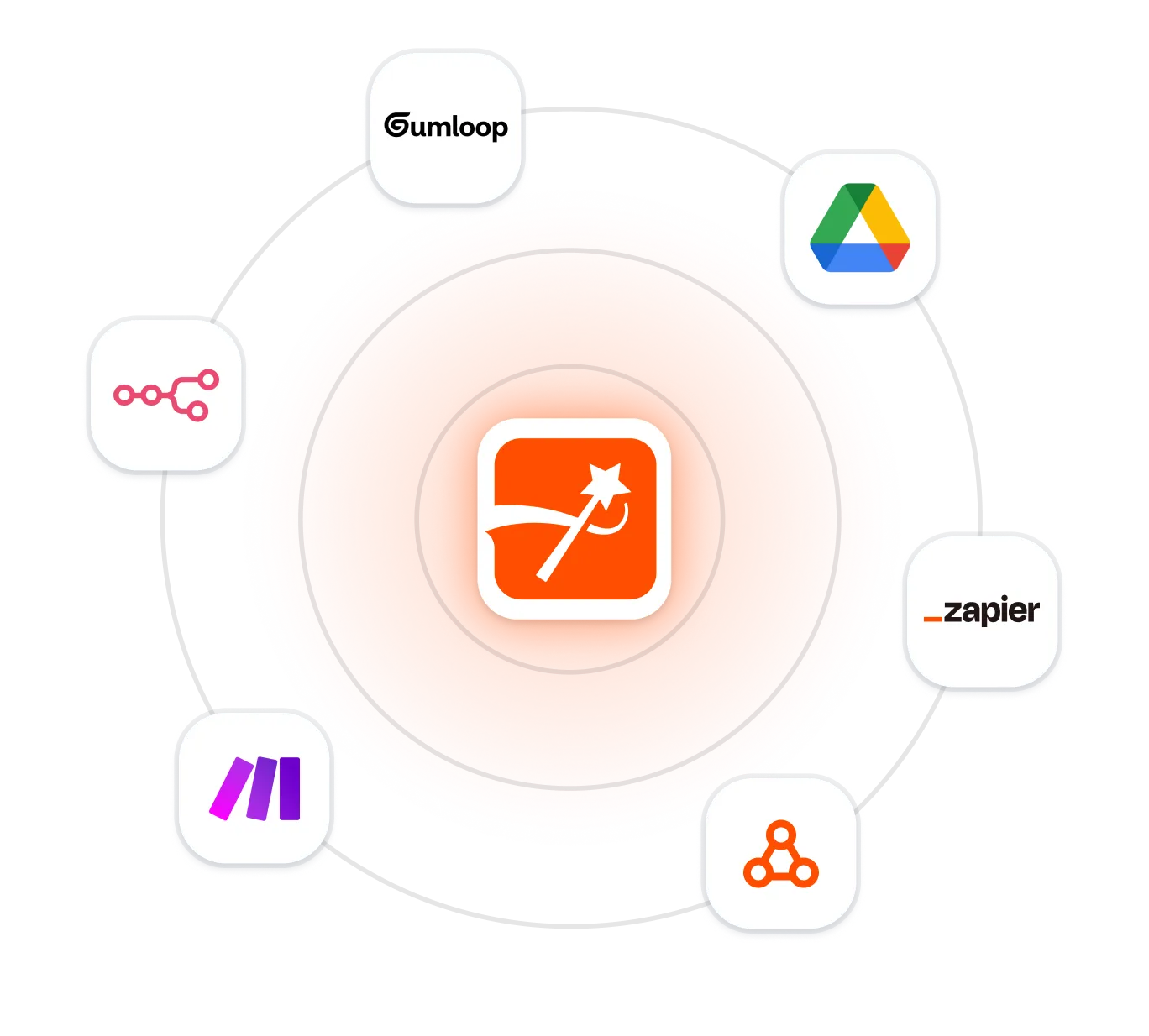
No code integrations with AI agents & productivity apps. More coming soon.
Drag-and-drop automation for creators and teams. Connect Submagic to tools like Google Drive, Notion, or Slack, and automate your entire post-production workflow. No coding required.

The easiest way to automate video editing with Submagic. Connect with over 5,000 apps to trigger captions, clip videos, or publish all edits automatically based on the apps you already use.

For technical teams who want full control. Build powerful, customized workflows with Submagic. Perfect for scaling short-form video production in your existing stack.

Drop raw video into a folder, and Submagic will auto-edit it with captions, B-roll, and more. Send the polished version right back to Drive. You just direct the traffic.

Keep your visuals on-brand, every time. Sync your assets and brand kits from Gumloop so Submagic can apply the right styles, logos, and colors across every video.
We’re building more integrations that our customers use. If you don’t see an app you use, let us know and we’ll add it to our queue.
Crea subtítulos increíbles en 100 idiomas, añade B-rolls, música, emojis y mucho más en solo unos minutos.

Cuenta con la confianza de más de 100 creadores destacados


Grant Cardone


Ali Abdaal


Chris Williamson
Optimiza y agiliza tu trabajo de edición para varios clientes. Lo que antes requería el uso de ambas manos y horas de trabajo, ahora está automatizado. Y no hace falta ni una sola mano.
Utiliza Submagic para potenciar tu editor de podcasts y ofrecer al instante un sinfín de funciones a tus clientes.
Automatiza la creación de vídeos para tu amplio catálogo de productos y distribúyelos a gran escala. Lo que antes parecía imposible, ahora es pan comido.
Take on more clients. Automate and speed up your workflow, unlocking more time slots to fill in with new clients.
Los colegios, las universidades y las plataformas de tutoriales en línea ya pueden automatizar la creación de vídeos educativos a gran escala.
Los creadores con gran demanda abren las puertas a un mundo de crecimiento sin explotar. Lo que antes llevaba horas, ahora se puede automatizar.
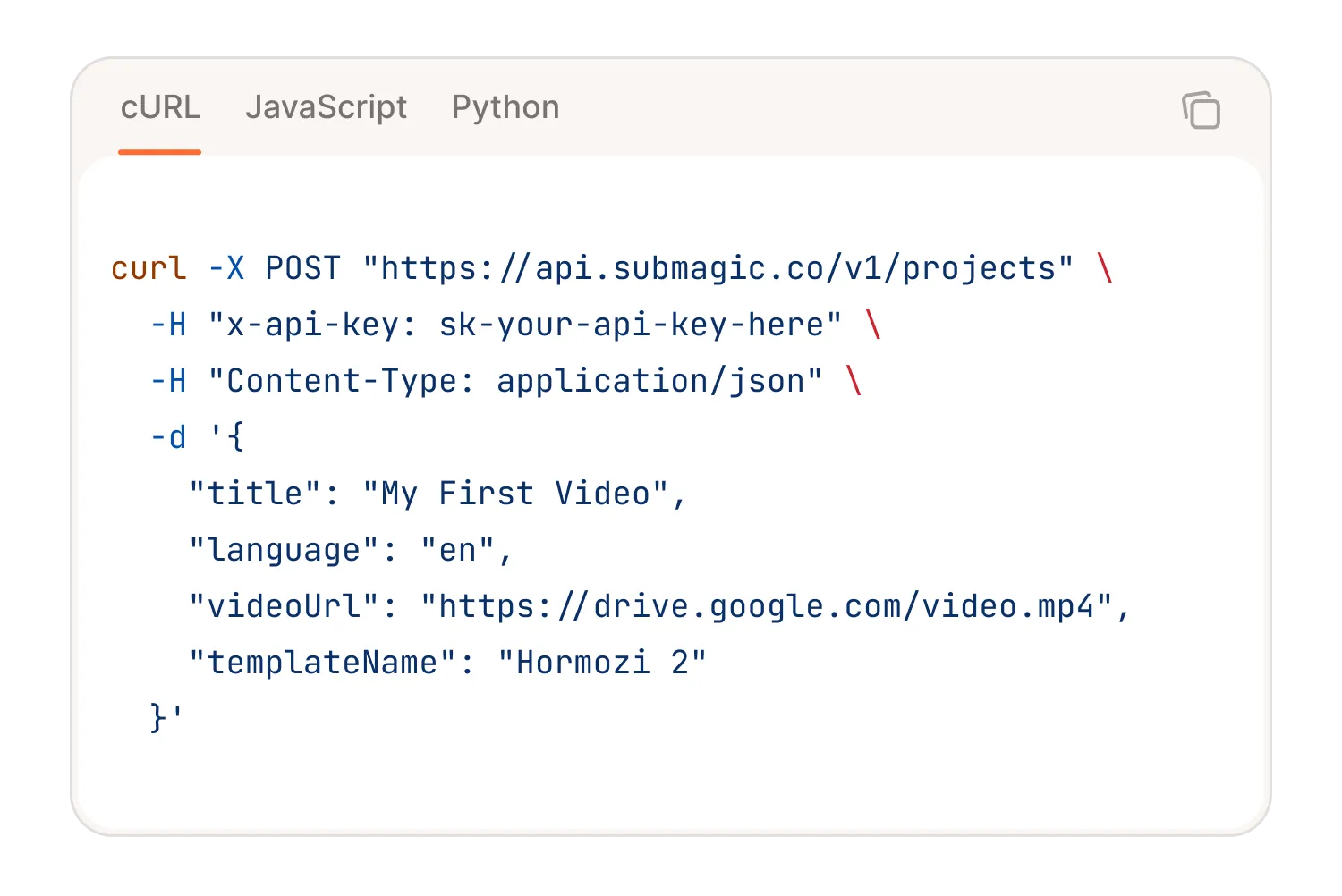
Bring Submagic AI-powered video editing to your own product with our powerful API. Auto captions, b-roll, music, magic clips and more.
Consulte los precios y empiece hoy mismo.

Genera tus subtítulos en minutos. Añade emojis animados, colores y GIFs.
Add contextually relevant B-Rolls to your video automatically.
Cree transiciones suaves entreB-rolls, anime emojis con sonido.
Generate engaging zoom effects to create dynamic videos.
Añade un fondo musical a tu vídeo en cuestión de segundos como guinda del pastel.
Create short, engaging video clips from your longer content.

Yes. AI video editors like Submagic do everything from trimming, subtitles, b-rolls, music, zooms, to transitions. It’s like having a full edit team in your browser (minus the back-and-forth Slack messages).
Yep. AI can stitch your clips, auto-cut dead space, add subtitles, and even insert b-roll and music, all in one go. With tools like magic clips, you don’t even need to tell it what’s important. It just knows.
It can get you 90% there in seconds. Platforms like Submagic make it a 3-click process to go from raw footage to a scroll-stopping clip with captions, music, and zooms. You still make the final call. But AI does the heavy lifting. With the launch of Submagic integrations and API, you have even less to do. You can automate almost your entire workflow.
Not directly. ChatGPT can help you plan, script, or troubleshoot edits, but it won’t cut your clips or add effects. That’s where tools like Submagic come in, turning those ideas into real edits, fast.
Submagic es la mejor herramienta de IA para crear vídeos cautivadores short-form en segundos para equipos y empresas.