





Submagic es la mejor herramienta de IA para crear vídeos cautivadores short-form en segundos para equipos y empresas.



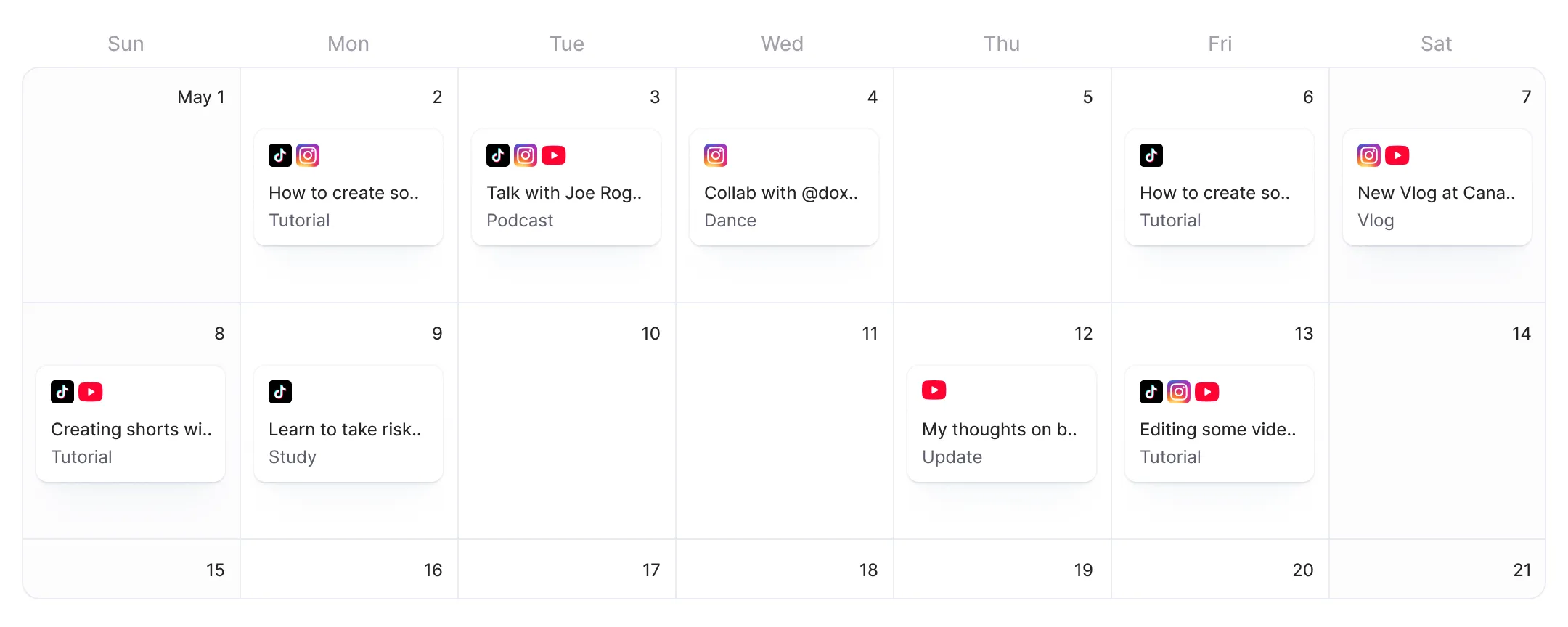
For creators who edit their own content. Submagic adds AI captions, B-roll, and effects, then publishes to TikTok, Instagram, and YouTube.
Estas empresas confían en los subtítulos generados por IA de Submagic y les encantan.


One editor for every platform. AI fills your post details. Live preview confirms it.
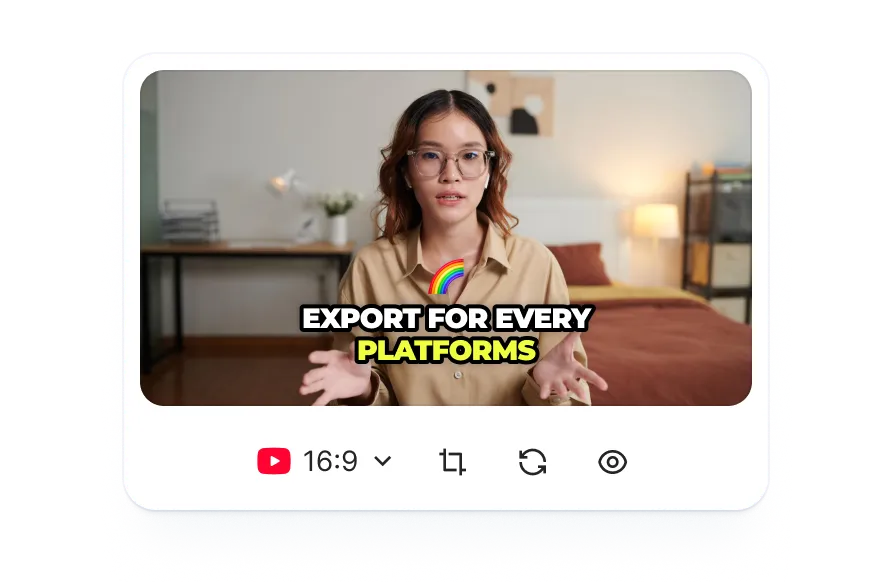
Submagic formats your video for TikTok, Reels, Stories, and YouTube Shorts with AI captions, B-roll, and effects, then publishes directly from the editor.
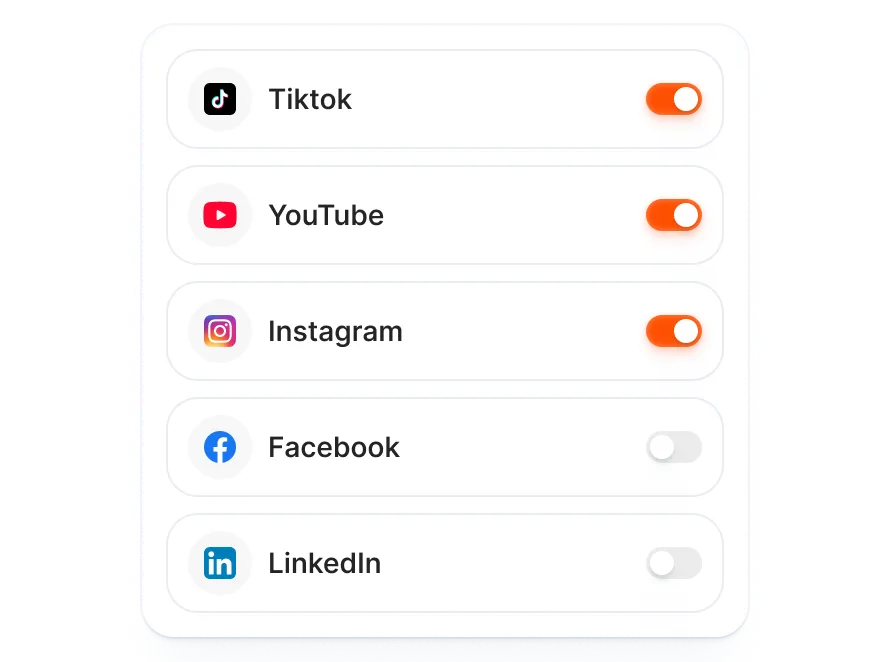
AI fills platform-specific details for each channel. Choose your platforms and time, review the pre-filled fields, and preview every post before it goes live.
See exactly how your Reel, Short, or TikTok will look on each platform before you hit publish. The live preview panel shows a platform-specific mockup so nothing looks off once it's live.
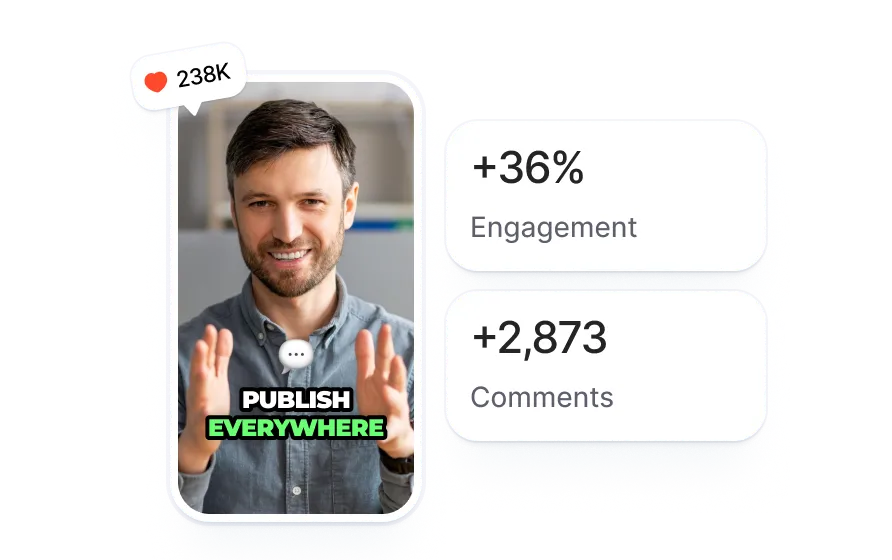
Upload any video or paste a link. Submagic adds captions, B-roll, effects, and sound, or auto-edits in one click.
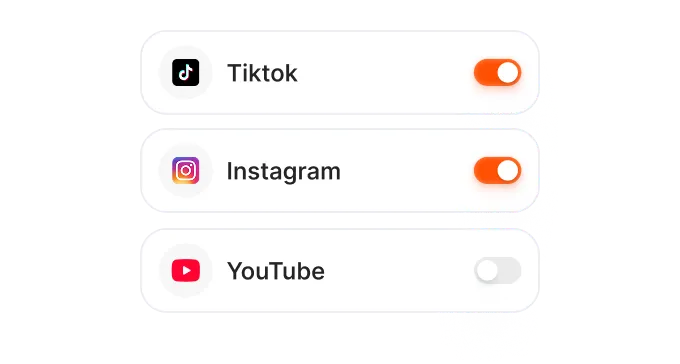
Select TikTok, Instagram, YouTube, or all of them. Set your date and time. AI generates platform-specific details for each channel.
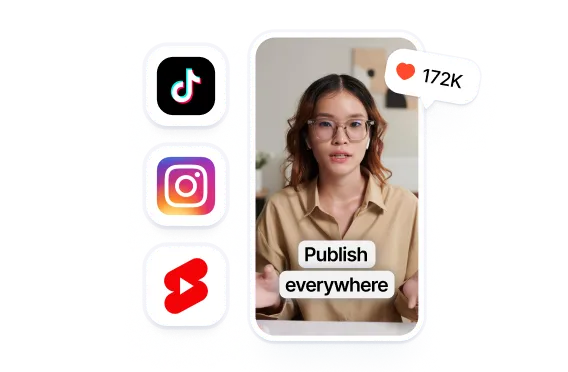
Submagic publishes on schedule. Your video goes live on every connected platform at the time you set. No manual posting needed.
Other schedulers just post your video. Submagic edits it first with AI captions, B-roll, and effects, then publishes directly.
Posting one video means three apps and two file transfers.
Switching between 3 apps
for every single post.
vs
Edit with AI. Pick platforms.
Publish without leaving the editor.

Schedule Reels and Stories to Instagram directly from your editor.
Más información ➔Schedule disappearing content without the last-minute rush.
Más información ➔
Clip long videos into Shorts with AI, then schedule them to YouTube.
Más información ➔
Coming soon. Be first to schedule LinkedIn video from your editor.
Más información ➔
Coming soon. Schedule video to Facebook directly from your editor.
Más información ➔
Coming soon. Schedule video to X or Twitter directly from your editor.
Más información ➔
4,7/5 en G2 (más de 80)
Finish your edit with AI captions, B-roll, and effects, then publish to TikTok, Instagram, and YouTube without ever exporting a file.
Each platform gets its own format and platform-specific details. AI generates it. You review and publish.
AI drafts platform-specific details for each channel, from descriptions to first comments, while you decide which videos to publish and when.

Estáis actualizando rápidamente y añadiendo constantemente nuevas funciones, como música, recorte y mucho más.

Submagic es increíble, y el equipo de atención al cliente es, con diferencia, el mejor que he visto de todas las aplicaciones que he utilizado hasta ahora.

La interfaz es sencilla, los subtítulos son precisos y me ahorra muchísimo tiempo.

Me ahorra muchísimo tiempo cada día. El flujo de trabajo está muy bien diseñado.



From first cut to final post, everything stays in one workspace. Add AI captions and effects, then publish to TikTok, Instagram, and YouTube without leaving your editor.


A social media scheduler lets you plan and auto-publish posts to TikTok, Instagram, and YouTube at a set date and time. You schedule once and the tool publishes for you. Submagic goes further: it edits your video with AI captions, B-roll, and effects before publishing, so you don't need a separate editing app.
Submagic currently supports publishing and scheduling to TikTok, Instagram (Reels and Stories), and YouTube Shorts. LinkedIn, Facebook, and X (Twitter) are coming soon. You can publish to multiple platforms at once from a single screen. AI pre-fills the relevant content fields for each platform.
Yes, with limits. Free accounts can publish one video via Publish Now, no credit card required. Scheduling posts for a future date and time requires a Pro or Business plan. There is no separate charge for the scheduling feature; it is included in the subscription.
Buffer, Hootsuite, and similar tools are scheduling-only: you edit your video elsewhere, download it, then upload it to the scheduler. Submagic combines a full video editor with a multi-platform scheduler. Add AI captions, B-roll, and effects, then publish to TikTok, Instagram, and YouTube without downloading the file.
Yes. When you schedule a video, you customize the content fields for each channel: titles, descriptions, tags, captions, and first comments vary by platform. AI pre-fills them automatically, and you can edit before publishing. You also see a live preview of how each post will look on each platform.
Yes. Select all the platforms you want in the publish screen, customize each one's content, pick your date and time, and Submagic publishes to all of them on schedule. You can also hit Publish Now to go live immediately across every selected platform.
Yes. The publish screen includes a live preview panel that shows exactly how your post will look on each platform. You can flip between platforms using the preview tabs, check your captions and formatting, and adjust anything before you publish or schedule.
Both. Submagic edits your video with AI captions, B-roll, effects, and sound, then schedules and publishes it directly to TikTok, Instagram, and YouTube. You stay in one workspace from first cut to published post.
Submagic es la mejor herramienta de IA para crear vídeos cautivadores short-form en segundos para equipos y empresas.