





Submagic es la mejor herramienta de IA para crear vídeos cautivadores short-form en segundos para equipos y empresas.



La confianza de las mejores agencias y editores de vídeo de todo el mundo


AI Auto Edit generates captions from your audio, adds emojis, highlights key words, applies animations, and inserts contextual B-roll. Pick a style, upload your footage, and export a polished video in minutes.
Add zoom effects, remove silences, clean audio, and fix eye contact from the same editor.
Captions and B-roll generate automatically when you upload. The Magic Tools below run with one click.
Captions sync to your speech automatically with 98% accuracy, and you can pick from dozens of templates or customize typography, colors, and animations to match your style.


The AI reads your transcript and inserts relevant clips from the built-in stock library or your own uploads. A simple slider controls how often B-roll appears.
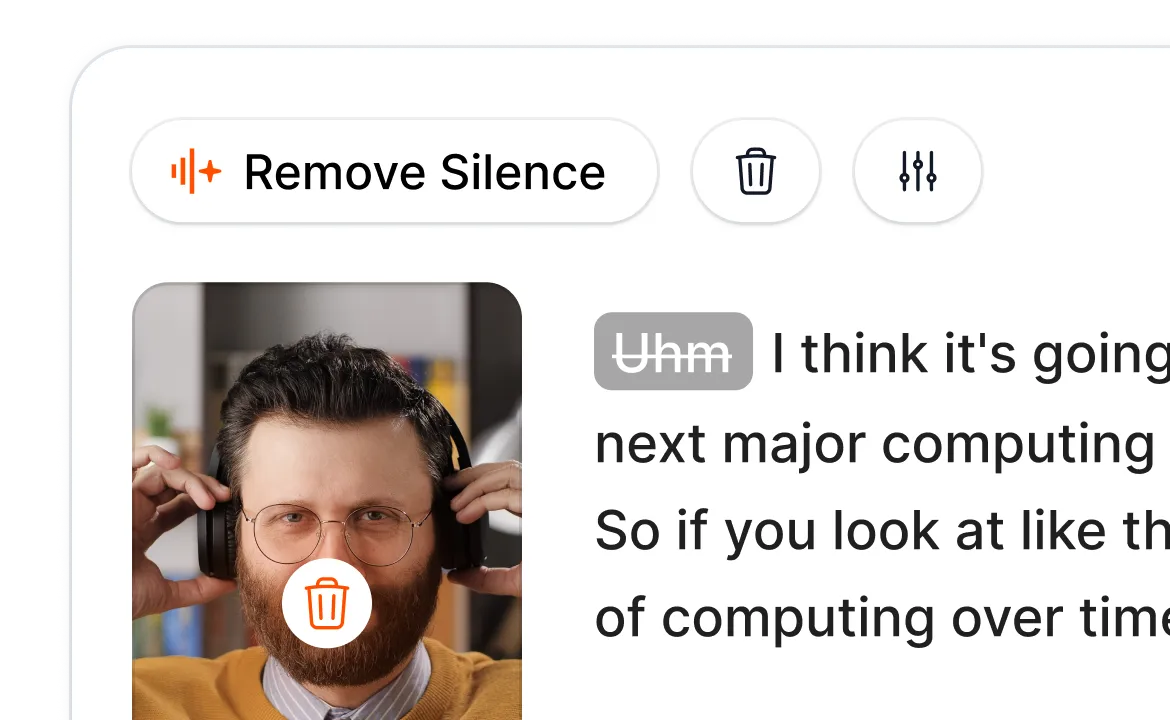
Smart Trim analyzes your audio and removes dead air, filler words, and bad takes in one click, with Natural, Fast, or Extra Fast modes depending on how tight you want the edit.
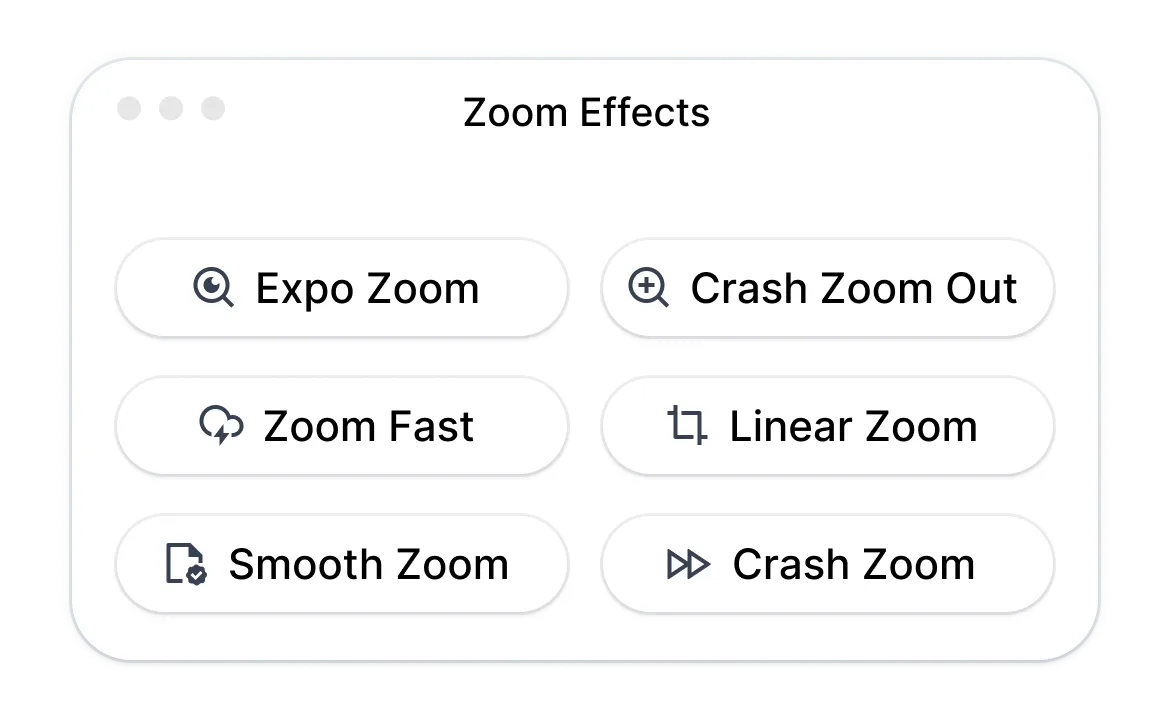
Magic Zoom adds emphasis at key moments based on your transcript, with four styles (smooth, crash, expo, linear) and AI-suggested placements you can adjust or add to manually.
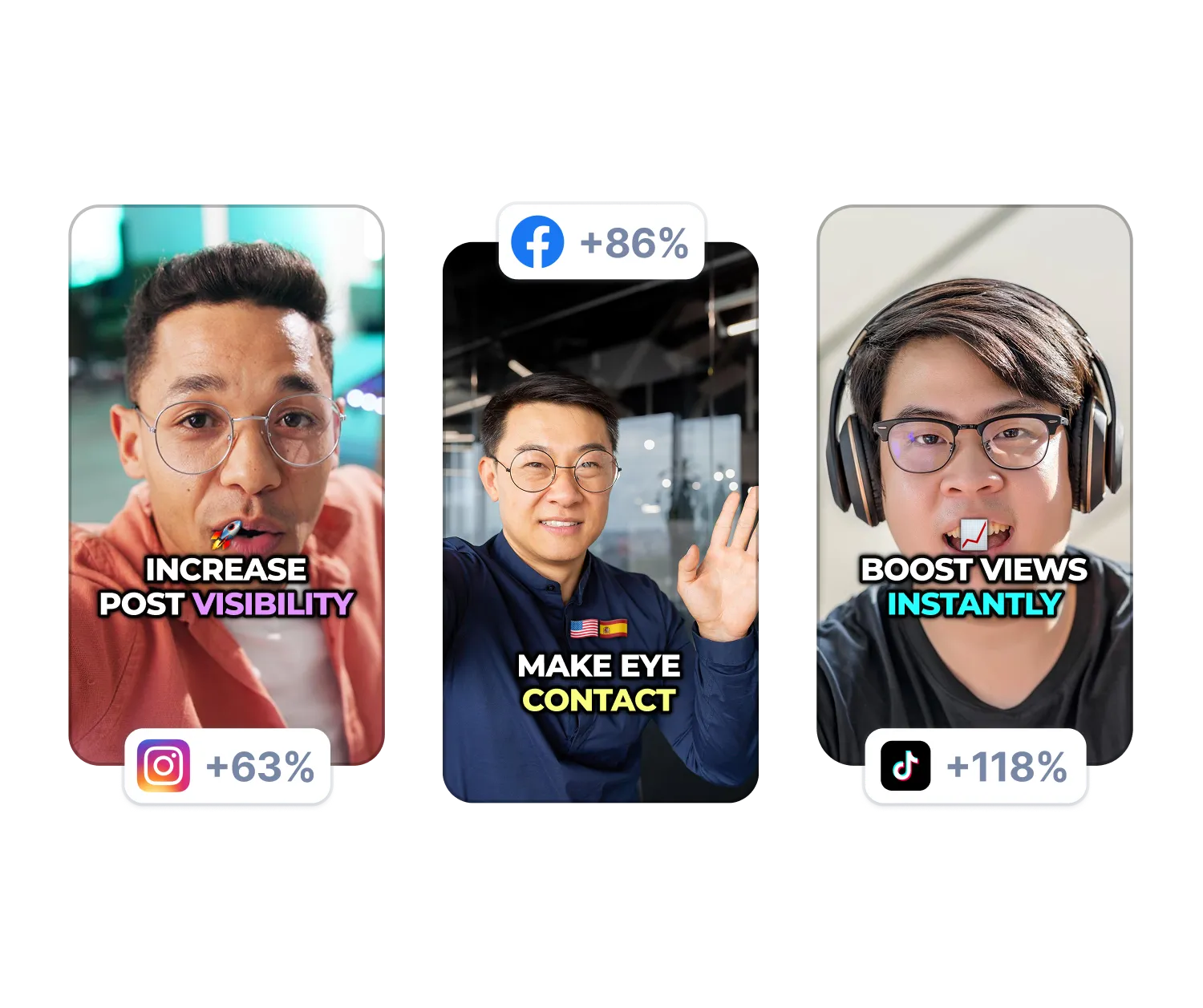
AI removes background noise and adjusts your gaze so you look directly at the camera, even when reading from a script. Both run with one click.
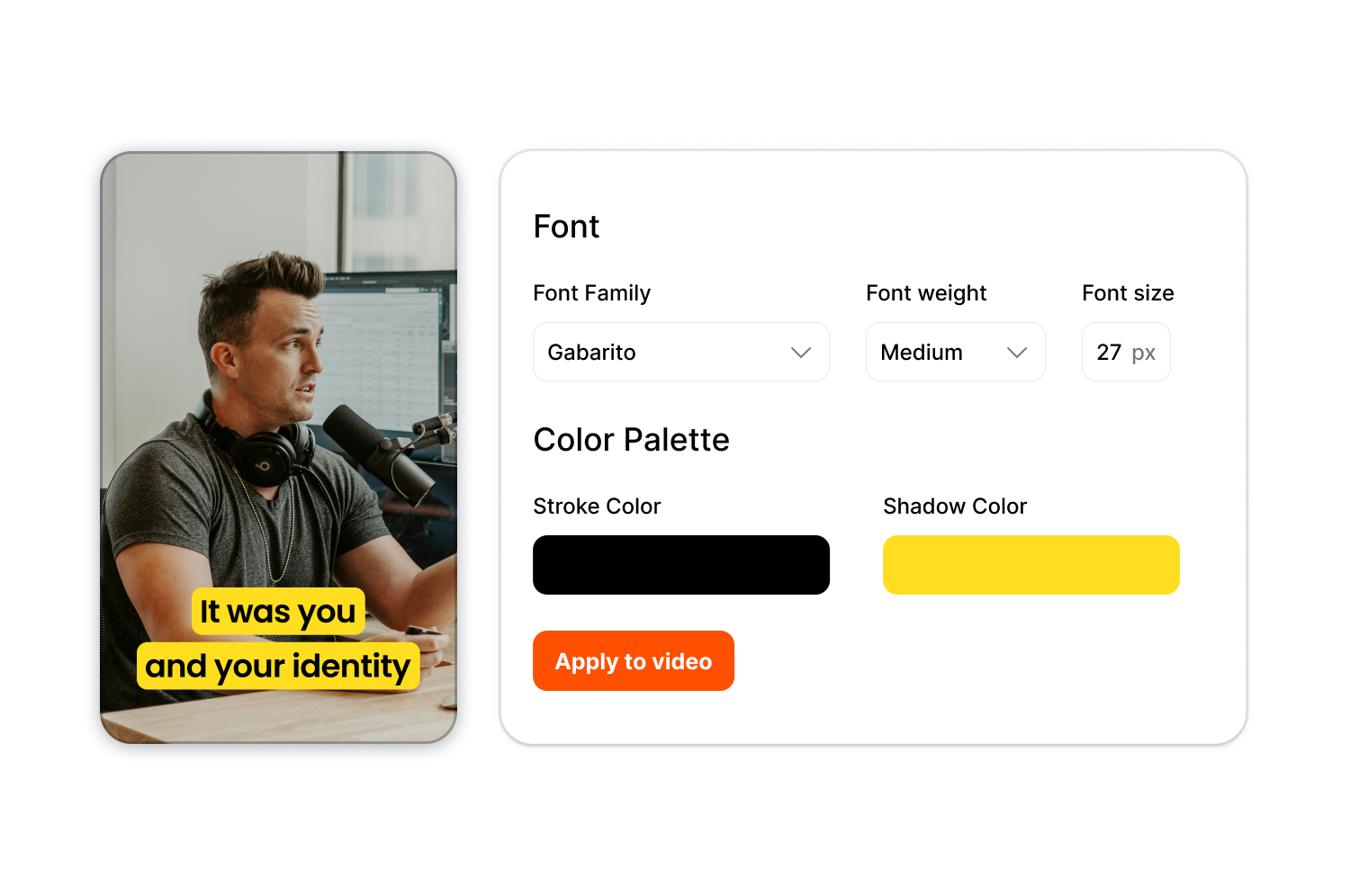
Store your typography, colors, and caption styles once in a Brand Kit, then apply them instantly to any video for consistent output across content series or multiple clients.
Follow three steps from raw footage to finished video.
Try AI Auto Edit Now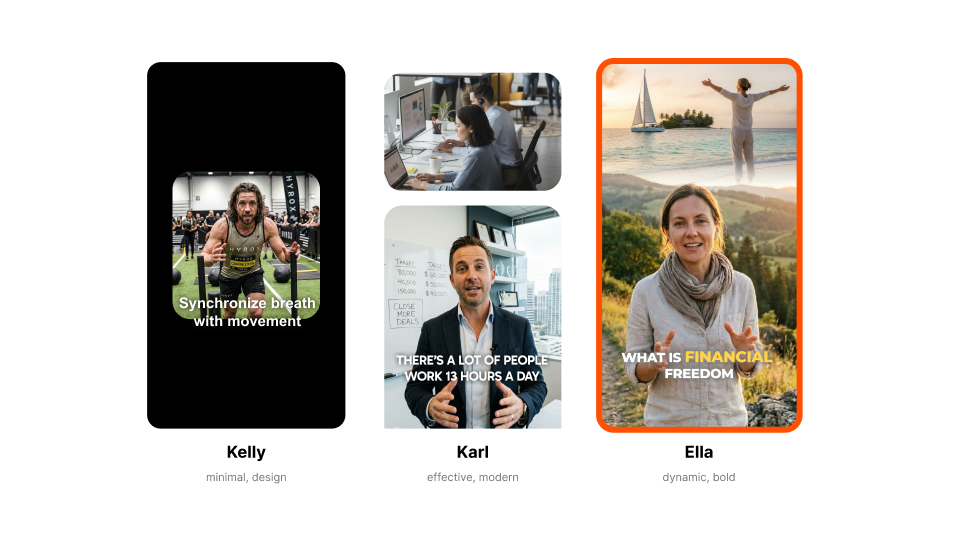
Choose a template like Kelly (minimal), Karl (modern), or Ella (bold). Each style sets your caption look, animations, and effects.

Drop your video file or paste a link. Upload any standard format in any aspect ratio.
Download in your preferred resolution and aspect ratio. Your video is ready for TikTok, YouTube, Instagram, or LinkedIn.
AI Auto Edit serves creators and teams who want to post more without spending hours in the timeline.
Try Auto-Edit NowPosting daily means editing daily, and that's usually the bottleneck. Our auto video editor cuts your editing time so you can focus on filming and growing your audience.
Turn long recordings into polished clips with captions and B-roll already applied. Export multiple clips per episode without manual editing.
Clean captions make lessons accessible and B-roll keeps them visually engaging, without hiring an editing team. Export for any platform without hiring an editing team.
One kit per client means consistent output without recreating styles for every video. Scale production without burning out your editors.
Product demos, UGC-style ads, and social proof clips all need the same polish. Batch-edit your content library and launch campaigns faster.
Use our auto video editor for first cuts so your editors can focus on creative decisions. Rough cuts that used to take hours now take minutes.
AI Auto Edit is part of Submagic's full short-form video editor.

Genera tus subtítulos en minutos. Añade emojis animados, colores y GIFs.
Añade B-Roll libres de derechos a tu vídeo o importa tus propios clips en un clic.
Cree transiciones suaves entreB-rolls, anime emojis con sonido.
Genera transiciones de 5 estrellas entre clips para crear vídeos dinámicos.
Elimina todos los silencios de tu vídeo con un movimiento de varita mágica.
Dinamiza tu vídeo añadiendo imágenes y GIFs con un solo clic
Añada efectos de sonido para crear una atmósfera y resaltar los momentos clave.
Añade un fondo musical a tu vídeo en cuestión de segundos como guinda del pastel.
Genera una descripción y hashtags para optimizar tus vídeos en las redes sociales.
Cree clips de vídeo cortos y atractivos a partir de sus contenidos más largos con sólo unos clics.
Extraiga y mejore los mejores momentos de sus vídeos para conseguir el máximo impacto.
Deja que la IA mejore tus vídeos con transiciones profesionales y ajustes de sincronización.
Traduce automáticamente tus vídeos a más de 100 idiomas con subtítulos sincronizados con tu voz y tu estilo.

The caption generator is 98% accurate across 123 languages. The interface shows exact accuracy percentage for each video. Adjust any word inline if needed.
Yes. Start with any template or create your own. Adjust typography, colors, shadows, stroke, position, and animation. Upload custom fonts for complete brand control.
All standard formats are accepted. You can export from 720p to 4K in five aspect ratios: 9:16, 4:5, 1:1, 16:9, or original.
Most videos finish in under 5 minutes. Captions generate in about a minute, and B-roll and effects apply instantly.
Yes. Use the built-in stock library, upload your own clips, or mix both.
It removes silences, filler words, and awkward pauses. Choose from Natural, Fast, or Extra Fast detection.
Yes. Create a Brand Kit with your typography, colors, and styles. Apply it to any video instantly.
Yes. Download as SRT file or export video with subtitles only on green or blue background.
Videos up to 2 hours are accepted.
You start free with limited exports. Upgrade when you need more.
Submagic es la mejor herramienta de IA para crear vídeos cautivadores short-form en segundos para equipos y empresas.