




Submagic es la mejor herramienta de IA para crear vídeos cautivadores short-form en segundos para equipos y empresas.



Edit your video with AI captions, B-roll, and effects, then publish it to TikTok, Instagram, or YouTube. Your first post is free. No credit card required.
Estas empresas confían en los subtítulos generados por IA de Submagic y les encantan.


Same AI tools as paid plans. Edit, publish to three platforms, no credit card required.
Your free post includes the full editing suite: AI captions in 123 languages, effects, and sound. Paid plans unlock unlimited posts and scheduled publishing.
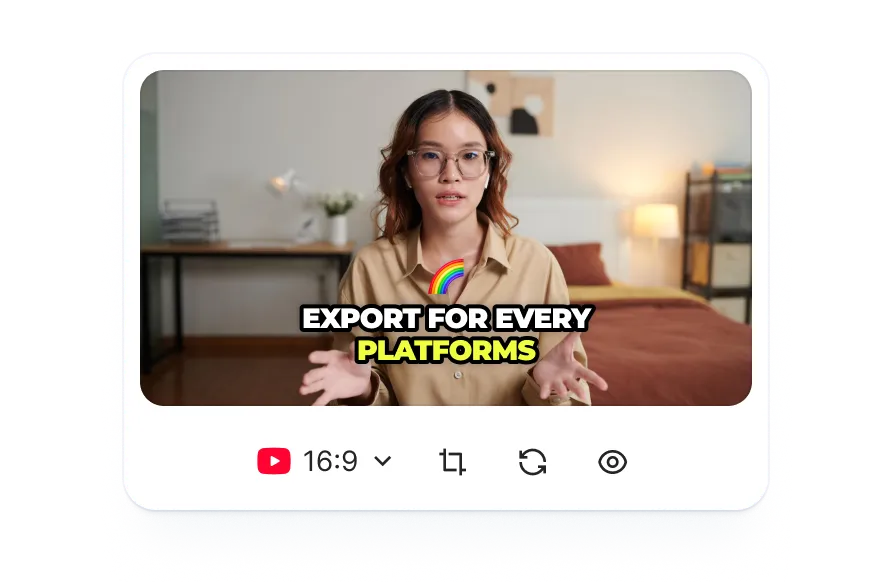
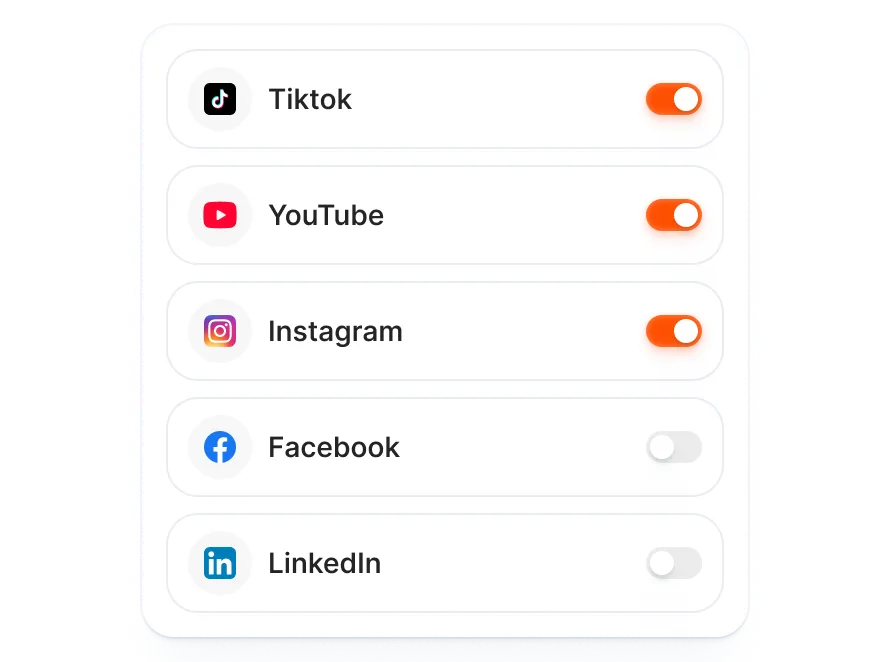
Connect your TikTok, Instagram, and YouTube accounts. AI generates metadata for each platform, so you publish everywhere from one screen.
You can sign up, connect social accounts, and publish without entering payment details or hitting a trial deadline. Your free post stays available until you use it.
Click Connect Platforms. Authorize TikTok, Instagram, YouTube, or all of them. OAuth login, no passwords stored. Takes 30 seconds.
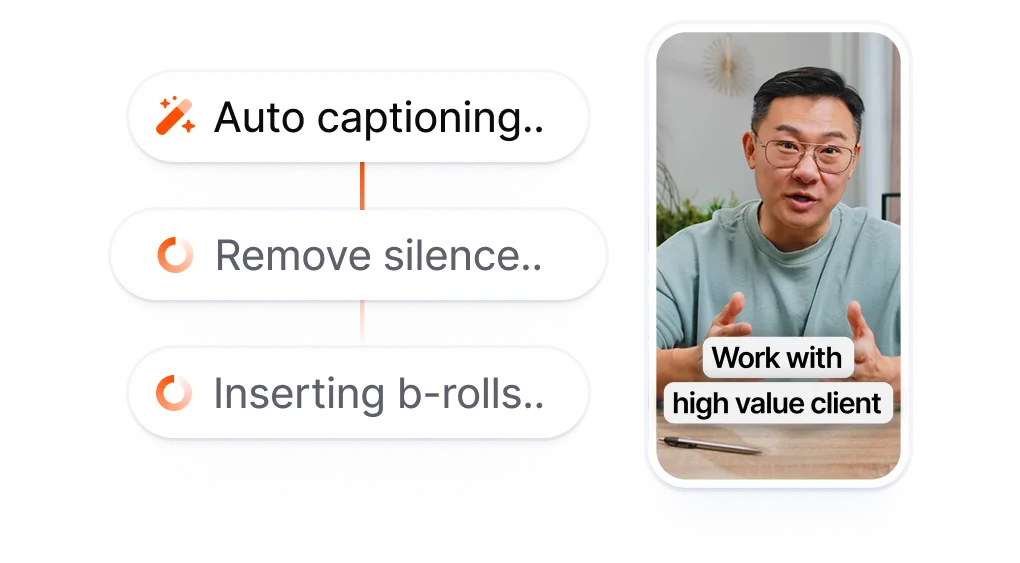
Upload any video or paste a YouTube link. Submagic adds AI captions, B-roll, effects, and sound. Or use one-click auto edit and let AI handle the entire edit.
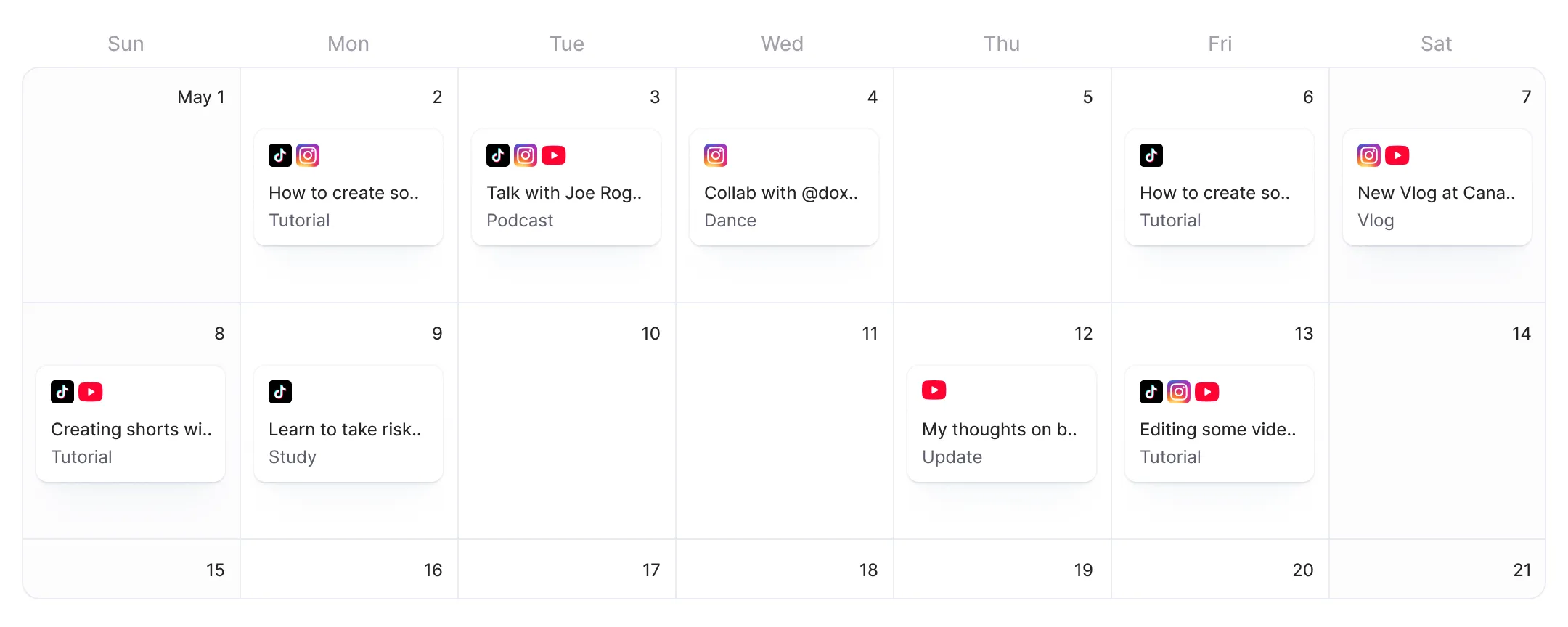
Select platforms. AI generates platform-specific metadata for each destination. Hit Publish Now to go live. Need to schedule posts for future dates? Upgrade to Pro or Business.
Other free plans hand over a calendar with no editing tools. Export a video from one app, download it, upload it to the scheduler, fill in the details, and hope the free trial doesn't expire before hitting Post. Submagic starts at the edit. Add AI captions, effects, and sound, then publish directly.
Free tiers give you a calendar with no editing tools.
A scheduler that asks you to edit
somewhere else first.
vs
Edit with AI. Publish free.
No credit card, no time limit.
Your free post includes AI captions, B-roll, effects, and sound, the same editing suite Pro subscribers use.
Connect TikTok, Instagram, and YouTube. AI generates platform-specific metadata for each destination. Publish to every platform at once from the same screen.
You can sign up and publish without entering payment details or racing a 30-day trial clock. Your free post stays available until you use it.

Estáis actualizando rápidamente y añadiendo constantemente nuevas funciones, como música, recorte y mucho más.

Submagic es increíble, y el equipo de atención al cliente es, con diferencia, el mejor que he visto de todas las aplicaciones que he utilizado hasta ahora.

La interfaz es sencilla, los subtítulos son precisos y me ahorra muchísimo tiempo.

Me ahorra muchísimo tiempo cada día. El flujo de trabajo está muy bien diseñado.



Edit your video with AI captions, B-roll, and effects, then publish to TikTok, Instagram, or YouTube from one screen.


Yes. Connect your accounts and publish your first video for free, no credit card required. You get the full AI editing suite (captions, B-roll, effects, sound) and can publish to TikTok, Instagram, and YouTube using Publish Now. After your first post, you'll need a Pro or Business plan for additional posts and scheduled publishing.
No. Sign up, connect your social accounts, and publish your first video without entering any payment information.
Yes. Trial accounts display a Submagic watermark on exported videos. Upgrading to a paid plan (Pro or Business) removes the watermark.
One. Your first post can go to any combination of connected platforms (TikTok, Instagram, YouTube). After that, upgrade to Pro or Business for unlimited posts.
The free post includes the same AI editing tools and publishing features as Pro and Business. Paid plans add unlimited video exports, scheduled publishing (set a future date and time), priority support, and no watermark. Business adds team collaboration, higher export limits, and priority rendering.
No. The free tier supports Publish Now only, which publishes your video immediately. Scheduling posts for future dates and times requires a Pro or Business plan.
TikTok, Instagram (Reels and Stories), and YouTube Shorts. LinkedIn, Facebook, and X (Twitter) are coming soon.
Buffer's free plan gives you 3 channels and basic scheduling, but no video editing. You still need a separate app to add captions, B-roll, or effects. Submagic's free post includes the full AI video editor: you edit and publish from the same workspace without downloading or re-uploading.
Your published video stays live on your connected platforms. To publish more videos, upgrade to Pro or Business.
Submagic es la mejor herramienta de IA para crear vídeos cautivadores short-form en segundos para equipos y empresas.