
.png)


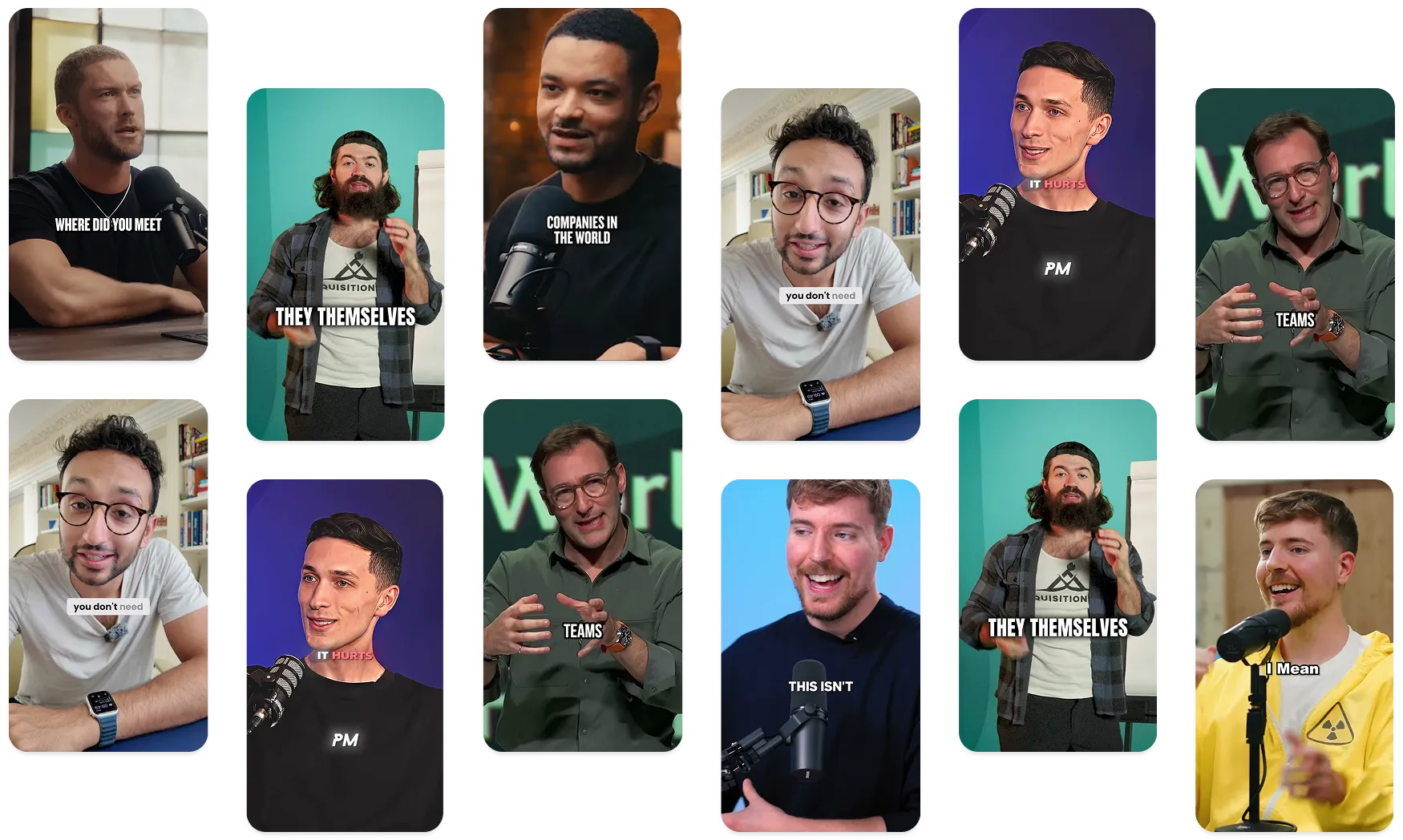


Submagic ist das beste KI-Tool, um in Sekundenschnelle fesselnde Short-Form-Videos für Teams und Unternehmen zu erstellen.




Die besten Agenturen und Videoredakteure der Welt vertrauen uns



Verwandeln Sie Ihre Stimme in views. Über 50 Sprachen und viral , die zu Ihrer Marke passen – oder erstellen Sie Ihren eigenen.


Schneiden, timen und optimieren Sie mit einer KI, die genau weiß, was Sie beabsichtigt haben. Kein Stress mehr. Keine langen Nächte mehr.


Submagic liest Ihr Skript und fügt passendes b-roll hinzu, als Sie „Engagement-Spike“ sagen können.
Dein Gesicht? Die Pointe? Genau im entscheidenden Moment zoomen wir heran. Das zieht sofort die Aufmerksamkeit auf sich.


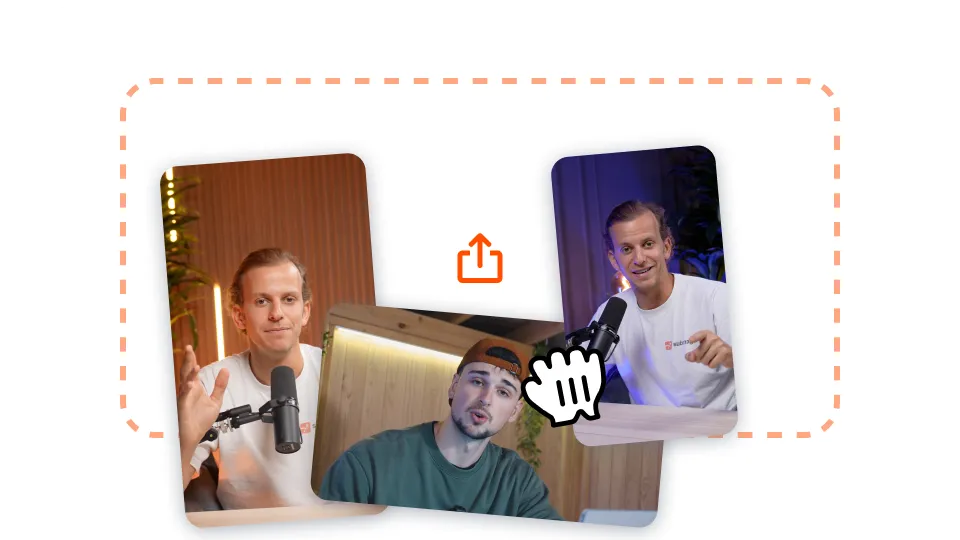
Laden Sie Ihr langes Video auf Submagic hoch oder fügen Sie einfach einen YouTube-Video-Link ein.

Fügen Sie Auto-Zooms hinzu, nutzen Sie Stock-Footage-Generationen für Ihr Video mit einem Klick, und vieles mehr!
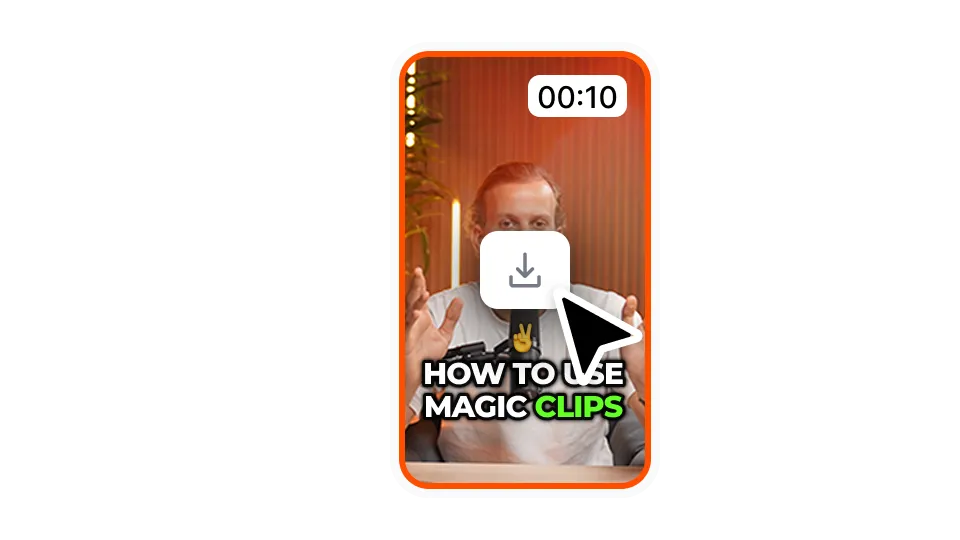
Exportieren Sie Ihr Video mit den Untertiteln, indem Sie auf "Herunterladen" klicken. Sie können Ihre ersten Videos kostenlos exportieren.
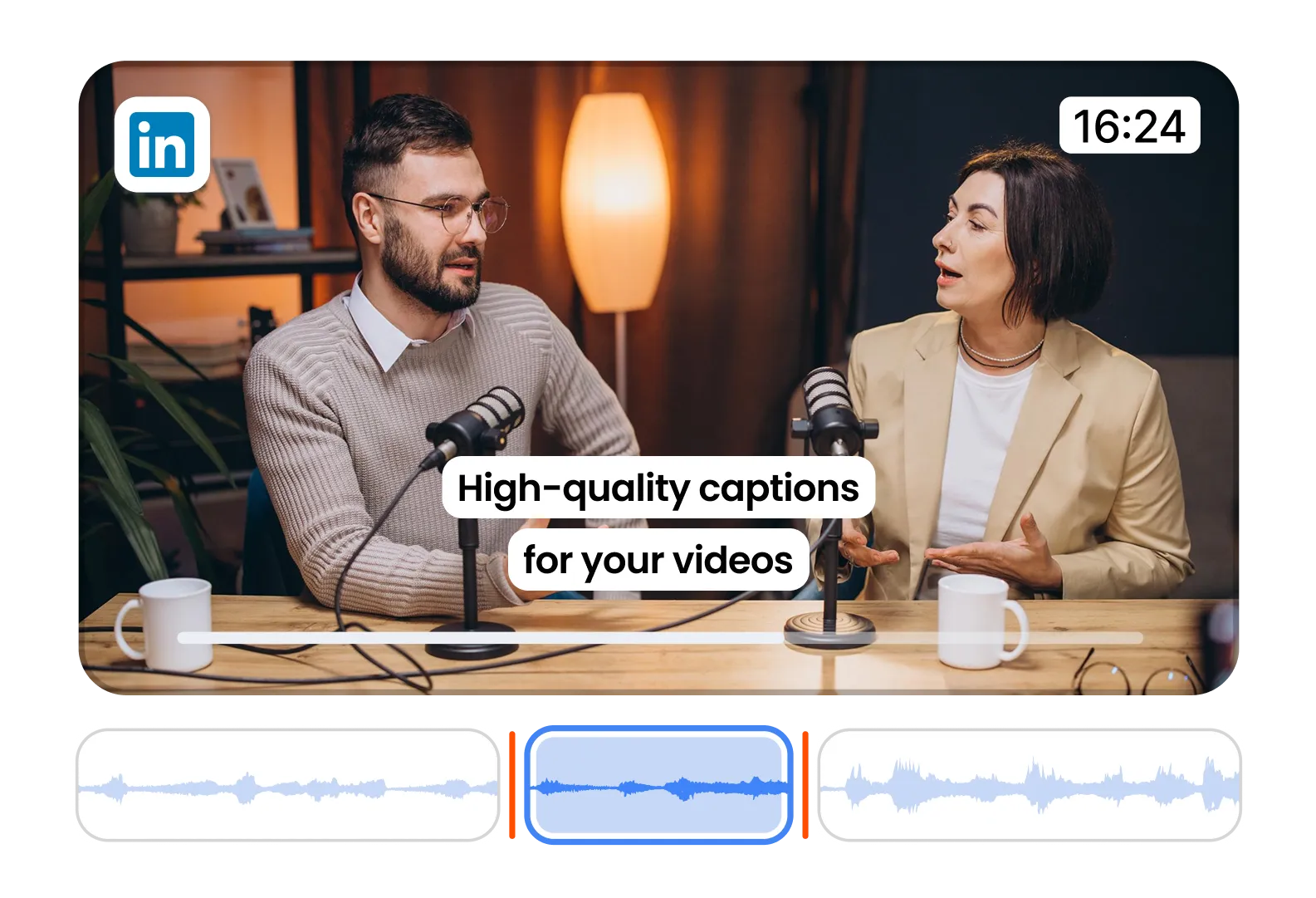
Make your LinkedIn videos professional and accessible. Clean, confident captions for B2B content.
Create subtitle styles that match your brand's tone. Perfect for thought leaders and coaches.
Use templates that communicate authority and trust. Win eyeballs and credibility fast.
Sehen Sie sich die Preise an und starten Sie noch heute!
Generieren Sie Ihre Untertitel in wenigen Minuten. Animierte Emojis, Farben und GIFs hinzufügen
Fügen Sie Ihrem Video lizenzfreie B-Rolls hinzu oder importieren Sie Ihre eigenen Clips mit einem Klick.
Erstellen Sie fließende Übergänge zwischenB-rolls, animieren Sie Emojis mit Ton.
Erzeugen Sie 5-Sterne-Übergänge zwischen Clips, um dynamische Videos zu erstellen.
Entferne Stille aus deinem Video, wie von Zauberhand.
Fügen Sie Ihrem Video mit nur einem Klick Bilder und GIFs hinzu
Fügen Sie Soundeffekte hinzu, um eine Atmosphäre zu schaffen und Schlüsselmomente hervorzuheben.
Füge Deinem Video in Sekundenschnelle einen Musikhintergrund als Sahnehäubchen hinzu.
Erstellen Sie eine Beschreibung und Hashtags für die Optimierung Ihrer Videos in sozialen Medien.
Erstellen Sie mit nur wenigen Klicks kurze, ansprechende Videoclips aus Ihren längeren content .
Extrahieren und verbessern Sie die besten Momente aus Ihren Videos, um eine maximale Wirkung zu erzielen.
Lassen Sie Ihre Videos durch KI mit professionellen Übergängen und Timing-Anpassungen aufwerten.
Übersetzen Sie Ihre Videos in Sekundenschnelle – mit Untertiteln, die genau auf Ihre Stimme und Ihren Stil abgestimmt sind.
Submagic ist das beste KI-Tool, um in Sekundenschnelle fesselnde Short-Form-Videos für Teams und Unternehmen zu erstellen.