
.png)





Submagic er det bedste AI-værktøj til at skabe fængslende short-form videoer på få sekunder for teams og virksomheder.




Betroet af de bedste bureauer og videoredigerere i hele verden



Gør din stemme til visninger. Over 50 sprog og viral , der passer til dit brand — eller lav din egen.


Rediger, tilpas og finjuster med AI, der forstår, hvad du havde tænkt dig. Ikke mere stress. Ikke flere sene nætter.


Submagic læser dit manuskript og tilføjer relevant b-roll , end du kan nå at sige »engagementspike«.
Dit ansigt? Pointen? Vi zoomer ind lige der, hvor det gælder. Det fanger straks opmærksomheden.


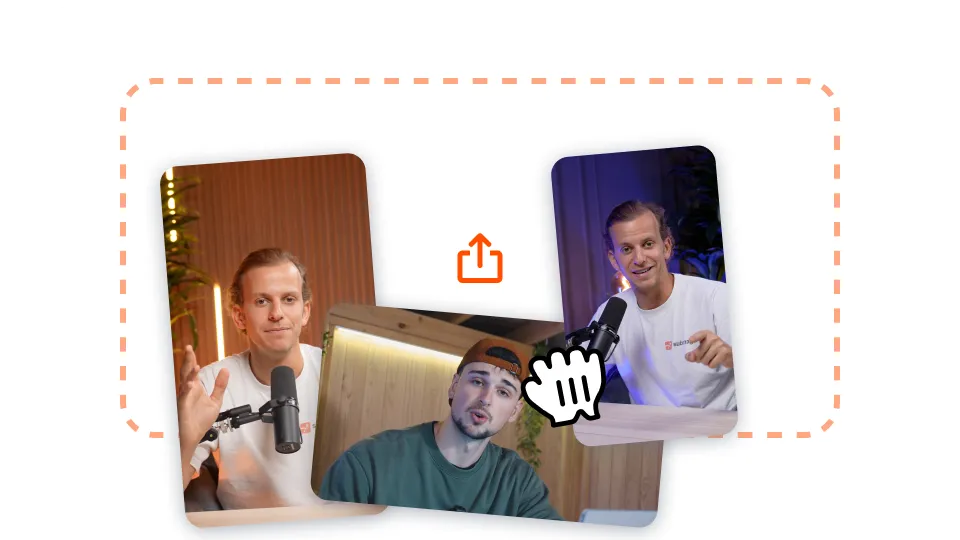
Upload din lange video til Submagic, eller indsæt blot et YouTube-videolink.

Tilføj auto-zoom, få stock footage-generationer på din video med et enkelt klik og meget mere!
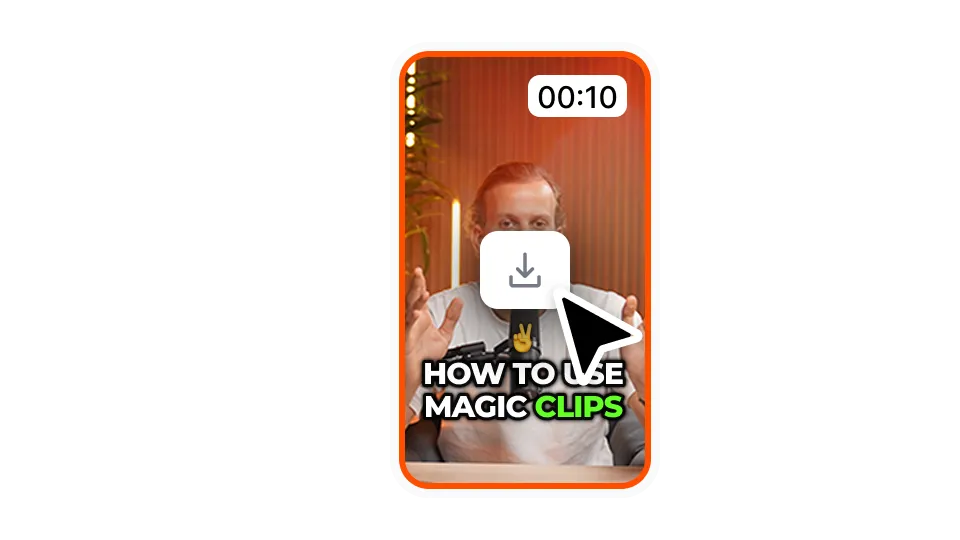
Eksporter din video med undertekster ved at klikke på 'Download'. Du kan eksportere dine første videoer gratis.
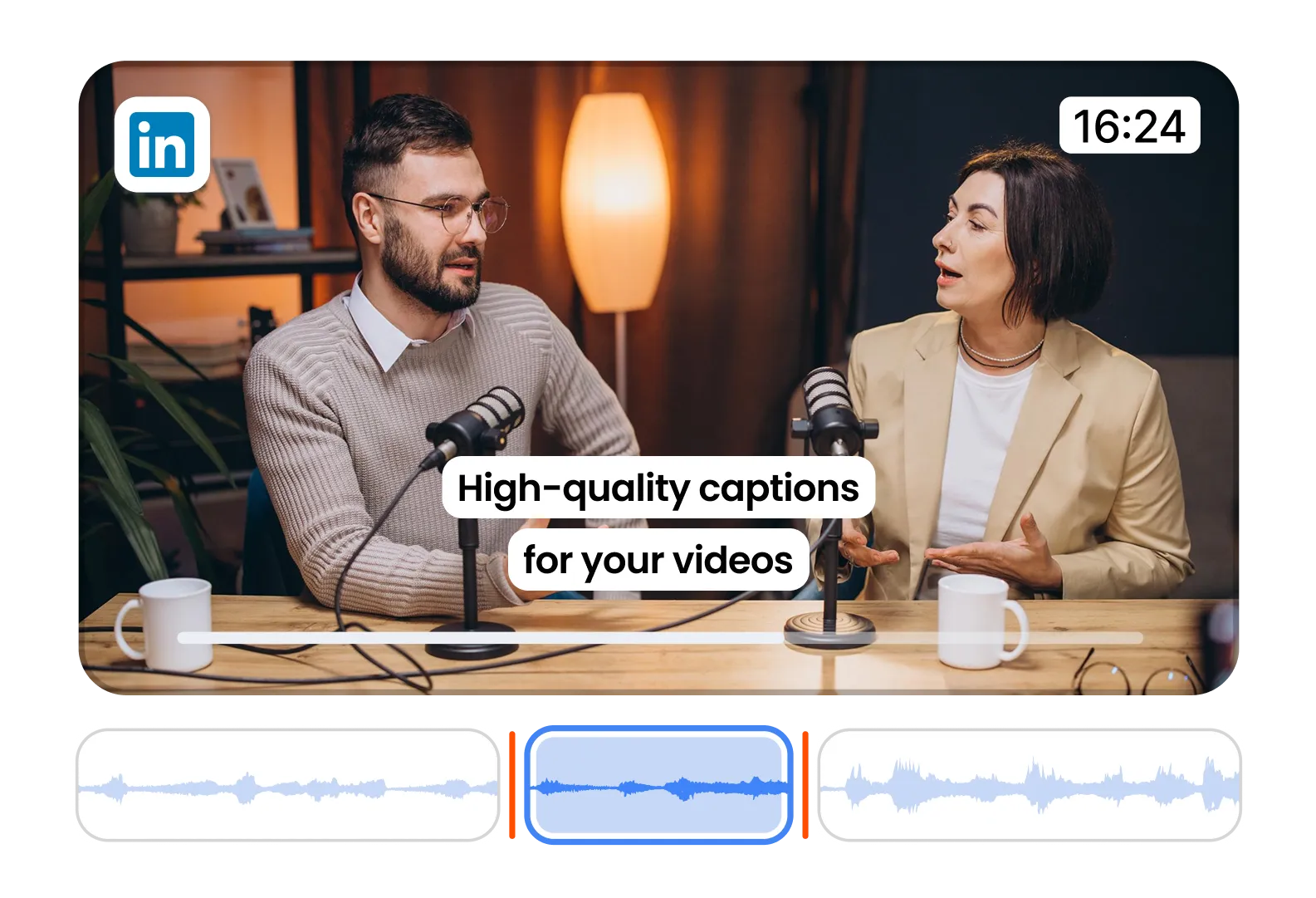
Make your LinkedIn videos professional and accessible. Clean, confident captions for B2B content.
Create subtitle styles that match your brand's tone. Perfect for thought leaders and coaches.
Use templates that communicate authority and trust. Win eyeballs and credibility fast.
Se priser og kom i gang i dag!
Generer dine undertekster på få minutter. Tilføj animerede emojis, farver og GIF'er
Tilføj royaltyfri B-Roll til din video, eller importer dine egne klip med et enkelt klik.
Skab glidende overgange mellemB-rolls, animer emojis med lyd.
Generer 5-stjernede overgange mellem klip for at skabe dynamiske videoer.
Fjern al stilhed fra din video med et vink med en vognstang.
Giv din video energi ved at tilføje billeder og GIF'er med et enkelt klik
Tilføj lydeffekter for at skabe en atmosfære og fremhæve vigtige øjeblikke.
Tilføj en musikbaggrund til din video på få sekunder som prikken over i'et.
Lav en beskrivelse og hashtags til at optimere dine videoer på de sociale medier.
Opret korte, engagerende videoklip fra dit længere indhold med bare et par klik.
Uddrag og forbedr de bedste øjeblikke fra dine videoer for at få maksimal effekt.
Lad AI forbedre dine videoer med professionelle overgange og justeringer af timingen.
Oversæt dine videoer på få sekunder med undertekster, der er synkroniseret med din stemme og din stil.
Submagic er det bedste AI-værktøj til at skabe fængslende short-form videoer på få sekunder for teams og virksomheder.