




Submagic este cel mai bun instrument AI pentru a crea videoclipuri short-form captivante în câteva secunde pentru echipe și întreprinderi.



Editează-ți videoclipul cu subtitrări generate de IA, imagini suplimentare și efecte, apoi publică-l pe TikTok, Instagram sau YouTube. Prima ta postare este gratuită. Nu este necesar un card de credit.
Aceste companii au încredere în subtitrările generate de Submagic AI și le apreciază.


Aceleași instrumente de IA ca în planurile cu plată. Editare, publicare pe trei platforme, fără a fi necesară o carte de credit.
Your free post includes the full editing suite: AI captions in 123 languages, effects, and sound. Paid plans unlock unlimited posts and scheduled publishing.
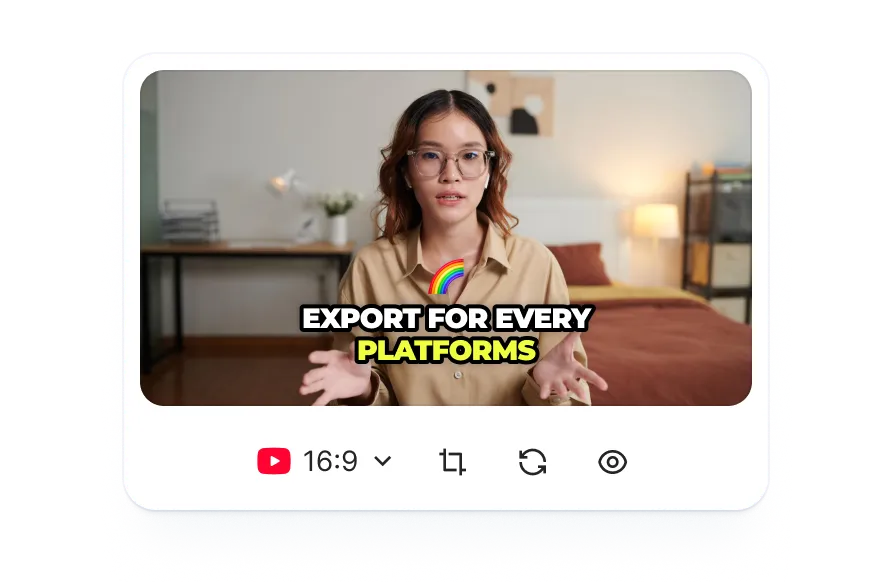
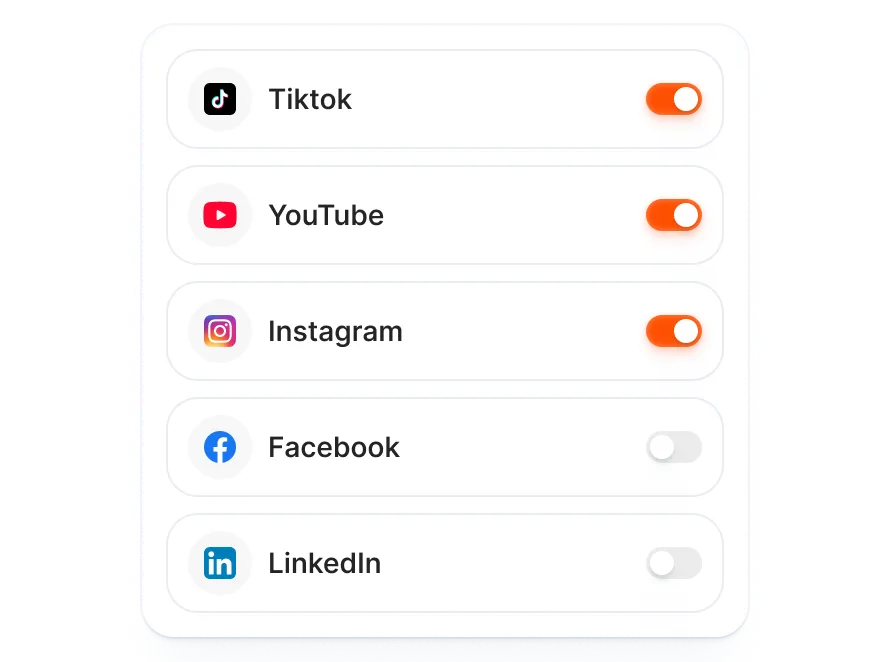
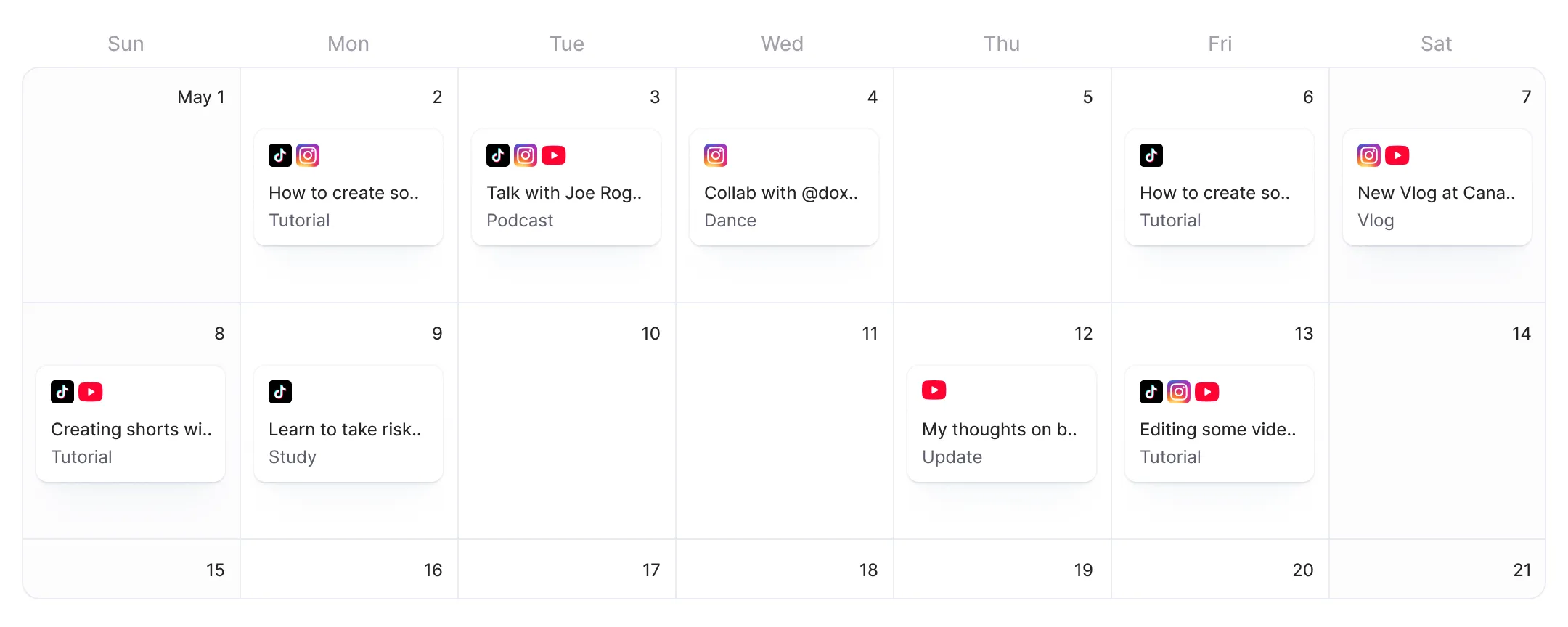
Conectează-ți conturile de TikTok, Instagram și YouTube. Inteligența artificială generează metadate pentru fiecare platformă, astfel încât să poți publica pe toate platformele dintr-un singur ecran.
Te poți înregistra, îți poți conecta conturile de pe rețelele sociale și poți publica fără a introduce detalii de plată și fără a fi limitat de o perioadă de probă. Postarea ta gratuită rămâne disponibilă până când o folosești.
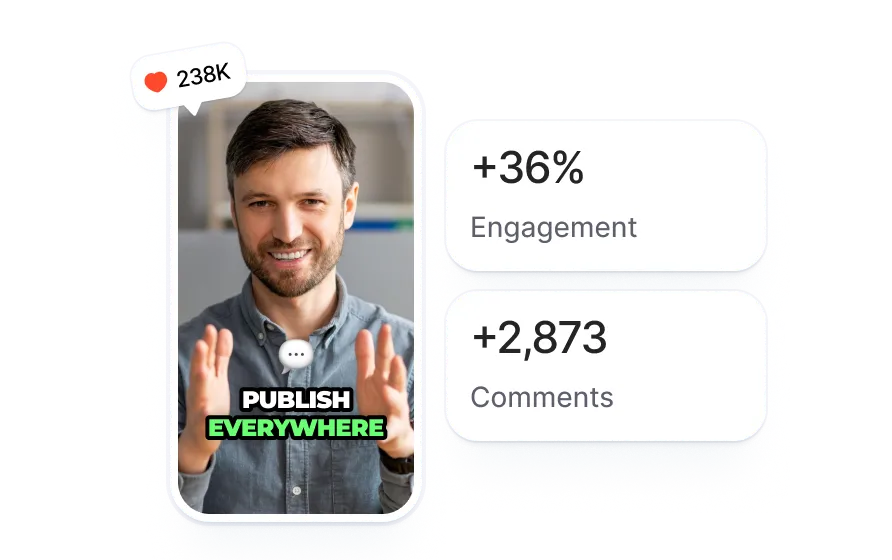
Dă clic pe „Conectează platforme”. Autorizează TikTok, Instagram, YouTube sau pe toate. Autentificare prin OAuth, fără stocarea parolelor. Durează 30 de secunde.
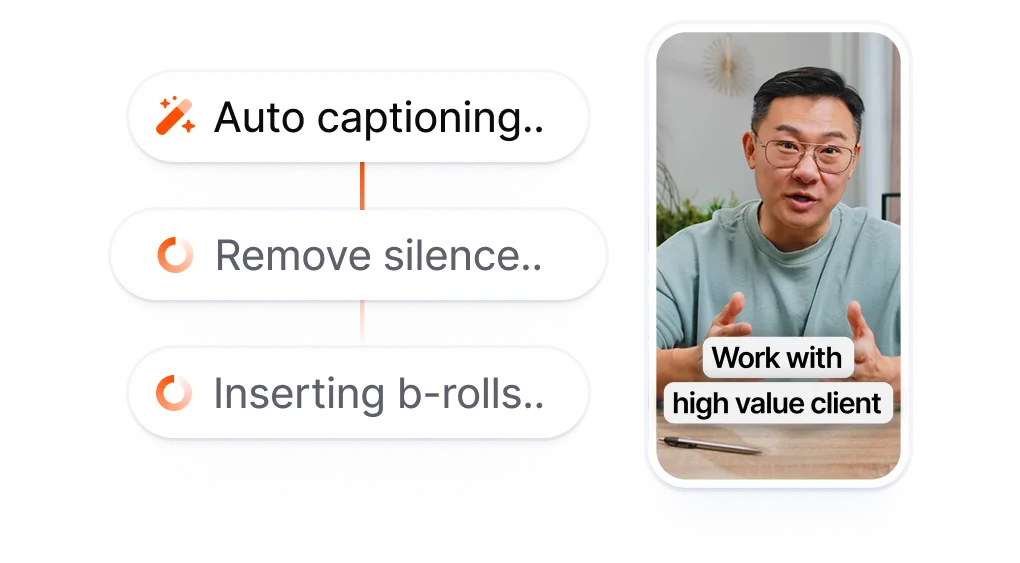
Încărcați orice videoclip sau introduceți un link YouTube. Submagic adaugă subtitrări generate de IA, imagini suplimentare, efecte și sunet. Sau folosiți funcția de editare automată cu un singur clic și lăsați IA să se ocupe de întregul proces de editare.
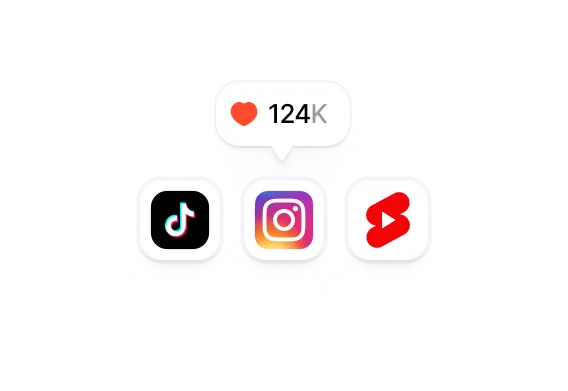
Selectați platformele. IA generează metadate specifice fiecărei platforme pentru fiecare destinație. Apăsați „Publicați acum” pentru a activa postarea. Doriți să programați postări pentru date viitoare? Treceți la planul Pro sau Business.
Alte planuri gratuite oferă doar un calendar fără instrumente de editare. Trebuie să exportați un videoclip dintr-o aplicație, să-l descărcați, să-l încărcați în programator, să completați detaliile și să sperați că perioada de probă gratuită nu expiră înainte de a apăsa butonul „Publicare”. Submagic începe chiar de la etapa de editare. Adăugați subtitrări generate de IA, efecte și sunet, apoi publicați direct.
Pachetele gratuite vă oferă un calendar fără instrumente de editare.
Un programator care îți cere să editezi mai întâi fișierul „
” în altă parte.
vs
Editează cu ajutorul IA. Publică gratuit.
Fără card de credit, fără limită de timp.
Postarea ta gratuită include subtitrări generate de IA, imagini suplimentare, efecte și sunet, folosind același pachet de editare pe care îl utilizează abonații Pro.
Conectează-ți conturile de TikTok, Instagram și YouTube. Inteligența artificială generează metadate specifice fiecărei platforme pentru fiecare destinație. Publică simultan pe toate platformele din același ecran.
Te poți înregistra și publica fără a introduce detalii de plată și fără a fi nevoit să te grăbești să termini perioada de probă de 30 de zile. Postarea ta gratuită rămâne disponibilă până când o folosești.

Vă dezvoltați rapid și adăugați în mod constant funcții noi, precum muzică, editare și multe altele.

Submagic este extraordinar, iar echipa de asistență este, de departe, cea mai bună dintre toate aplicațiile pe care le-am folosit până acum.

Interfața este simplă, subtitrările sunt corecte și îmi economisește foarte mult timp.

Îmi economisește enorm de mult timp în fiecare zi. Fluxul de lucru este extrem de bine gândit.



Editează-ți videoclipul cu subtitrări generate de IA, imagini suplimentare și efecte, apoi publică-l pe TikTok, Instagram sau YouTube dintr-un singur ecran.


Da. Conectează-ți conturile și publică primul tău videoclip gratuit, fără a fi necesară o carte de credit. Ai la dispoziție suita completă de editare bazată pe IA (subtitrări, imagini suplimentare, efecte, sunet) și poți publica pe TikTok, Instagram și YouTube folosind funcția „Publish Now”. După prima ta postare, vei avea nevoie de un abonament Pro sau Business pentru postări suplimentare și publicare programată.
Nu. Înregistrează-te, conectează-ți conturile de pe rețelele sociale și publică primul tău videoclip fără a introduce date de plată.
Da. Conturile de probă afișează un filigran Submagic pe videoclipurile exportate. Trecerea la un abonament plătit (Pro sau Business) elimină filigranul.
Unu. Prima ta postare poate fi publicată pe orice combinație de platforme conectate (TikTok, Instagram, YouTube). După aceea, treci la planul Pro sau Business pentru a beneficia de postări nelimitate.
Abonamentul gratuit include aceleași instrumente de editare bazate pe IA și aceleași funcții de publicare ca și abonamentele Pro și Business. Abonamentele cu plată oferă în plus exporturi nelimitate de videoclipuri, publicare programată (setarea unei date și ore viitoare), asistență prioritară și fără filigran. Abonamentul Business adaugă colaborarea în echipă, limite de export mai mari și randare prioritară.
Nu. Planul gratuit acceptă doar opțiunea „Publish Now”, care publică videoclipul imediat. Programarea postărilor pentru date și ore viitoare necesită un plan Pro sau Business.
TikTok, Instagram (Reels Stories) și YouTube Shorts. LinkedIn, Facebook și X (Twitter) vor fi disponibile în curând.
Planul gratuit al Buffer îți oferă 3 canale și funcții de programare de bază, dar nu include funcții de editare video. Ai nevoie în continuare de o aplicație separată pentru a adăuga subtitrări, imagini suplimentare sau efecte. Planul gratuit al Submagic include editorul video complet bazat pe IA: poți edita și publica din același spațiu de lucru, fără a fi nevoie să descarci sau să reîncarci fișierele.
Videoclipul publicat rămâne disponibil pe platformele la care ești conectat. Pentru a publica mai multe videoclipuri, treci la planul Pro sau Business.
Submagic este cel mai bun instrument AI pentru a crea videoclipuri short-form captivante în câteva secunde pentru echipe și întreprinderi.