





Submagic je nejlepší nástroj s umělou inteligencí, který během několika sekund vytvoří poutavá videa short-form pro týmy a firmy.



Důvěra nejlepších agentur a střihačů videa na celém světě


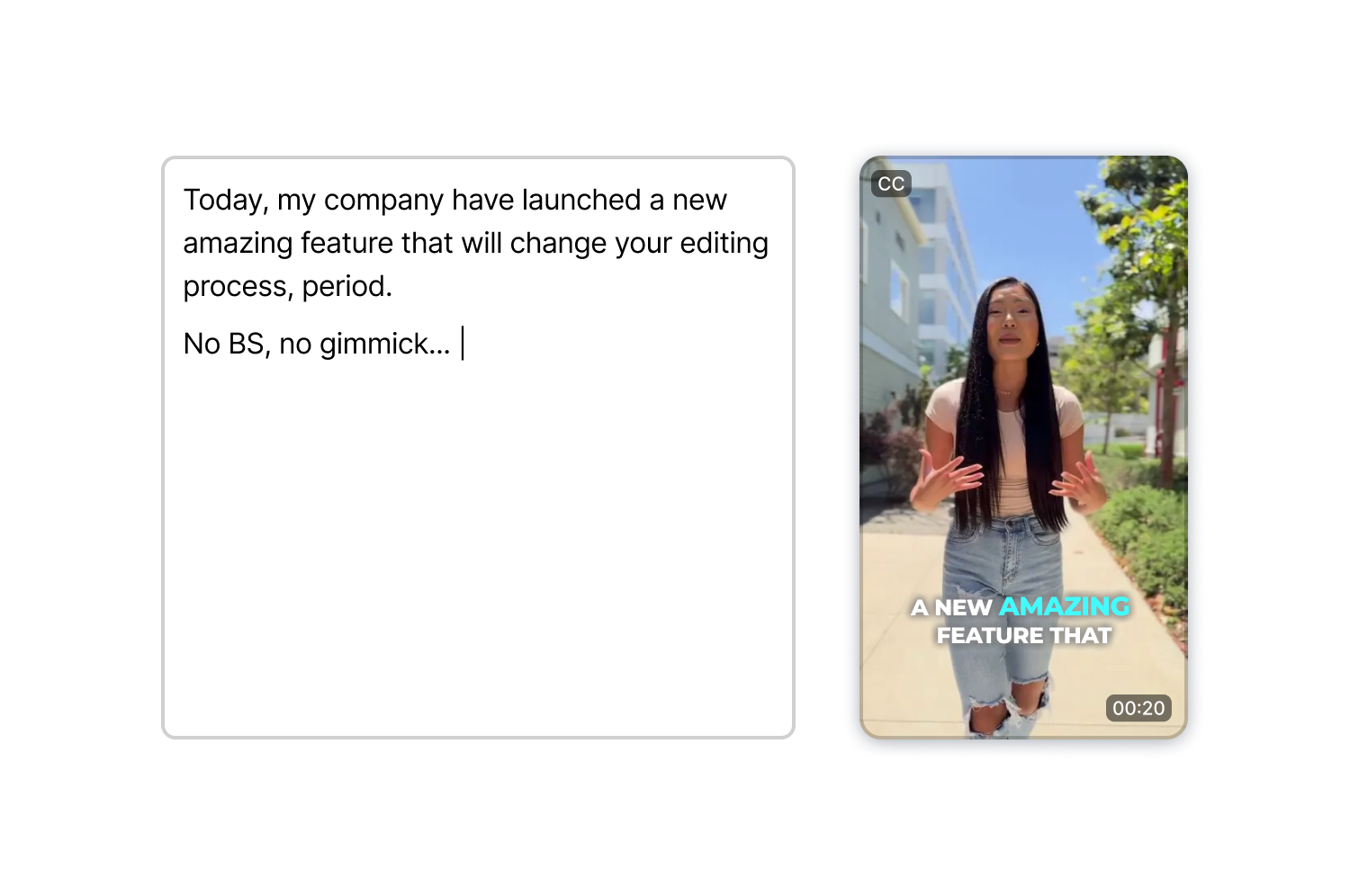
Napište scénář, vyberte si avatara, zvolte hlas a exportujte. AI Actors Studio se postará o synchronizaci rtů, mimiku a přednes, takže nemusíte natáčet ani jediný záběr.
Je také integrováno do plnohodnotného videoeditoru. Vygenerujte si klip a poté v tom samém pracovním prostředí přidejte titulky, doplňkové záběry a efekty.
AI Actors Studio vytváří videoklipy s moderátory pouze na základě textu, takže se vyhnete nastavování vybavení, úpravám osvětlení a opakovaným záběrům, které natáčení obvykle vyžaduje.
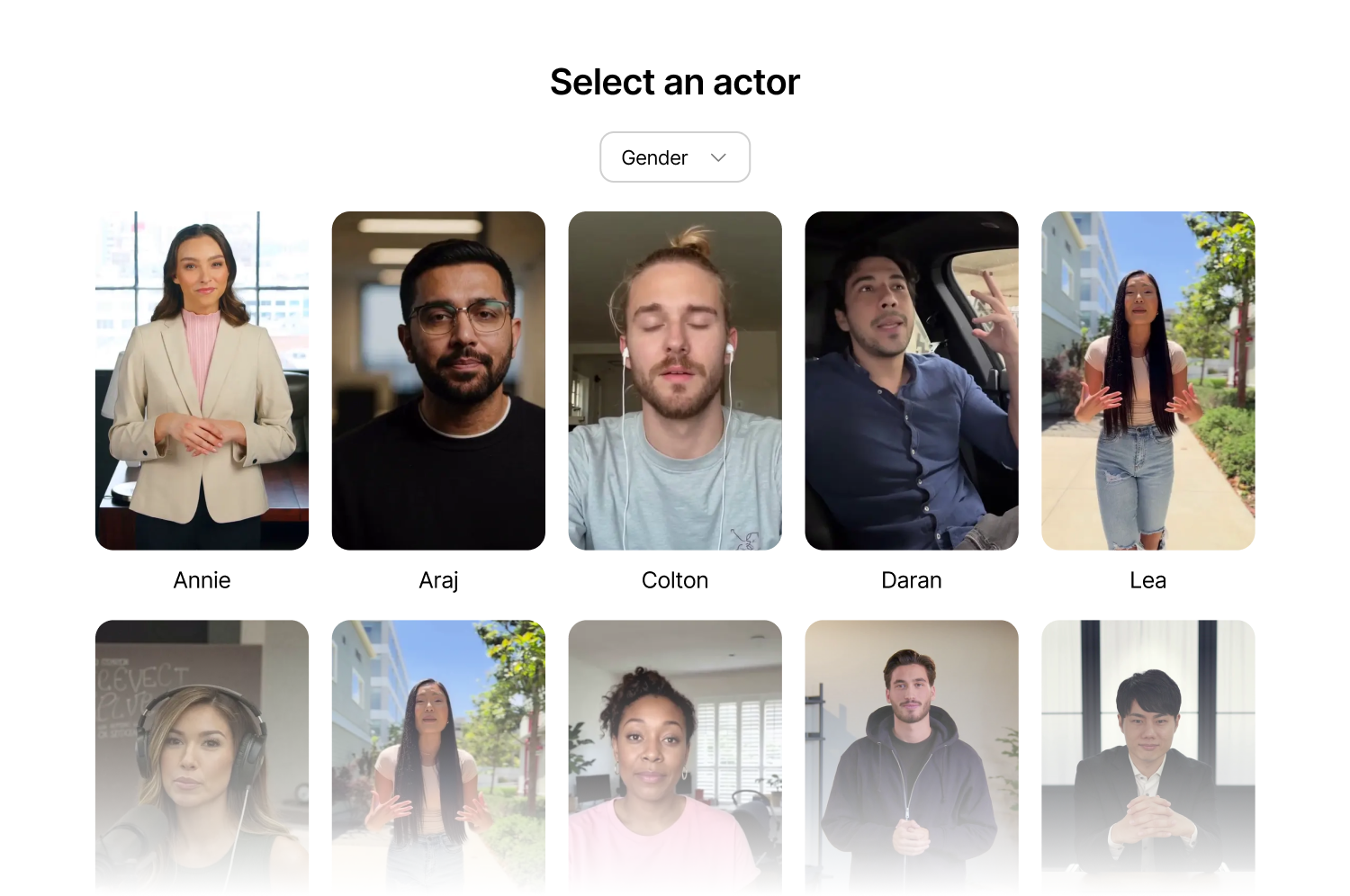
Filtrujte podle pohlaví, vyberte pózu (ve stoje, v sedě, v kanceláři, neformální, venku) a spusťte generování. Synchronizace rtů přirozeně kopíruje váš scénář, takže výsledné video působí přesvědčivě.
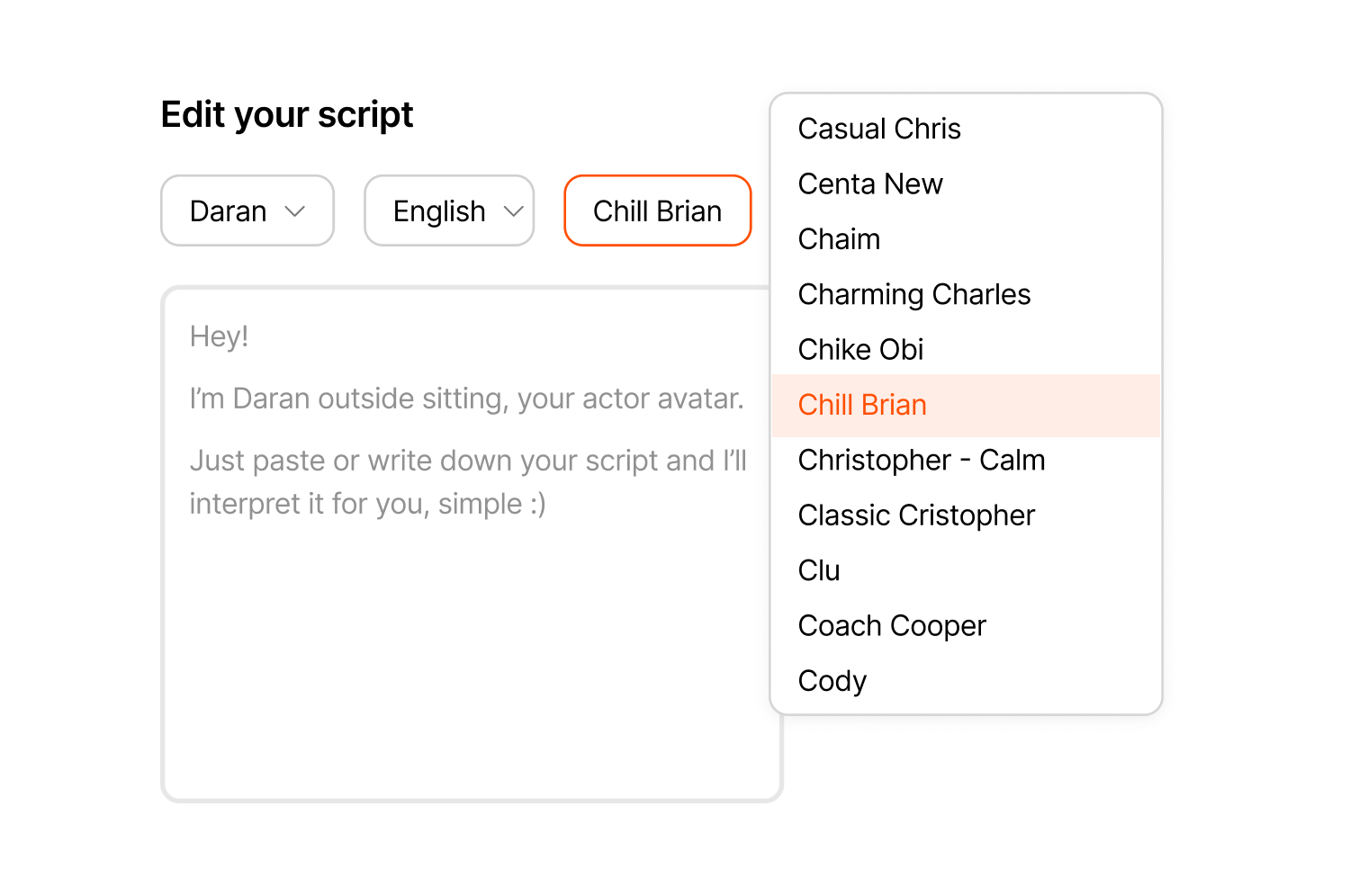
Procházejte hlasy podle přízvuku, tónu nebo úrovně energie a přiřaďte libovolný hlas k libovolnému moderátorovi tak, aby to odpovídalo vašemu obsahu, ať už jde o klidné vysvětlující video nebo energické představení nového produktu.
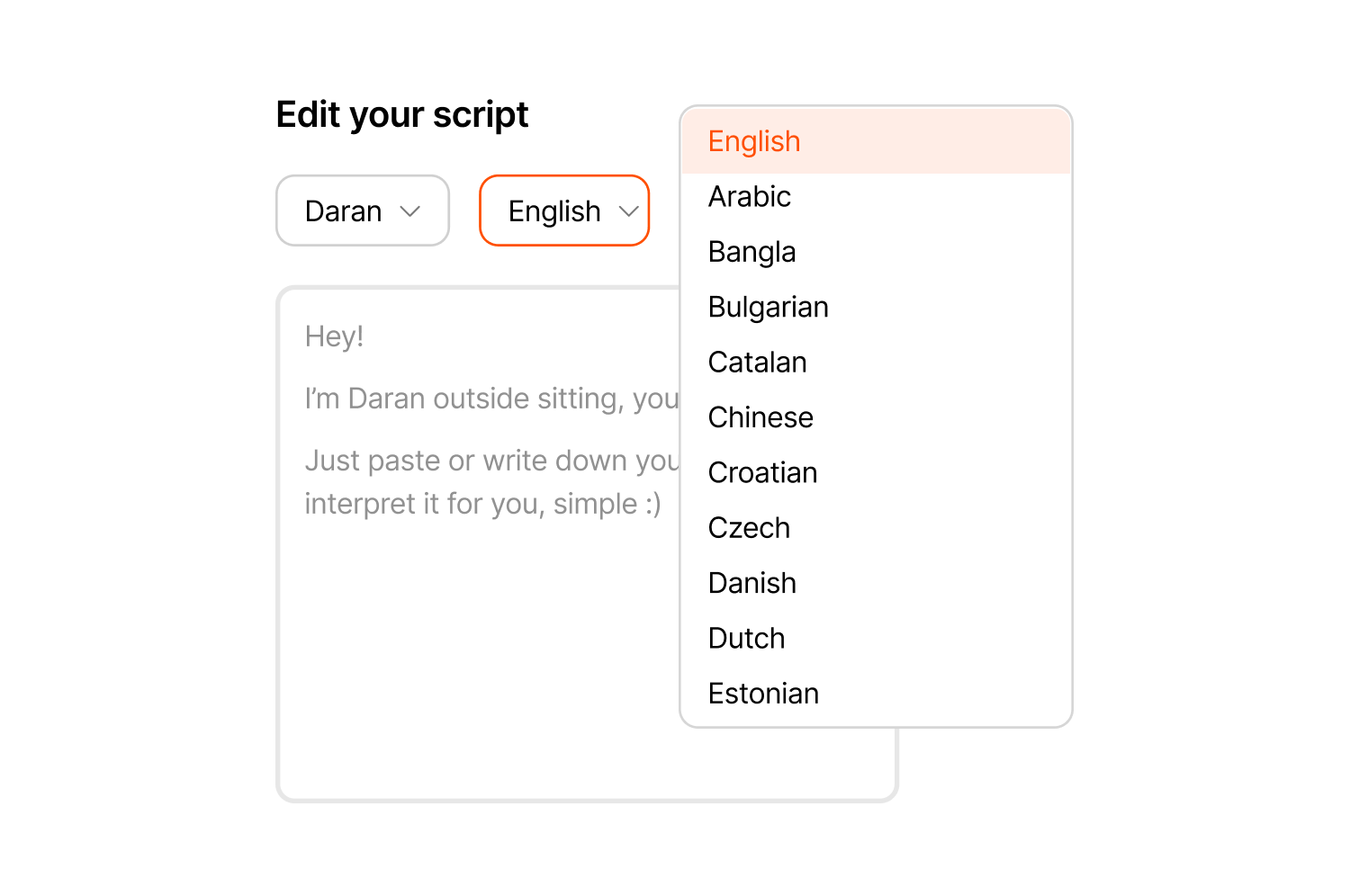
Vytvářejte videa s přirozeně znějícími přízvuky v angličtině, španělštině, francouzštině, němčině, portugalštině a dalších jazycích, takže jeden scénář osloví více trhů se stejným moderátorem.
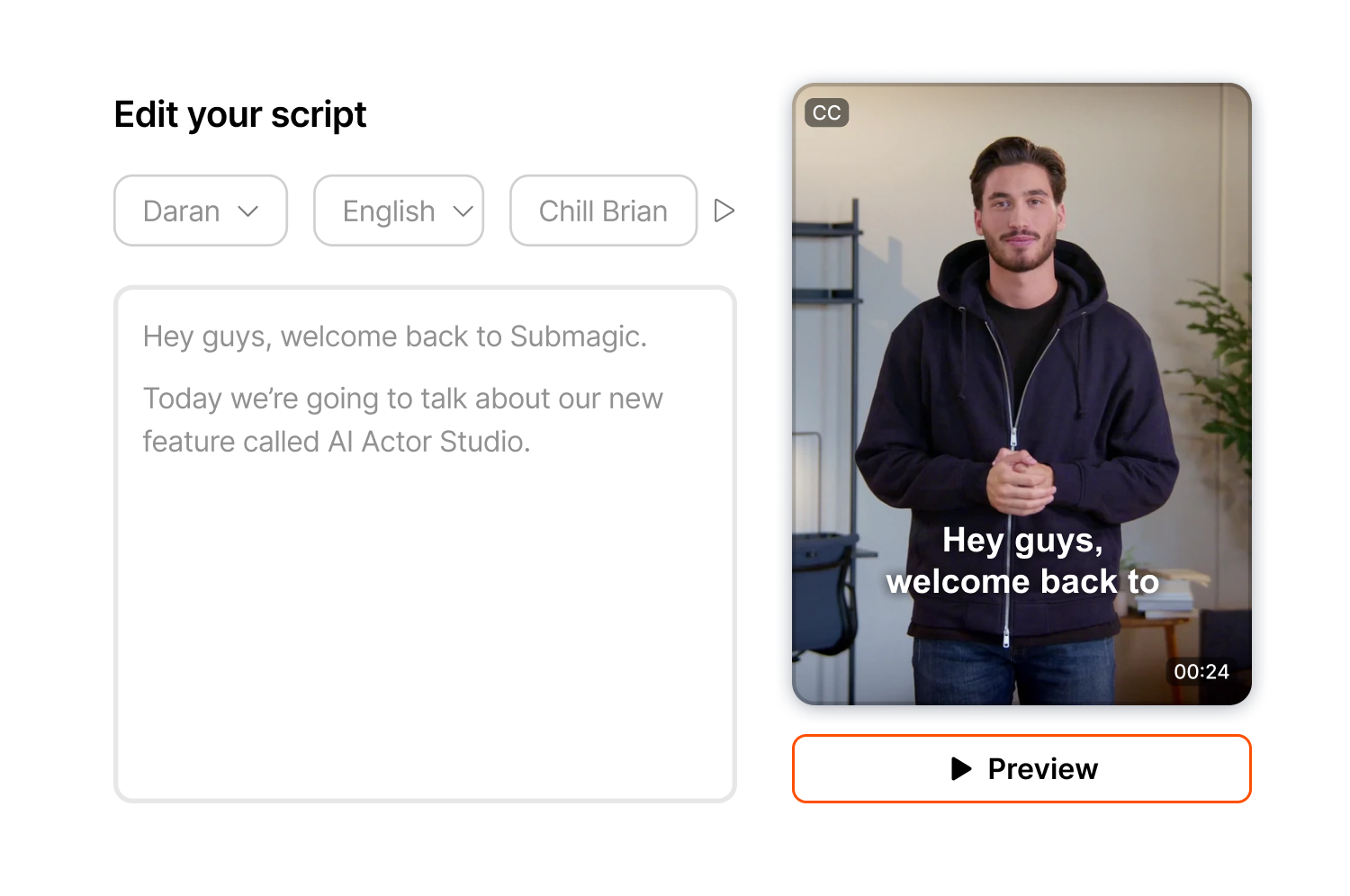
Než video definitivně potvrdíte, zkontrolujte si v náhledu jeho tempo a tón a v případě potřeby upravte načasování nebo způsob přednesu, protože náhledy jsou zdarma a kredity se odečtou až po kliknutí na tlačítko „Generovat“.
Vytvořený klip se uloží přímo do stejného editoru, kde můžete přidávat titulky, doplňkový záběrový materiál, efekty přiblížení a přechody, aniž byste museli přepínat mezi aplikacemi nebo opouštět pracovní prostředí.
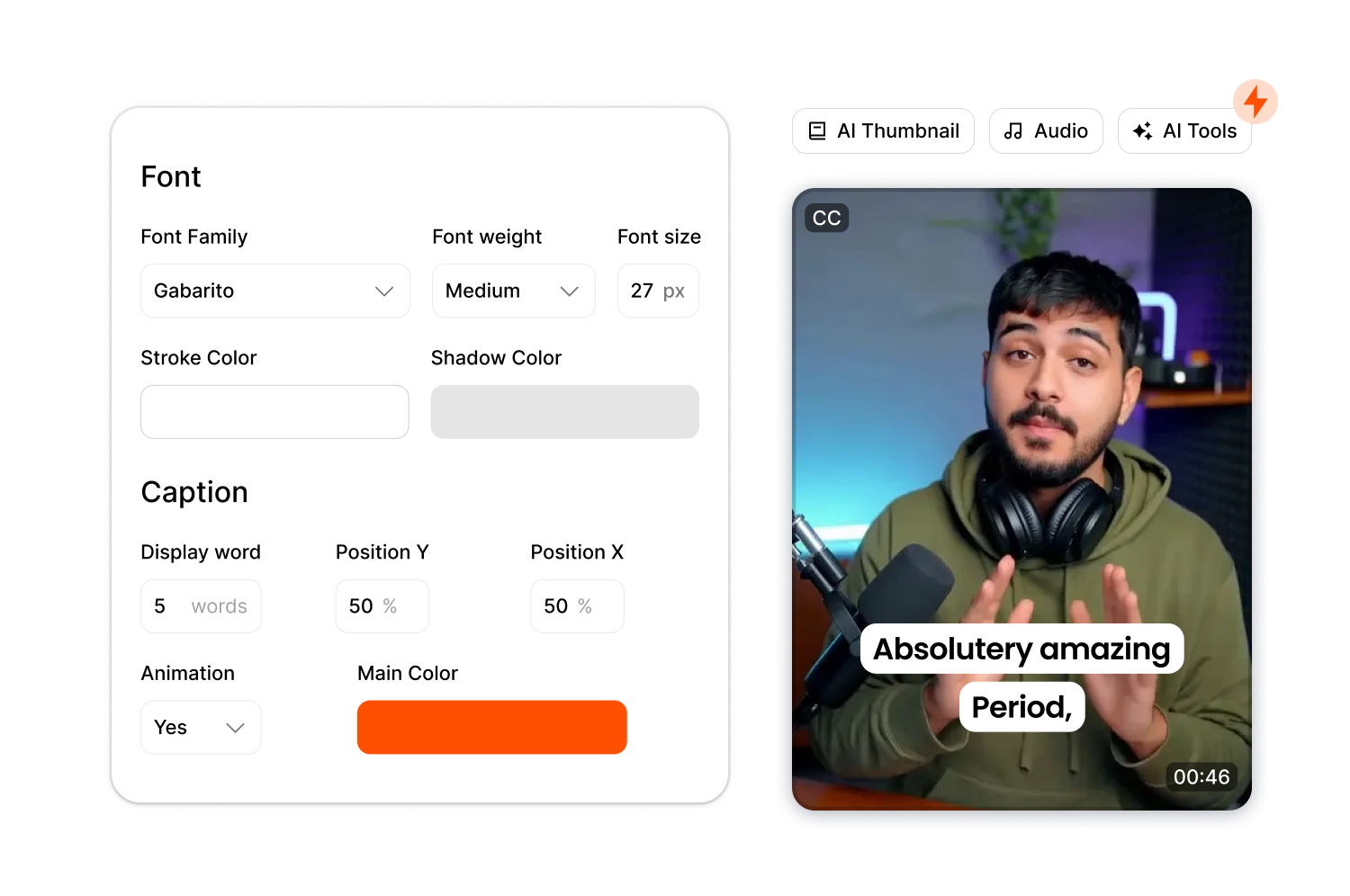
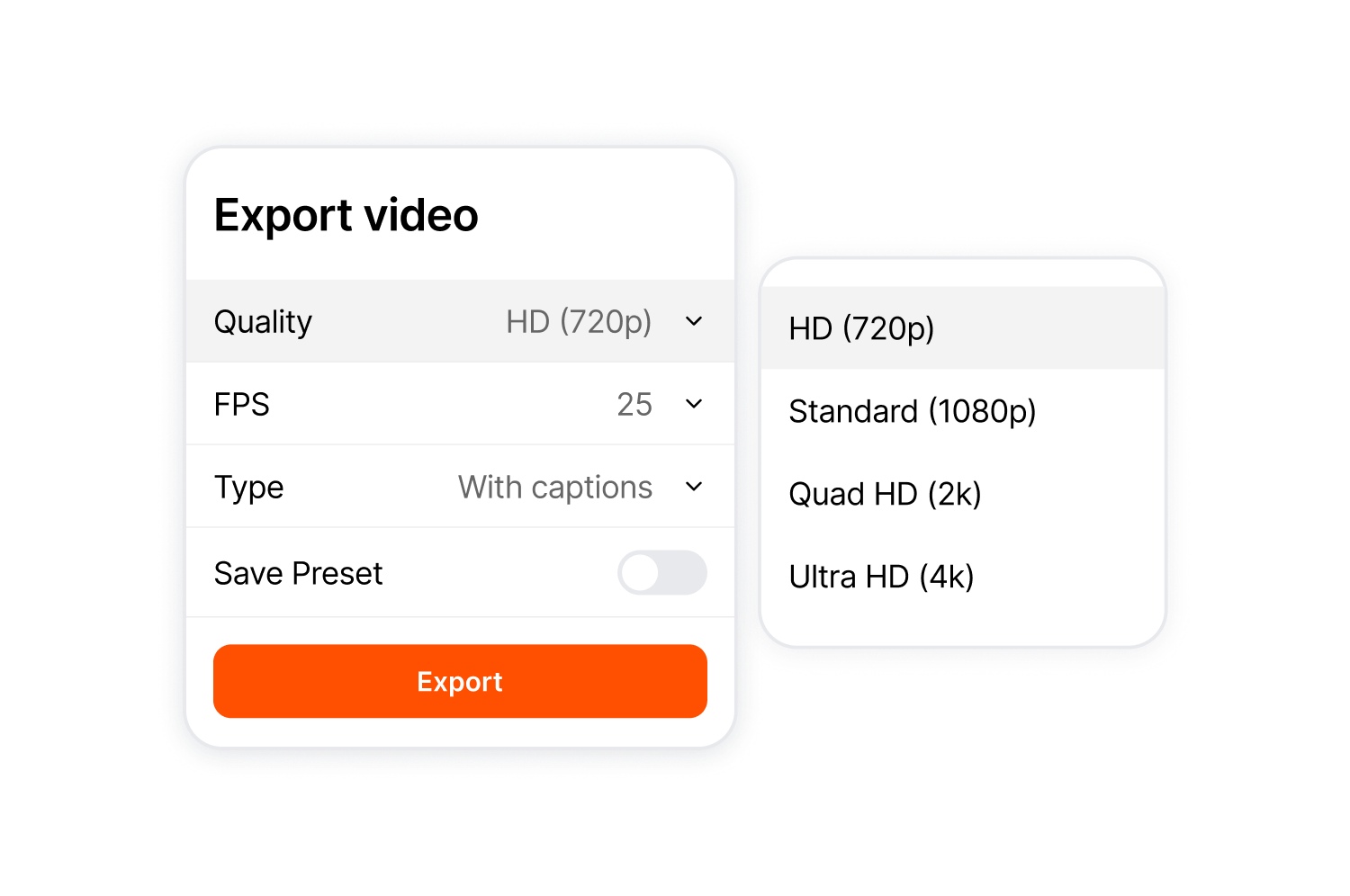
Exportujte v poměru stran 9:16, 4:5, 1:1, 16:9 nebo v původním poměru. Kvalita se pohybuje od 720p až po 4K a pomocí nástroje ThumbMagic můžete z nejlepšího snímku vytvořit miniaturu.
Postupujte podle tří kroků od scénáře až po hotové video.
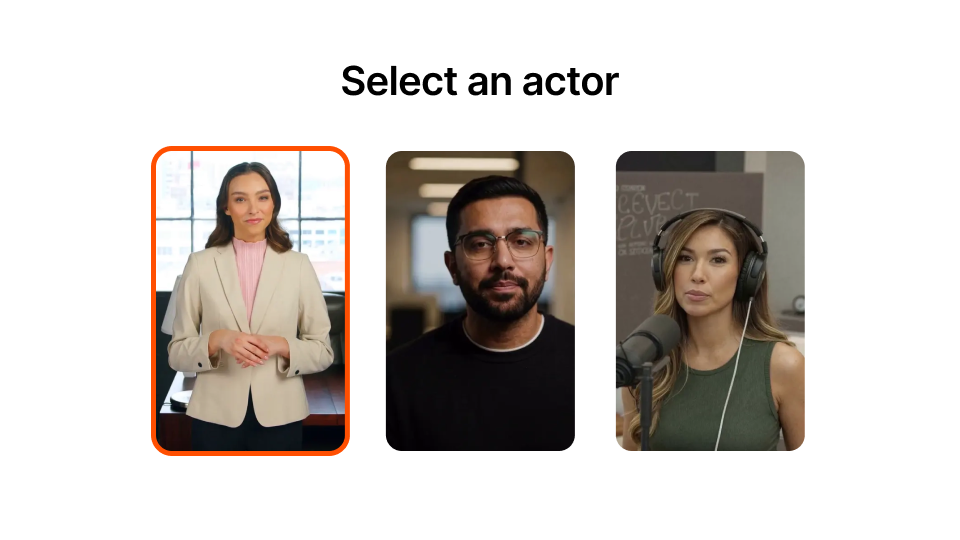
Prohlédněte si knihovnu a filtrujte podle pohlaví, stylu nebo prostředí. Každý herec má k dispozici několik variant póz a prostředí.
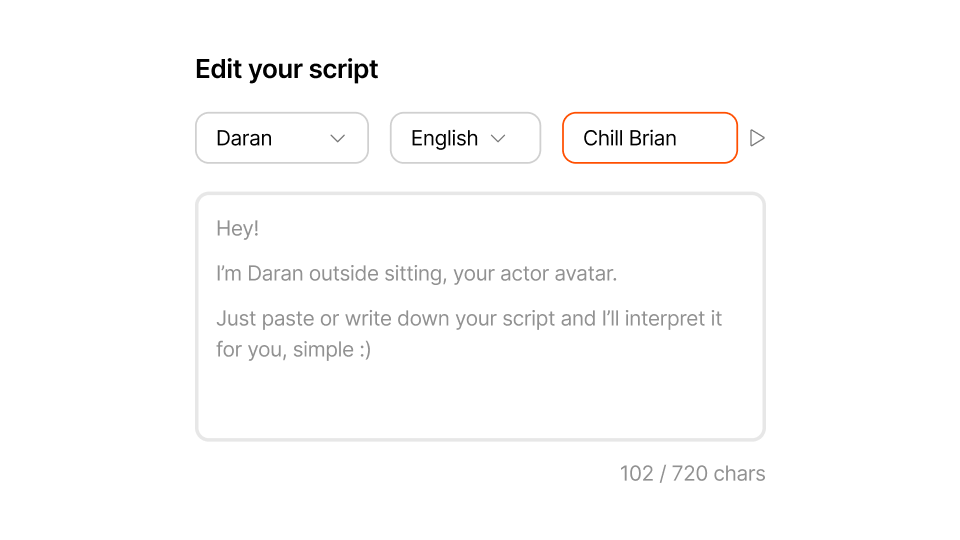
Zadejte maximálně 720 znaků. Před generováním si vyberte hlas a poslechněte si ukázku.
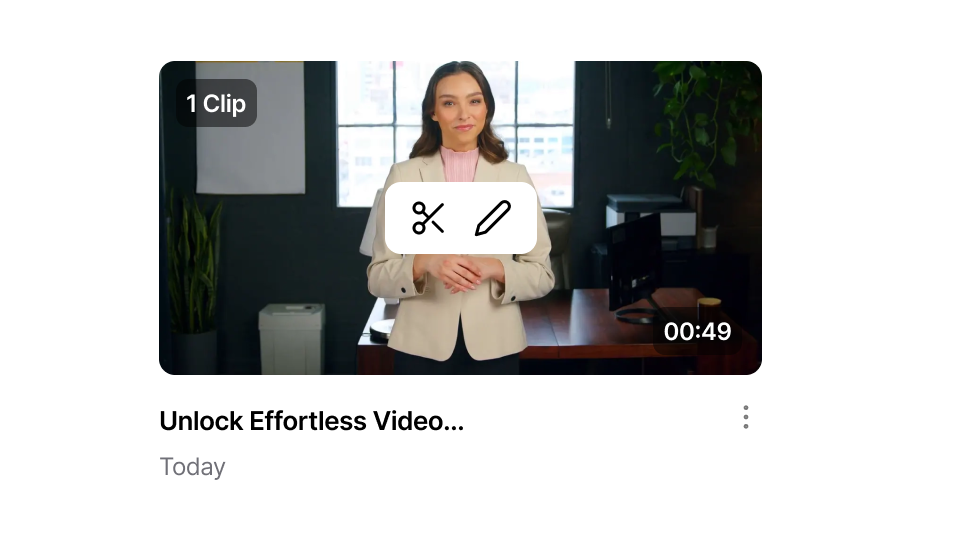
Klikněte na tlačítko „Generovat“ a počkejte méně než minutu. V případě potřeby proveďte úpravy ve stejném pracovním prostoru. Až budete připraveni, soubor exportujte.
AI Actors Studio poskytuje služby tvůrcům a týmům, kteří chtějí videa s mluvčími vytvořenými pomocí umělé inteligence, aniž by museli řešit samotnou produkci.
Vytvářejte úvodní sekvence, hooks a klipy pro moderátory, aniž byste se museli natáčet. Publikujte více příspěvků, aniž byste pokaždé museli připravovat kameru.
Vytvořte úvodní a závěrečné klipy pro každý modul se stejným avatarem vytvořeným pomocí umělé inteligence a jednotným vzhledem. Vytvořte je v několika jazycích, abyste oslovili zahraniční studenty.
Vytvářejte reklamy pro sociální sítě, upoutávky na produkty a oznámení, aniž byste museli najímat herce nebo plánovat natáčení. Upravte scénář a video se automaticky vygeneruje znovu.
Napište svůj odborný text jednou a nechte umělou inteligenci, aby jej konzistentně zařazovala do každého videa.
Vytvářejte vysvětlující videa o produktech, videa s často kladenými dotazy a oznámení o uvedení na trh v jakémkoli jazyce. Stačí napsat scénář jednou a vygenerovat ho v jakémkoli jazyce, kterým vaši zákazníci mluví.
Realizujte zakázky pro klienty, aniž byste museli domlouvat natáčení nebo koordinovat účinkující. Vyměňujte scénáře, vytvářejte nová videa a dodržujte termíny bez produkčních nákladů.
AI Actors Studio je součástí komplexního editoru short-form od společnosti Submagic.

Vytvořte titulky během několika minut. Přidejte animované emotikony, barvy a GIFy
Jedním kliknutím přidejte do videa B-Roll bez poplatků nebo importujte vlastní klipy.
Vytvářejte plynulé přechody meziB-rolls, animujte emotikony se zvukem.
Generujte pětihvězdičkové přechody mezi klipy a vytvářejte dynamická videa.
Mávnutím kouzelného proutku odstraníte z videa veškeré ticho.
Oživte své video přidáním obrázků a GIFů jediným kliknutím
Přidejte zvukové efekty pro navození atmosféry a zvýraznění klíčových momentů.
Jako třešničku na dortu můžete do videa během několika sekund přidat hudební pozadí.
Vytvořte popis a hashtagy pro optimalizaci videí na sociálních sítích.
Vytvářejte krátká, poutavá videa z delšího obsahu pomocí několika kliknutí.
Vyjměte a vylepšete nejlepší momenty z videí, abyste dosáhli maximálního účinku.
Nechte umělou inteligenci vylepšit vaše videa pomocí profesionálních přechodů a úprav načasování.
Nechte si automaticky přeložit svá videa do více než 100 jazyků s titulky synchronizovanými s vaším hlasem a stylem.

Scénáře mohou mít maximálně 720 znaků, což odpovídá přibližně 100 slovům. Jsou určeny pro hooks, úvodní části, klipy pro sociální sítě a upoutávky na produkty.
Ano. Mají přirozené pohyby úst a profesionální kvalitu. Před generováním si je můžete prohlédnout v náhledu a přesvědčit se na vlastní oči.
Ano. Náhledy jsou zdarma. Kredity se spotřebují až po kliknutí na tlačítko „Generovat“.
Vše se načte přímo do stejného editoru. Můžete přidávat titulky, doplňkové záběry, přiblížení a efekty, aniž byste museli opustit pracovní prostředí.
Ne. AI Actors Studio je určeno pro short-form do 2 minut. V případě delších videí vygenerujte více klipů a spojte je v editoru.
Ano. Napište skript, vyberte si avatara, vygenerujte obrázek, přidejte popisky a exportujte.
Ano. Vyberte si libovolného herce a přiřaďte mu libovolný hlas.
AI Actors Studio podporuje řadu jazyků s rodilými přízvuky, včetně angličtiny, španělštiny, francouzštiny, němčiny, portugalštiny a dalších.
Ano. Můžete je použít pro reklamy, produktová videa a zakázky pro klienty. Prezentace jsou licencovány pro komerční použití.
Cena každého videa se odvíjí od délky scénáře a obvykle činí 3–4 kredity. Ukázky jsou zdarma.
Submagic je nejlepší nástroj s umělou inteligencí, který během několika sekund vytvoří poutavá videa short-form pro týmy a firmy.