




Submagicは、チームやビジネス向けに魅力的なshort-form ビデオを数秒で作成できる最高のAIツールです。



Schedule video to X from the same editor where you add AI captions, effects, and sounds. Captions and hashtags built from your transcript.
これらの企業は、Submagic AIキャプションを信頼し、愛用しています。


AI edits your video, writes tweet-length captions and hashtags, and schedules to X.
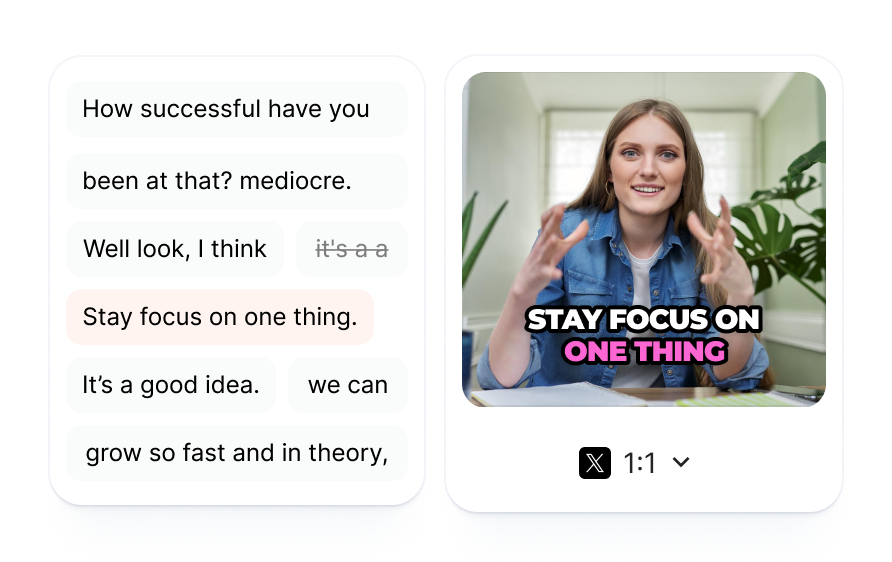
Your video gets AI captions, B-roll, and effects before you schedule tweets, all without leaving Submagic or exporting to a separate tool.
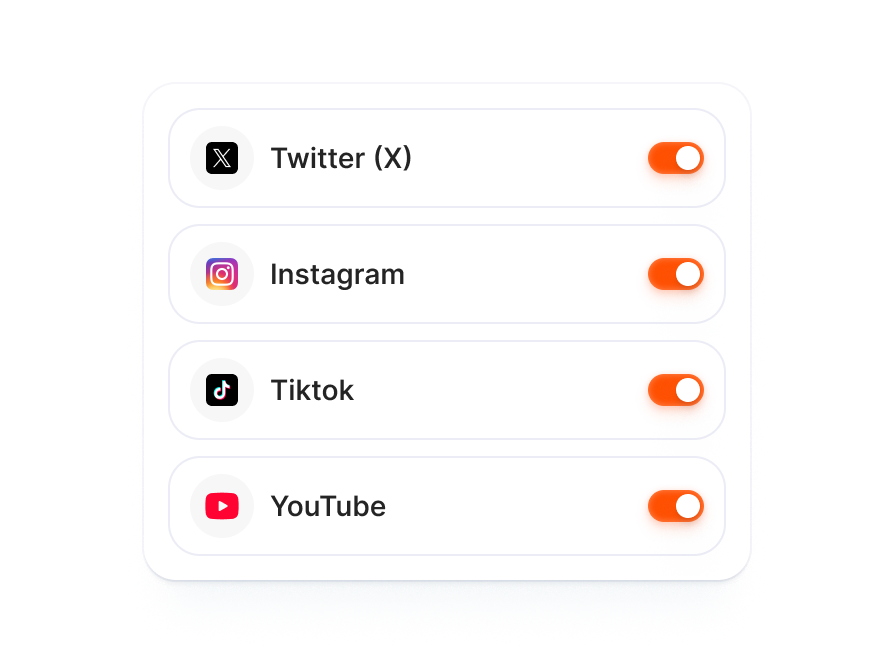
AI writes tailored copy for each platform from one edit. Toggle X on beside TikTok, Instagram, and YouTube in the publish modal.
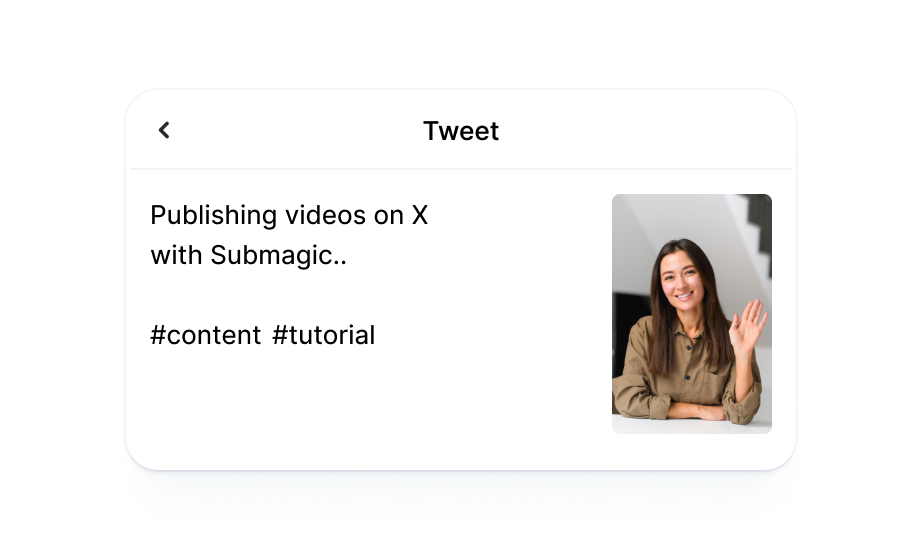
AI turns your video transcript into a tweet-length caption and relevant hashtags tuned for how people read on X.

Drop in your footage or paste a link. Submagic generates captions from the transcript and layers in B-roll, effects, and sound.
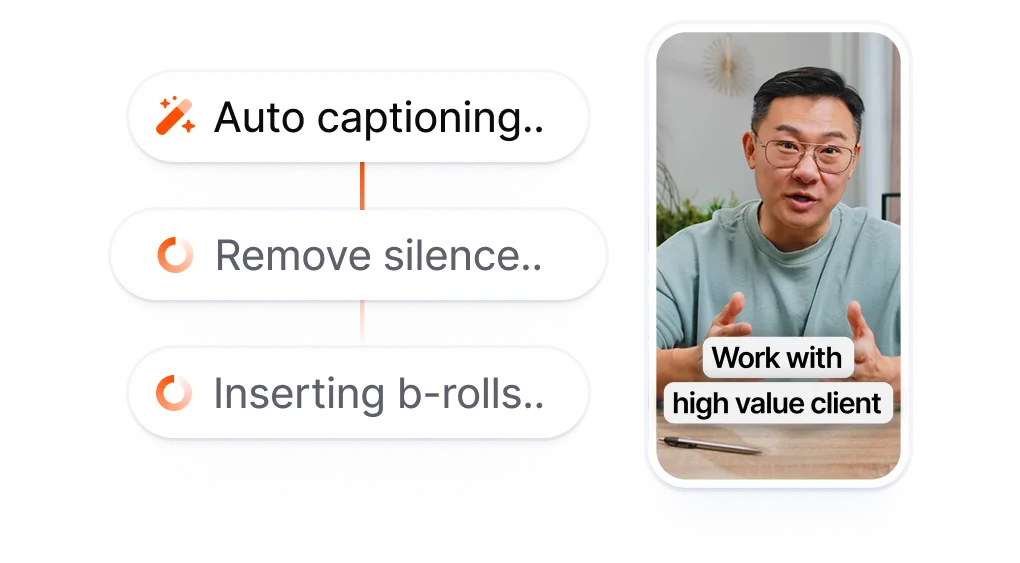
When X ships, add it to your publish list, pick a date and time, and let AI draft a tweet-length caption with hashtags pulled from your transcript.
Your video goes live on X at the scheduled time. See your published posts from the Submagic dashboard.
Most X (Twitter) scheduling tools handle text tweets and image uploads. Video is an afterthought: you edit elsewhere, export, upload the file, and type a caption from scratch. Submagic keeps everything in one workspace so your video goes from transcript to scheduled X post without leaving the editor.
X schedulers handle text tweets, not video editing.
That is three tools before a single
video tweet goes live.
vs
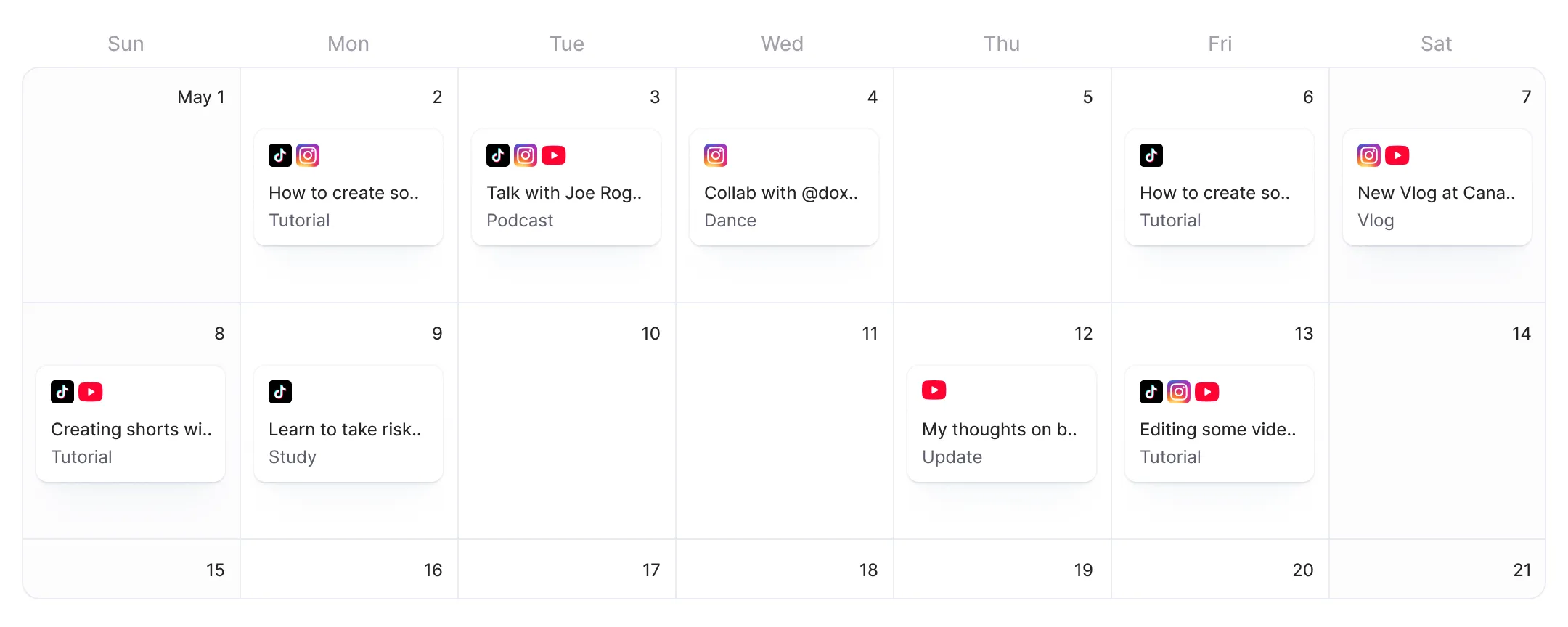
Edit with AI. Toggle X.
Post video tweets on schedule.
Submagic turns your video's transcript into AI captions, B-roll, and effects, then queues the post to X without an export or re-upload step.
AI writes tweet-length copy and hashtags from your transcript, tuned for how people scan on X.
Flip X on in the publish screen alongside TikTok, Instagram, and YouTube. AI adjusts caption length and hashtags for each platform.

急速にアップデートが進んでおり、音楽機能やトリミング機能など、新しい機能が次々と追加されています。

Submagicは素晴らしいですし、サポートチームは、私がこれまで使ってきたアプリの中で断トツで最高です。

インターフェースはすっきりしていて、字幕も正確で、おかげで時間をかなり節約できています。

これは私にとって、毎日とてつもない時間の節約になっています。ワークフローは極めて綿密に考え抜かれています。



Submagic turns your video transcript into tweet-length captions and hashtags using AI. Edit and schedule video to X from the same workspace.


Yes. X (formerly Twitter) supports basic post scheduling through its web interface and X Pro (formerly TweetDeck, now requires X Premium at $8/month). Submagic adds AI video editing on top: captions, B-roll, effects, and sound applied to your video before scheduling. Edit and schedule from one workspace instead of two.
X's built-in scheduler on the web is free for basic tweets. X Pro (TweetDeck) requires a Premium subscription. Third-party tools like Buffer offer free tiers with limits, while Hootsuite starts at $99/month after a 30-day trial. Submagic's free tier includes Publish Now for one video. Scheduling for a future date and time requires a Pro or Business plan.
Yes. AI tools generate tweet copy and suggest hashtags. Submagic's AI turns your video transcript into tweet-length captions and relevant hashtags tuned for X's format, then schedules the post automatically at the time you set.
TweetDeck was absorbed into X Pro, which requires an X Premium subscription ($8/month or $84/year). The free standalone TweetDeck no longer exists. Third-party scheduling tools (Buffer, Hootsuite, Typefully, Hypefury) fill the gap for users who want free or lower-cost scheduling.
X does not penalize scheduled posts. The algorithm ranks tweets by relevance, recency, and engagement signals, regardless of whether you posted manually or through a scheduling tool. Batch-scheduling video tweets during high-traffic windows (weekday mornings and early evenings) often outperforms posting sporadically when you happen to be online.
Yes, using third-party tools. Buffer, Hootsuite, Typefully, and Hypefury all offer tweet scheduling without requiring X Premium. X's built-in web scheduler also works without Premium for basic tweets. X Pro (TweetDeck) is the only scheduling method that requires a Premium subscription.
X's mobile app only supports drafts, not scheduled posting. To schedule from a phone, use a third-party tool (Buffer, Hootsuite, Typefully) or access X Pro through a mobile browser. Submagic's X scheduling works from any device through the web editor.
Yes. Edit your video with AI captions, B-roll, and effects, then toggle X on in the publish screen. AI generates a tweet-length caption and hashtags from your transcript. Set a date and time, and Submagic posts automatically.
Video posts with AI-generated captions and hashtags. Edit your video with AI captions, B-roll, and effects, then schedule it directly to X from the same workspace.
Submagicは、チームやビジネス向けに魅力的なshort-form ビデオを数秒で作成できる最高のAIツールです。