
.png)







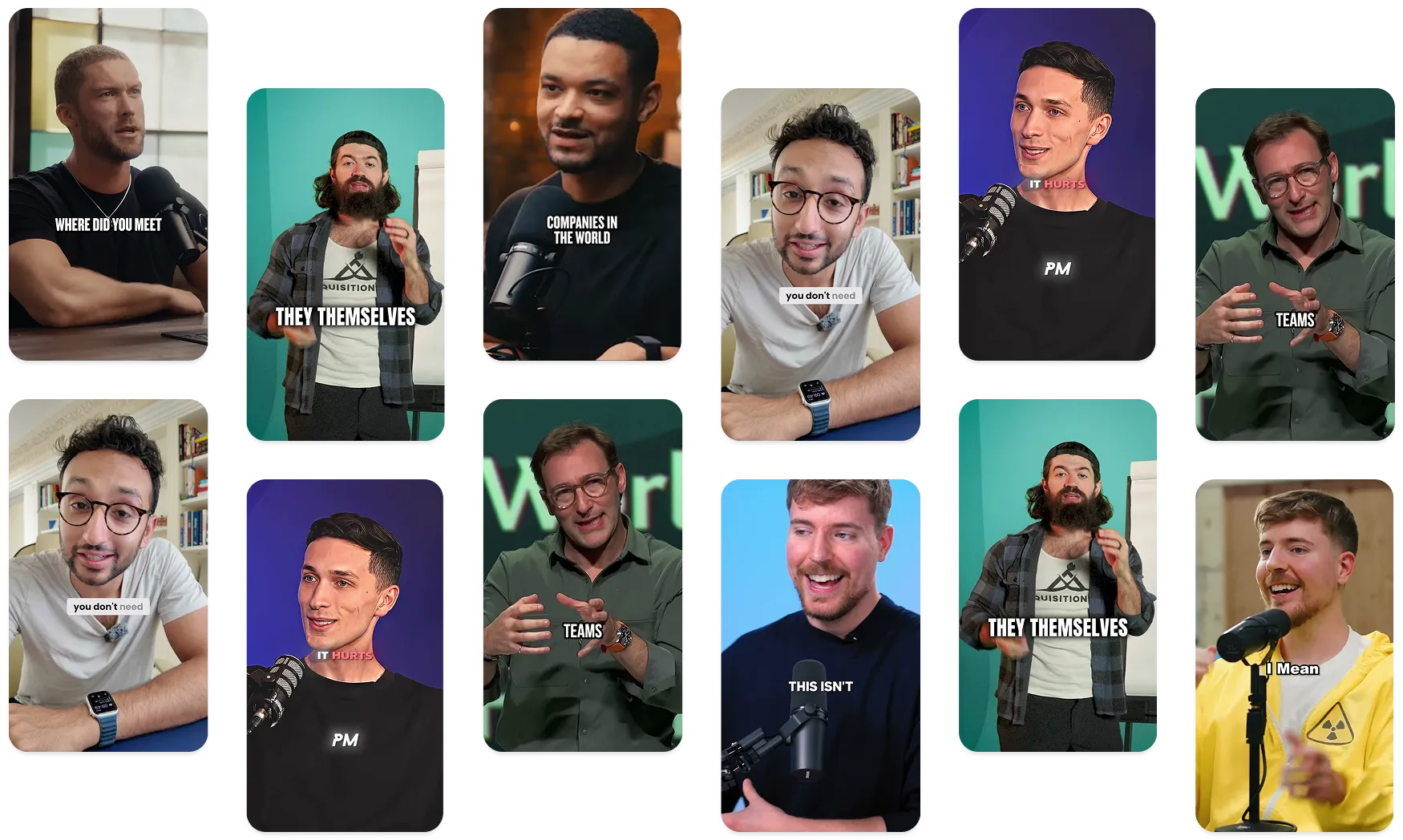


Submagicは、チームやビジネス向けに魅力的なshort-form ビデオを数秒で作成できる最高のAIツールです。


No code integrations for Submagic to automate and scale your video production.
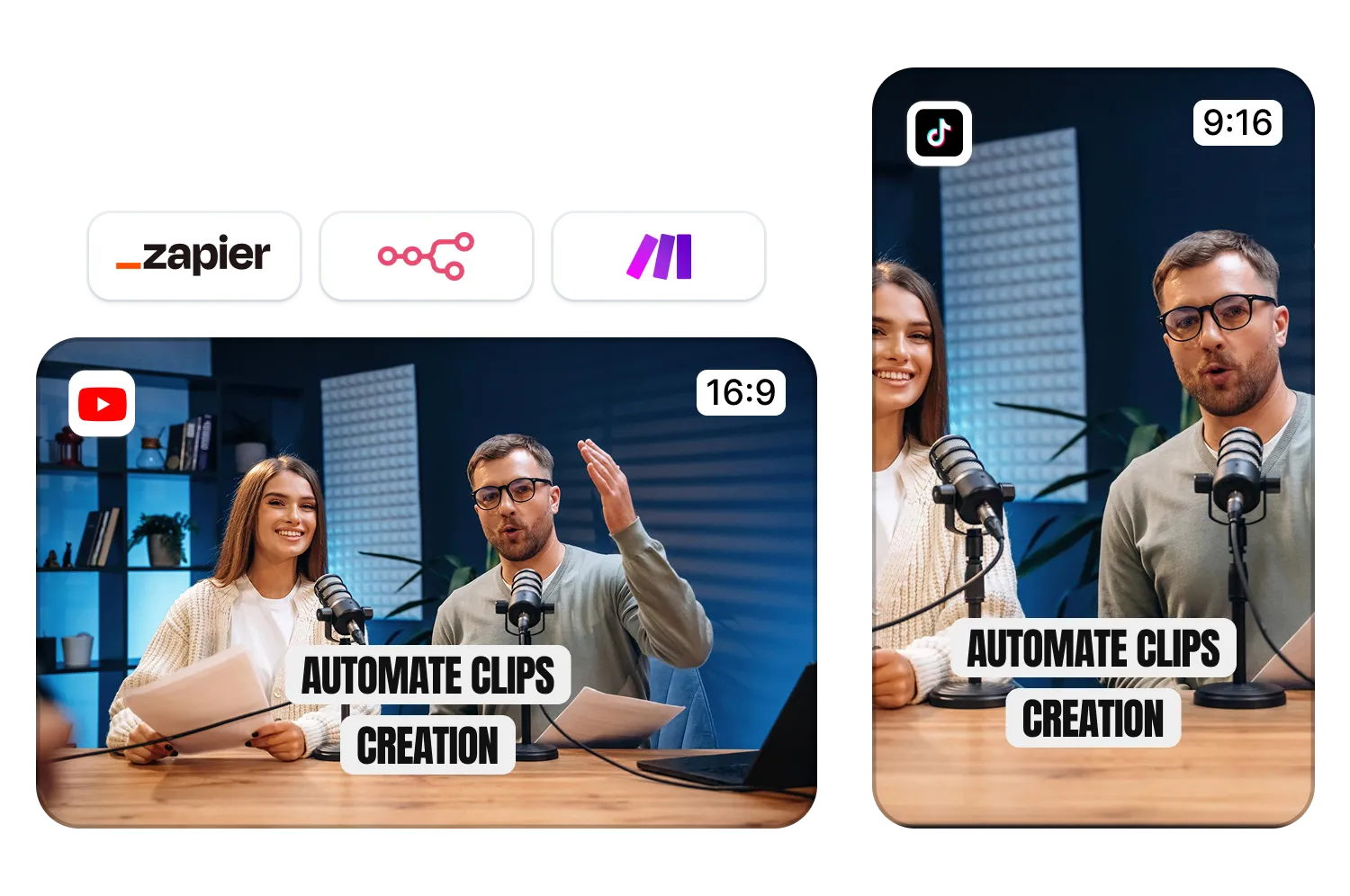
Connect with Zapier, Make, n8n, and more to auto-edit videos at scale. Drop in your raw footage and get fully polished content ready to post, or even posted for you.
20万以上のエージェンシーとビデオ編集者に愛されている


世界中の優秀なエージェンシーやビデオ編集者から信頼されています。


Connect Submagic to your favorite tools and turn video
editing into a hands-free workflow.
Millions of agencies, coaches, entrepreneurs, and enterprises use Submagic every day to create high-quality videos. From accurate captions to AI-powered editing, it’s built to save time and boost output.
Now, Submagic connects with the tools you already rely on. Automate your editing with Zapier, sync with Google Drive, or run advanced workflows through Make or n8n.
It’s the same Submagic you love, now working as part of your team. You are always the captain.
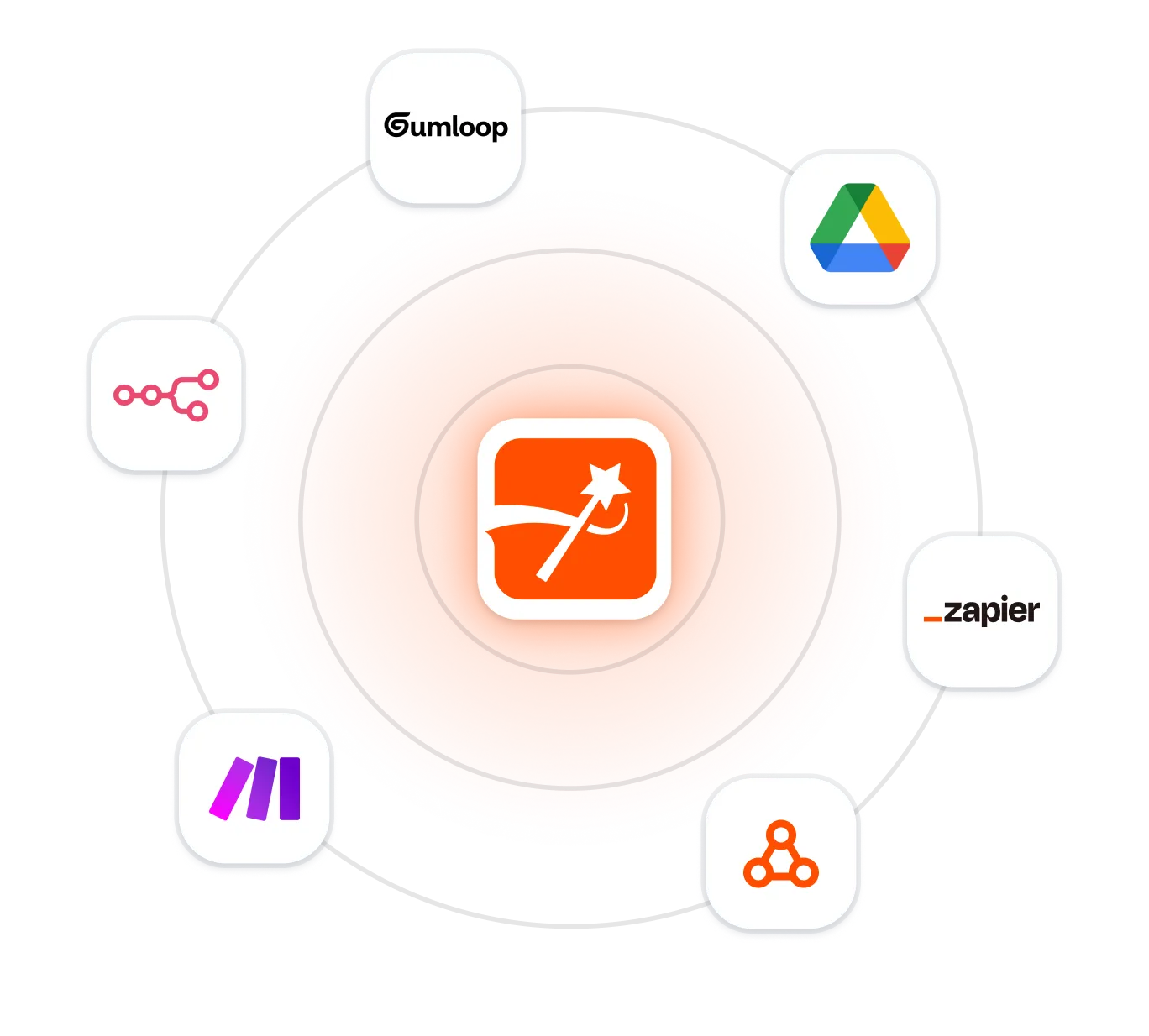
No code integrations with AI agents & productivity apps. More coming soon.
Drag-and-drop automation for creators and teams. Connect Submagic to tools like Google Drive, Notion, or Slack, and automate your entire post-production workflow. No coding required.

The easiest way to automate video editing with Submagic. Connect with over 5,000 apps to trigger captions, clip videos, or publish all edits automatically based on the apps you already use.

For technical teams who want full control. Build powerful, customized workflows with Submagic. Perfect for scaling short-form video production in your existing stack.

Drop raw video into a folder, and Submagic will auto-edit it with captions, B-roll, and more. Send the polished version right back to Drive. You just direct the traffic.

Keep your visuals on-brand, every time. Sync your assets and brand kits from Gumloop so Submagic can apply the right styles, logos, and colors across every video.
We’re building more integrations that our customers use. If you don’t see an app you use, let us know and we’ll add it to our queue.
わずか数分で、100カ国語の素晴らしいキャプションを作成したり、B-rolls音楽、絵文字などを追加したりできます。

複数のクライアント向けの編集作業を効率化し、スピードアップしましょう。かつては両手を使って何時間もかかっていた作業も、今では自動化され、手作業は一切不要になりました。
Submagicを活用してポッドキャスト編集ツールを強化し、クライアントのために数多くの機能を即座に利用可能にしましょう。
膨大な商品カタログに対応した動画を自動化し、大規模に配信しましょう。かつては不可能と思われていたことも、今では簡単なことになっています。
Take on more clients. Automate and speed up your workflow, unlocking more time slots to fill in with new clients.
学校、大学、オンライン学習サイトでは、教育用動画を大規模に自動生成できるようになりました。
需要の高いクリエイターには、まだ開拓されていない成長の可能性が広がっています。これまで何時間もかかっていた作業も、自動化できるようになります。
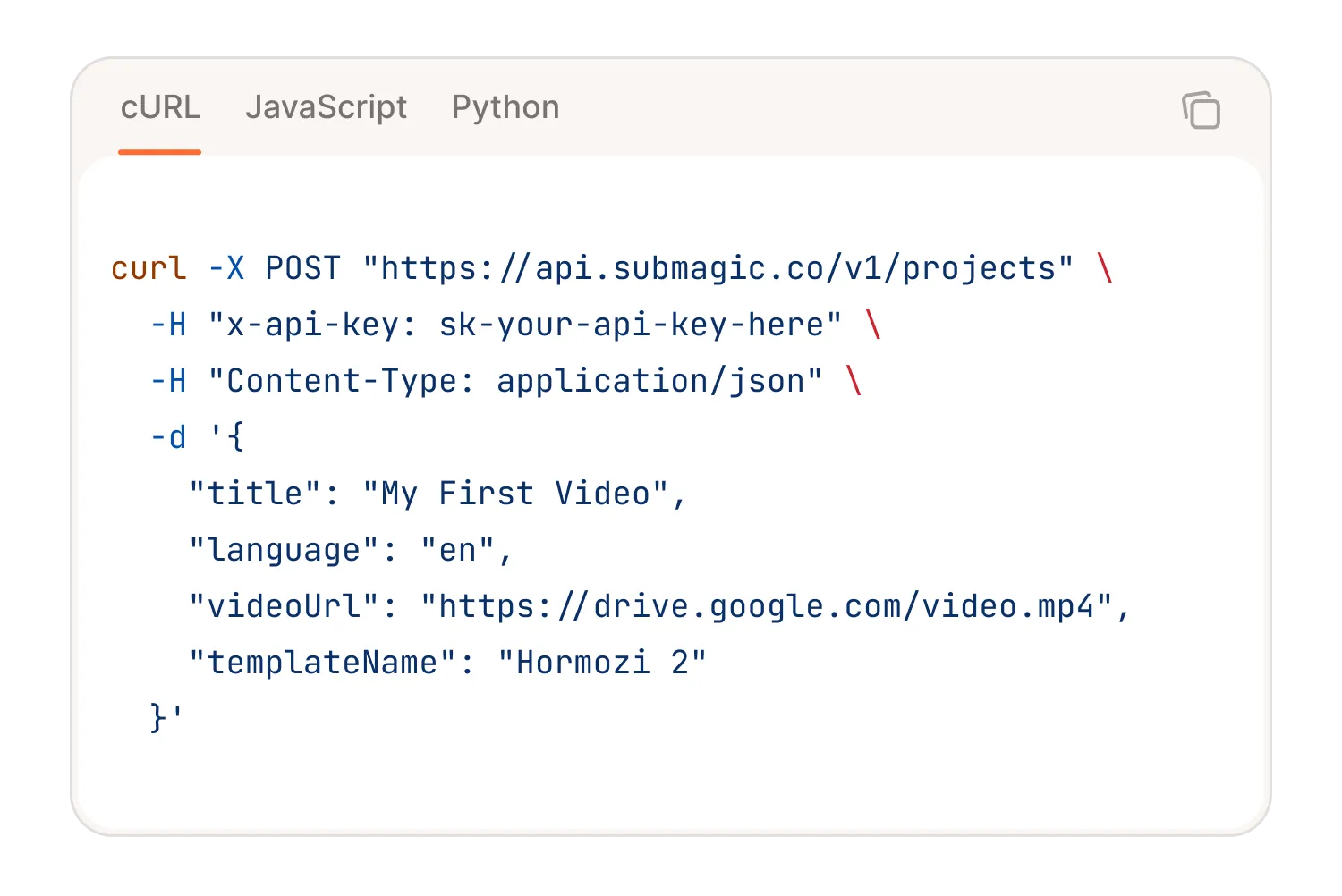
Bring Submagic AI-powered video editing to your own product with our powerful API. Auto captions, b-roll, music, magic clips and more.
価格を見て、今すぐ始めましょう!

数分で字幕を作成アニメーション絵文字、色、GIFを追加
Add contextually relevant B-Rolls to your video automatically.
B-rolls間のスムーズなトランジションを作成し、サウンドで絵文字をアニメーション化。
Generate engaging zoom effects to create dynamic videos.
数秒であなたのビデオに音楽の背景を追加して、チェリーのように。
Create short, engaging video clips from your longer content.

Yes. AI video editors like Submagic do everything from trimming, subtitles, b-rolls, music, zooms, to transitions. It’s like having a full edit team in your browser (minus the back-and-forth Slack messages).
Yep. AI can stitch your clips, auto-cut dead space, add subtitles, and even insert b-roll and music, all in one go. With tools like magic clips, you don’t even need to tell it what’s important. It just knows.
It can get you 90% there in seconds. Platforms like Submagic make it a 3-click process to go from raw footage to a scroll-stopping clip with captions, music, and zooms. You still make the final call. But AI does the heavy lifting. With the launch of Submagic integrations and API, you have even less to do. You can automate almost your entire workflow.
Not directly. ChatGPT can help you plan, script, or troubleshoot edits, but it won’t cut your clips or add effects. That’s where tools like Submagic come in, turning those ideas into real edits, fast.
Submagicは、チームやビジネス向けに魅力的なshort-form ビデオを数秒で作成できる最高のAIツールです。