





A Submagic a legjobb mesterséges intelligencia eszköz, amellyel csapatok és vállalkozások számára másodpercek alatt magával ragadó short-form videókat készíthet.



A legjobb ügynökségek és videoszerkesztők világszerte megbíznak benne


Az AI Auto Edit feliratokat generál a hanganyagodból, emojikat ad hozzá, kiemeli a kulcsszavakat, animációkat alkalmaz, és kontextushoz illő B-roll felvételeket illeszt be. Válassz stílust, töltsd fel a felvételeidet, és perceken belül exportálj egy professzionális videót.
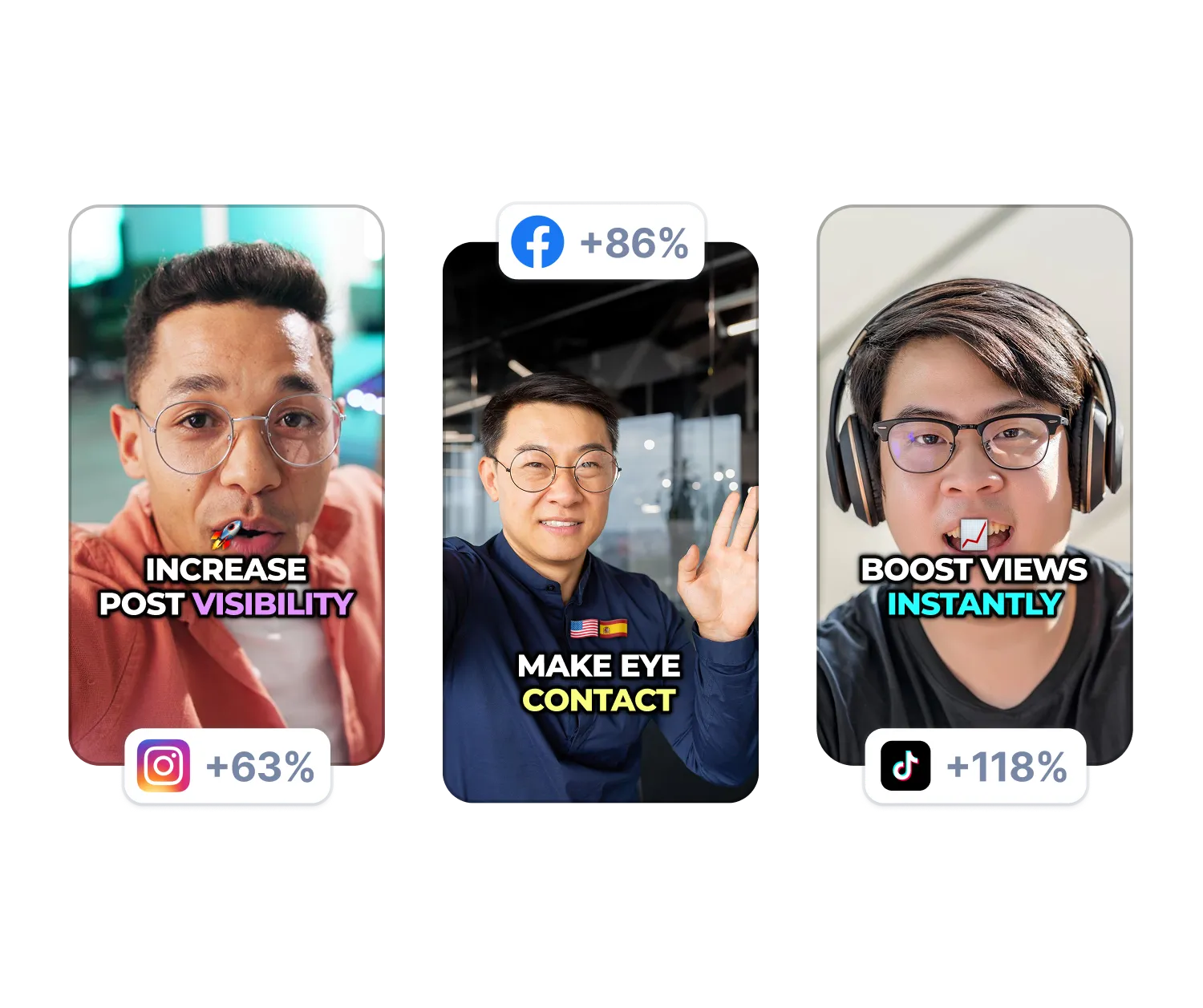
Ugyanebben a szerkesztőben nagyítási effektusokat adhatsz hozzá, eltávolíthatod a csendeket, tisztíthatod a hangot, és javíthatod a szemkontaktust.
A feliratok és a kiegészítő felvételek automatikusan létrejönnek a feltöltéskor. Az alábbi Magic Tools eszközök egyetlen kattintással elindíthatók.
A feliratok 98%-os pontossággal automatikusan szinkronizálódnak a beszédeddel, és tucatnyi sablon közül választhatsz, illetve testreszabhatod a betűtípust, a színeket és az animációkat, hogy azok illeszkedjenek a stílusodhoz.


A mesterséges intelligencia elolvassa a szövegátiratot, és beilleszti a beépített archívum vagy a saját feltöltéseidből származó releváns videofelvételeket. Egy egyszerű csúszka segítségével szabályozhatod, milyen gyakran jelenjenek meg a B-roll felvételek.
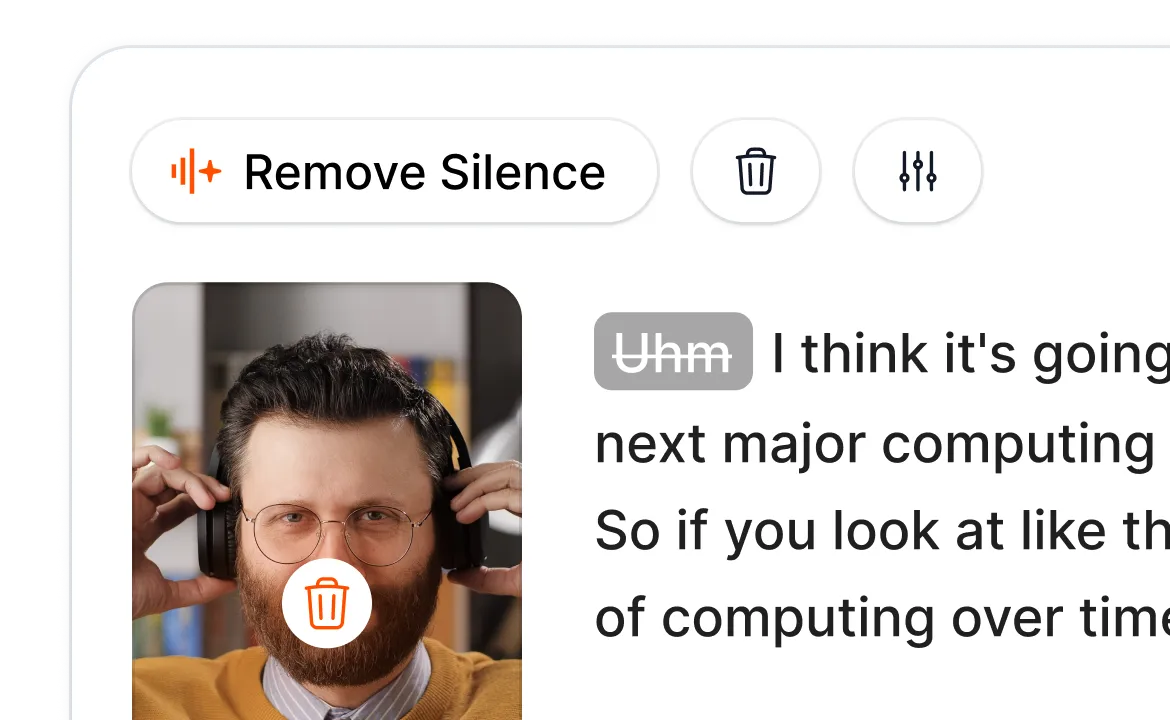
A Smart Trim elemzi a hanganyagot, és egyetlen kattintással eltávolítja a csendet, a töltelékszavakat és a hibás felvételeket; ehhez a „Természetes”, „Gyors” vagy „Extra gyors” módok közül választhat, attól függően, hogy mennyire precíz szerkesztést szeretne.
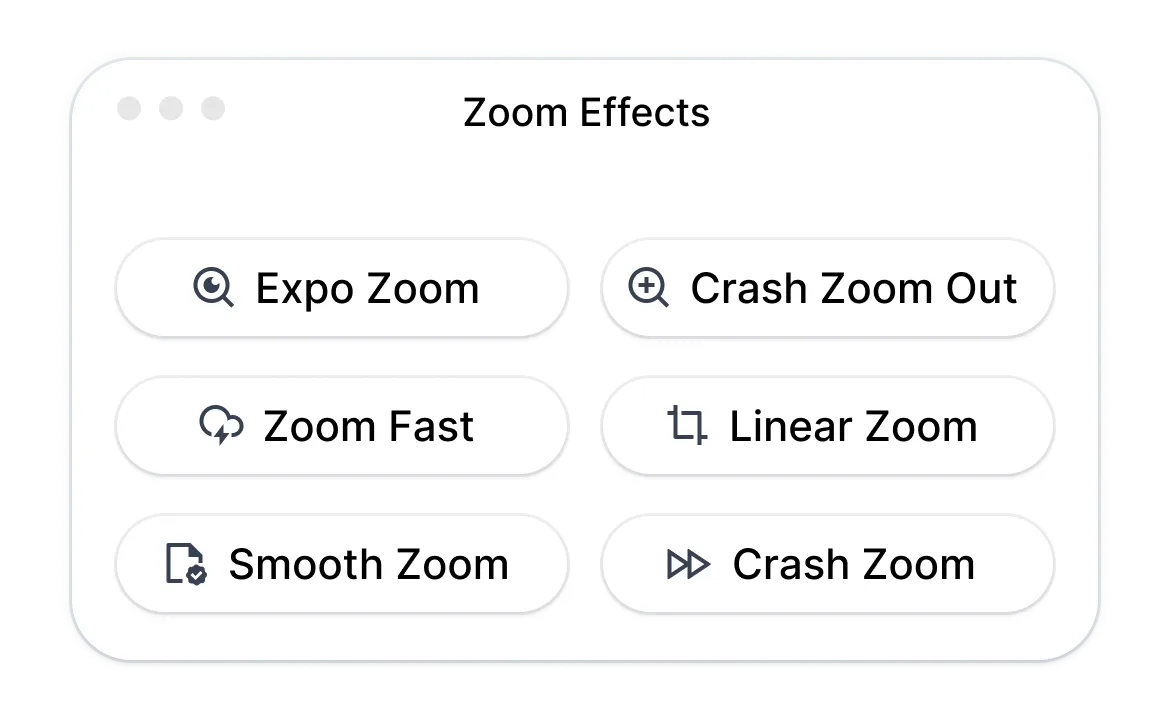
A Magic Zoom a leirat alapján kiemeli a legfontosabb pillanatokat; ehhez négyféle stílus (sima, hirtelen, exponenciális, lineáris) áll rendelkezésre, valamint a mesterséges intelligencia által javasolt elhelyezések, amelyeket manuálisan módosíthatsz vagy kiegészíthetsz.
A mesterséges intelligencia eltávolítja a háttérzajt, és úgy állítja be a tekintetedet, hogy közvetlenül a kamerába nézz, még akkor is, ha szövegből olvasol. Mindkét funkció egyetlen kattintással elindítható.
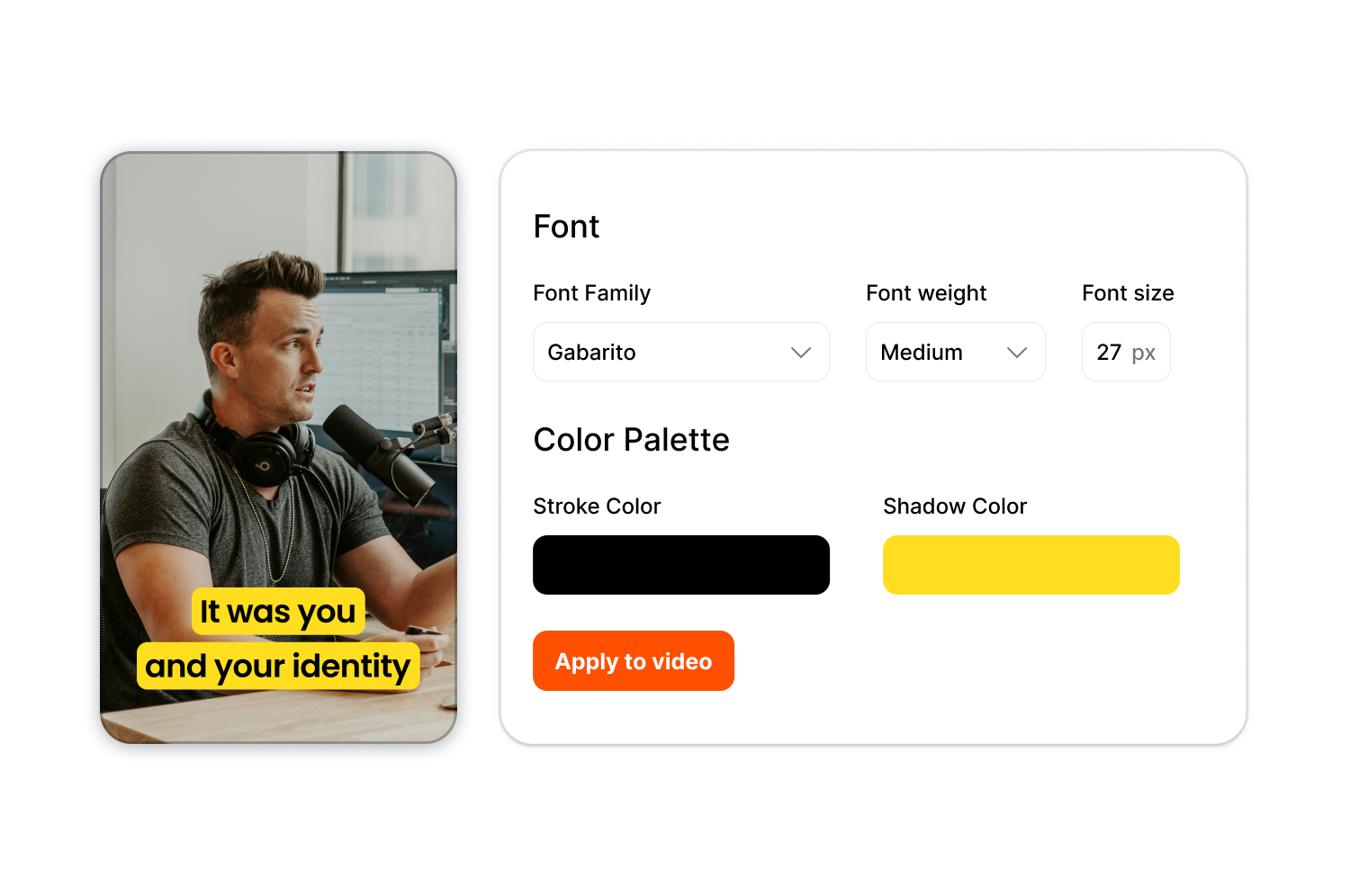
Tárolja a tipográfiát, a színeket és a feliratstílusokat egyszerre egy márkakészletben, majd azonnal alkalmazza őket bármely videóra, így biztosítva az egységes megjelenést a tartalomsorozatokban vagy több ügyfél esetében is.
Kövesse a három lépést a nyers felvételtől a kész videóig.
Próbálja ki most az AI Auto Edit funkciót!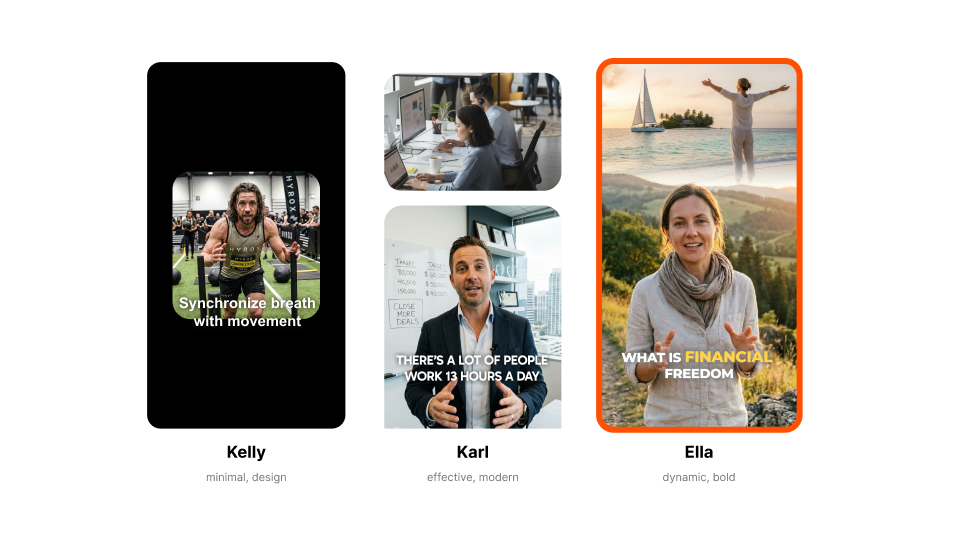
Válassz egy sablont, például a Kelly-t (minimalista), a Karl-t (modern) vagy az Ella-t (merész). Az egyes stílusok meghatározzák a felirat megjelenését, az animációkat és az effektusokat.

Húzza ide a videofájlt, vagy illessze be a linket. Bármilyen szabványos formátumú fájlt feltölthet, bármilyen képarányban.
Töltsd le a kívánt felbontásban és képarányban. A videód készen áll a TikTokra, a YouTube-ra, az Instagramra vagy a LinkedInre.
Az AI Auto Edit azoknak a tartalomkészítőknek és csapatoknak szól, akik többet szeretnének közzétenni anélkül, hogy órákat töltenének a vágóasztalnál.
Próbálja ki most az automatikus szerkesztést!A napi posztolás napi videószerkesztést jelent, és ez általában a legnagyobb akadály. Az automatikus videószerkesztőnk lerövidíti a szerkesztési időt, így te a forgatásra és a közönséged bővítésére koncentrálhatsz.
A hosszú felvételeket kész klipekké alakíthatja, amelyekhez már hozzáadta a feliratokat és a kiegészítő felvételeket. Epizódonként több klipet is exportálhat kézi szerkesztés nélkül.
A tiszta feliratok hozzáférhetővé teszik az órákat, a kiegészítő felvételek pedig vizuálisan vonzóvá teszik őket, anélkül, hogy szerkesztőcsapatot kellene felvenni. Bármely platformra exportálhatod a videókat anélkül, hogy szerkesztőcsapatot kellene felvenni.
Egy készlet ügyfélként: így biztosítható az egységes végeredmény anélkül, hogy minden videóhoz újra kellene létrehozni a stílusokat. Növelje a termelés volumenét anélkül, hogy a szerkesztőit túlterhelné.
A termékbemutatók, a felhasználói tartalmakra épülő hirdetések és a társadalmi bizonyítékot bemutató videók mind ugyanolyan gondos kidolgozást igényelnek. Szerkessze tartalomkönyvtárát tömegesen, és indítsa el kampányait gyorsabban.
Használja az automatikus videószerkesztőnket az első vágásokhoz, így a szerkesztői a kreatív döntésekre koncentrálhatnak. A korábban órákat igénylő nyersvágások most már perceken belül elkészülnek.
Az AI Auto Edit a Submagic teljes körű short-form -szerkesztőjének része.

Generálja feliratát percek alatt. Animált emojik, színek és GIF-ek hozzáadása
Adjon jogdíjmentes B-Rollt a videójához, vagy importálja saját klipjeit egyetlen kattintással.
Létrehozhat zökkenőmentes átmeneteket aB-rolls között, animálhat emojikat hanggal.
Generáljon 5 csillagos átmeneteket a klipek között, hogy dinamikus videókat hozzon létre.
Távolítson el minden csendet a videójából egy varázspálca mozdulattal.
Adjon energiát videójának képek és GIF-ek hozzáadásával egyetlen kattintással
Hanghatások hozzáadása a hangulat megteremtéséhez és a kulcsfontosságú pillanatok kiemeléséhez.
Adj hozzá másodpercek alatt zenei hátteret a videódhoz, mint a hab a tortán.
Hozzon létre leírást és hashtageket a videók közösségi médiában való optimalizálásához.
Hosszabb tartalmaidból néhány kattintással rövid, magával ragadó videoklipeket készíthetsz.
A maximális hatás érdekében kiveheti és kiemelheti a legjobb pillanatokat a videóiból.
Hagyja, hogy a mesterséges intelligencia professzionális átmenetekkel és időzítési módosításokkal tegye még látványosabbá videóit.
Videóidat több mint 100 nyelvre fordíthatod automatikusan, a feliratok pedig a hangodhoz és stílusodhoz igazodnak.

The caption generator is 98% accurate across 123 languages. The interface shows exact accuracy percentage for each video. Adjust any word inline if needed.
Igen. Kezdje bármelyik sablonnal, vagy készítsen sajátot! Állítsa be a betűtípusokat, a színeket, az árnyékokat, a kontúrokat, az elhelyezkedést és az animációkat! Töltse fel saját betűtípusait a márka arculatának teljes körű irányításához!
Minden szabványos formátumot támogatunk. 720p-től 4K-ig öt különböző képarányban exportálhat: 9:16, 4:5, 1:1, 16:9 vagy eredeti.
A legtöbb videó 5 percnél rövidebb. A feliratok körülbelül egy perc alatt elkészülnek, a kiegészítő felvételek és az effektek pedig azonnal beilleszthetők.
Igen. Használhatod a beépített videókönyvtárat, feltöltheted a saját videóidat, vagy kombinálhatod a kettőt.
Kiküszöböli a szüneteket, a töltelékszavakat és a kínos szüneteket. Választhat a „Természetes”, „Gyors” vagy „Extra gyors” felismerési módok közül.
Igen. Készítsen egy márkakészletet a saját tipográfiájával, színeivel és stílusával! Ezt azonnal bármely videóra alkalmazhatja.
Igen. Letölthető SRT-fájlként, vagy a videó kizárólag zöld vagy kék háttérrel ellátott feliratokkal exportálható.
Legfeljebb 2 órás videókat fogadunk el.
Kezdéskor ingyenes hozzáféréssel rendelkezik, korlátozott exportlehetőségekkel. Ha többre van szüksége, váltson magasabb csomagra.
A Submagic a legjobb mesterséges intelligencia eszköz, amellyel csapatok és vállalkozások számára másodpercek alatt magával ragadó short-form videókat készíthet.