
.png)





Submagic è il miglior strumento AI per creare video accattivanti short-form in pochi secondi per team e aziende.




Affidato dalle migliori agenzie ed editor video di tutto il mondo



Trasforma la tua voce in visualizzazioni. Oltre 50 lingue e viral adatti al tuo marchio — oppure creane uno tutto tuo.


Ritaglia, sincronizza e perfeziona con un'intelligenza artificiale che capisce esattamente cosa volevi fare. Niente più stress. Niente più notti in bianco.


Submagic analizza il tuo copione e aggiunge b-roll pertinente b-roll che tu riesca a dire “picco di coinvolgimento”.
Il tuo viso? La battuta finale? Facciamo uno zoom proprio nel momento giusto. Attira immediatamente l'attenzione.


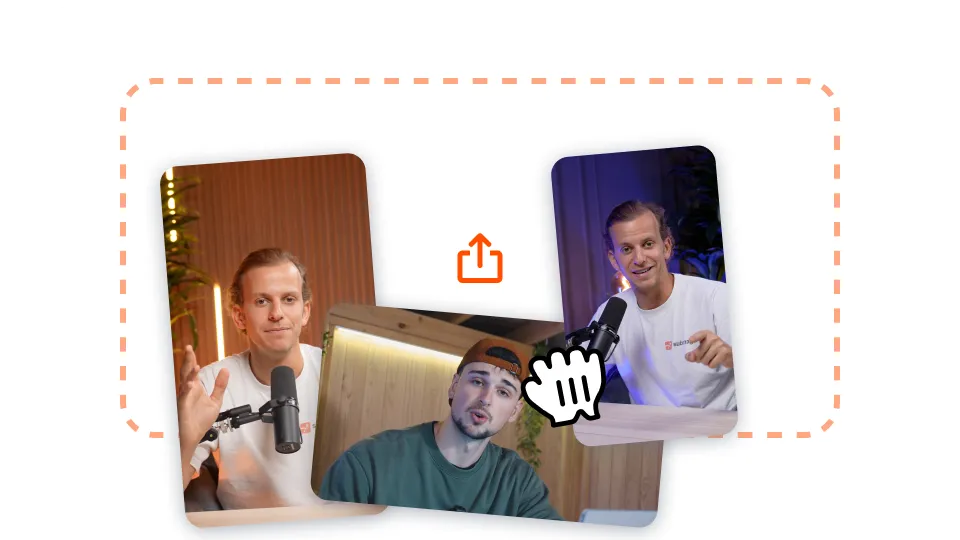
Caricate il vostro video long-form su Submagic o incollate semplicemente il link di un video di YouTube.

Aggiungete auto-zoom, ottenete generazioni di filmati stock sul vostro video con un solo clic e molto altro ancora!
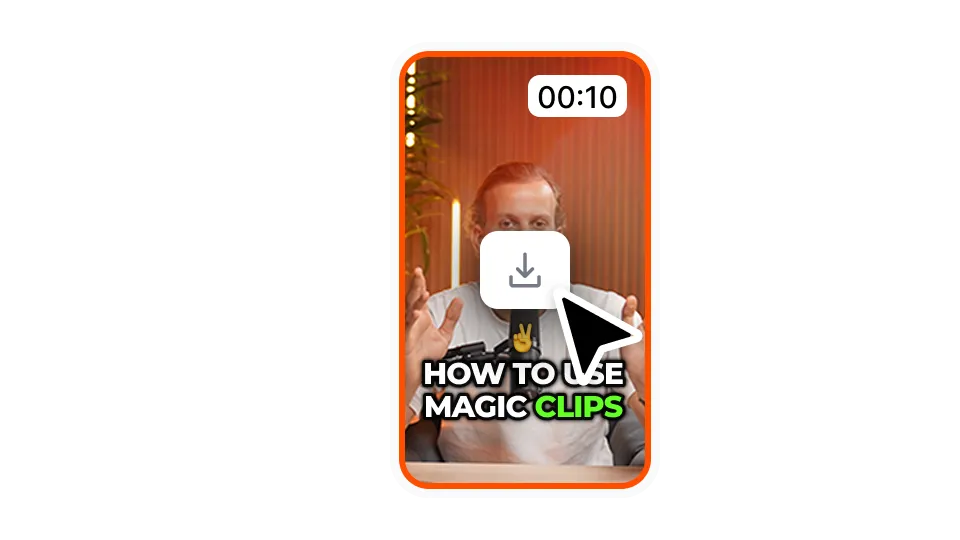
Esportare il video con i sottotitoli facendo clic su "Download". È possibile esportare i primi video gratuitamente.
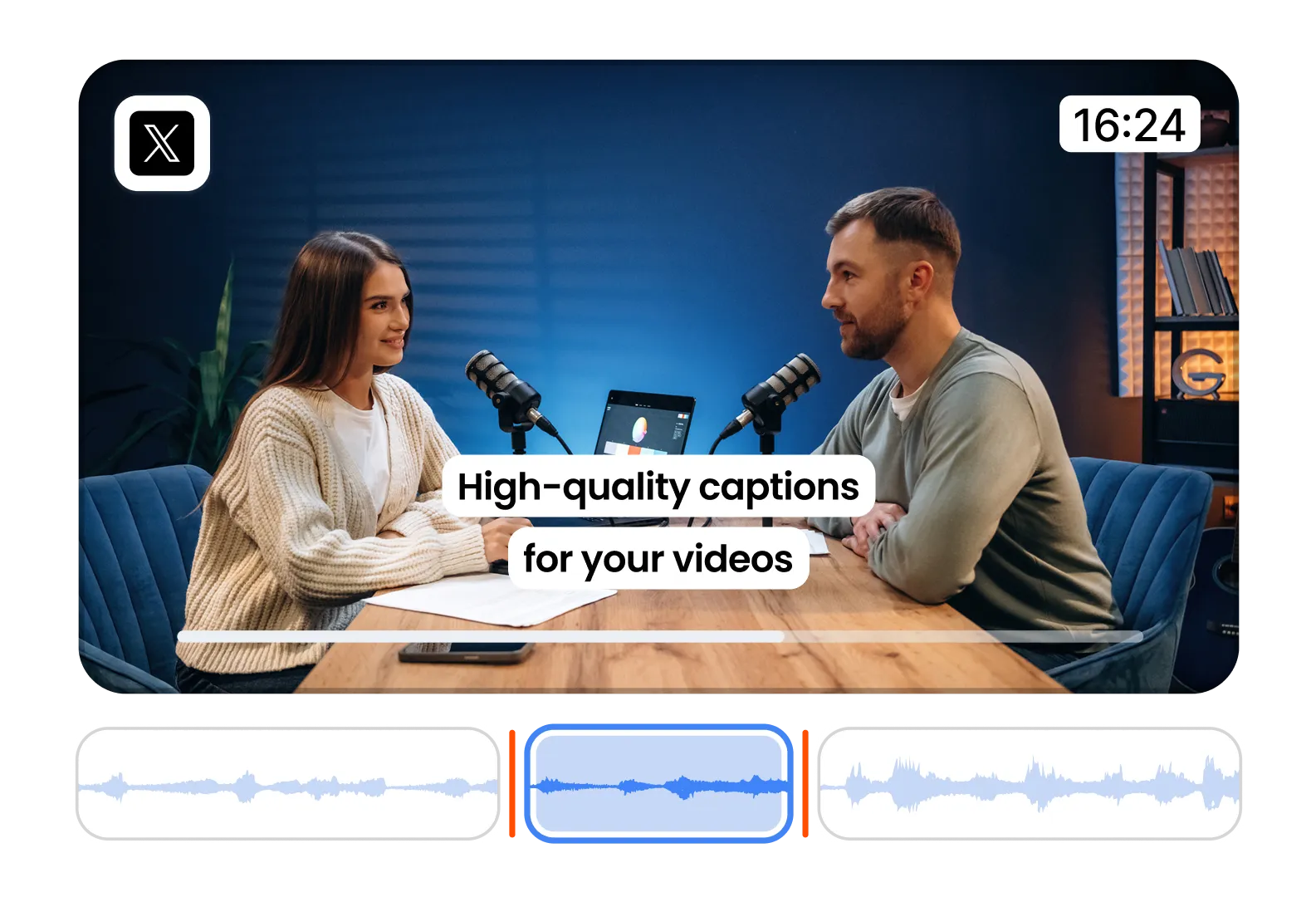
Convert tweetstorms into videos in seconds. Perfect for storytelling and extending reach across formats.
Add captions to Twitter videos automatically. Boost accessibility, engagement, and watch time.
Turn written threads into animated visuals. Make your ideas pop with motion and music.
Scoprite i prezzi e iniziate oggi stesso!
Generate i vostri sottotitoli in pochi minuti. Aggiunta di emoji animate, colori e GIF
Aggiungete B-Roll royalty-free al vostro video o importate i vostri clip in un solo clic.
Creare transizioni fluide tra iB-rolls, animare emoji con il suono.
Generate transizioni a 5 stelle tra i clip per creare video dinamici.
Rimuovete il silenzio dal vostro video con un colpo di bacchetta magica.
Per dare energia ai vostri video aggiungete immagini e GIF con un solo clic.
Aggiungete effetti sonori per creare un'atmosfera e sottolineare i momenti chiave.
Aggiungete in pochi secondi un sottofondo musicale al vostro video come ciliegina sulla torta.
Generare una descrizione e degli hashtag per ottimizzare i video sui social media.
Create video brevi e accattivanti dai vostri contenuti più lunghi con pochi clic.
Estraete e migliorate i momenti migliori dai vostri video per ottenere il massimo impatto.
Lascia che l'intelligenza artificiale migliori i tuoi video con transizioni professionali e regolazioni dei tempi.
Traduci i tuoi video in pochi secondi con sottotitoli sincronizzati con la tua voce e il tuo stile.
Submagic è il miglior strumento AI per creare video accattivanti short-form in pochi secondi per team e aziende.