




Submagic è il miglior strumento AI per creare video accattivanti short-form in pochi secondi per team e aziende.



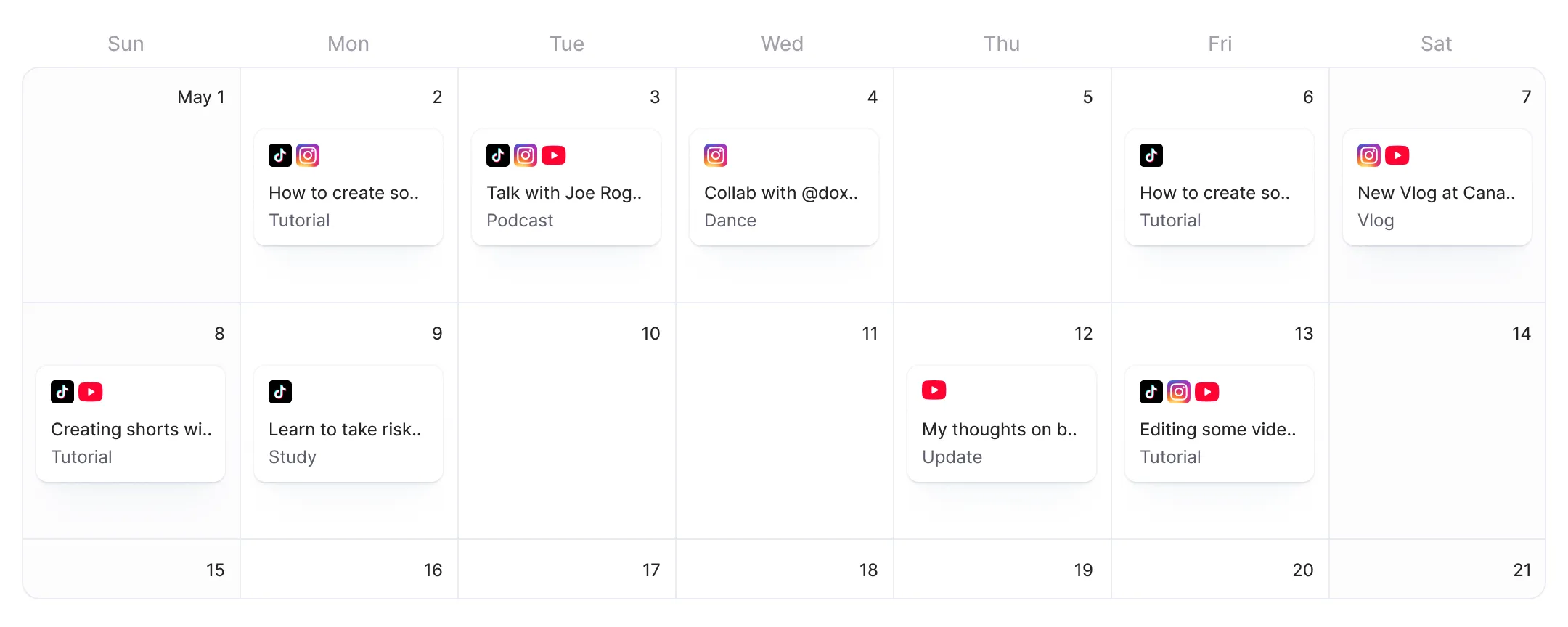
Schedule LinkedIn video from the same editor where you add AI captions, B-roll, and effects. Edit once, publish to LinkedIn alongside TikTok, Instagram, and YouTube.
Queste aziende apprezzano e si affidano ai sottotitoli generati dall'intelligenza artificiale di Submagic.


When LinkedIn ships, AI will add captions and effects, write professional copy, and schedule to LinkedIn.
When LinkedIn ships, Submagic will add AI captions, B-roll, and effects to your video before it reaches LinkedIn. You will skip the edit-download-upload loop that other schedulers force.
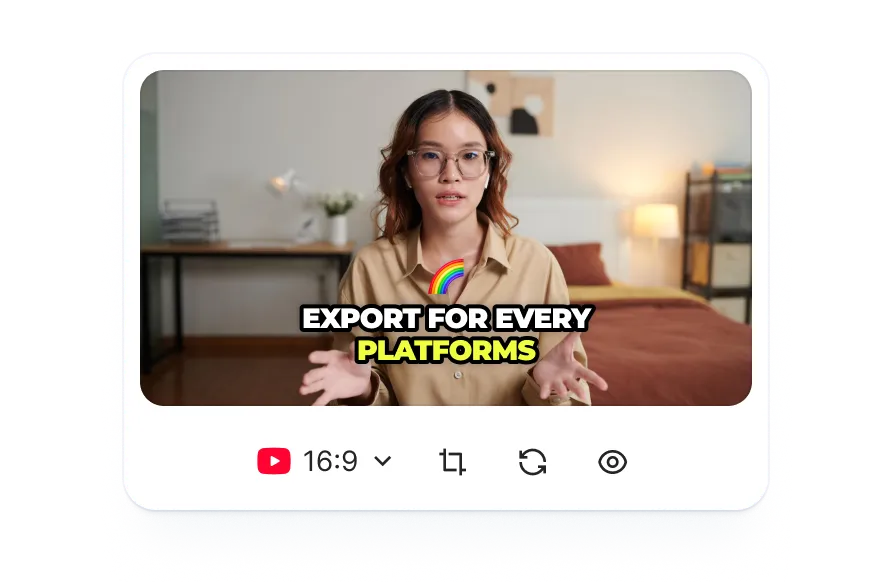
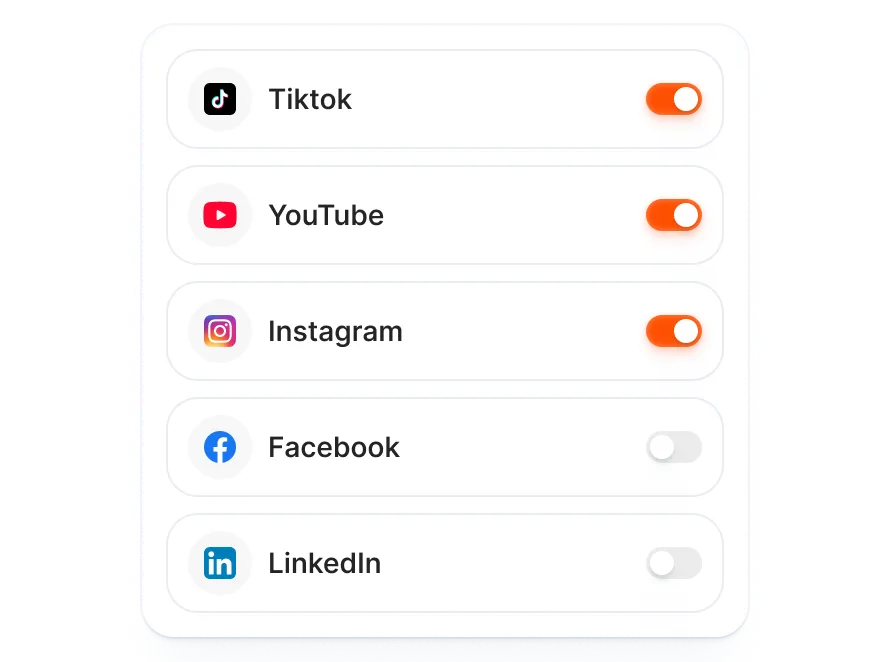
AI writes separate copy for each channel: professional tone for LinkedIn, trending hashtags for TikTok, searchable titles for YouTube. Toggle LinkedIn on in the publish screen.
When LinkedIn launches, AI will generate LinkedIn-specific descriptions and hashtags tuned for a professional audience, not recycled Instagram captions.
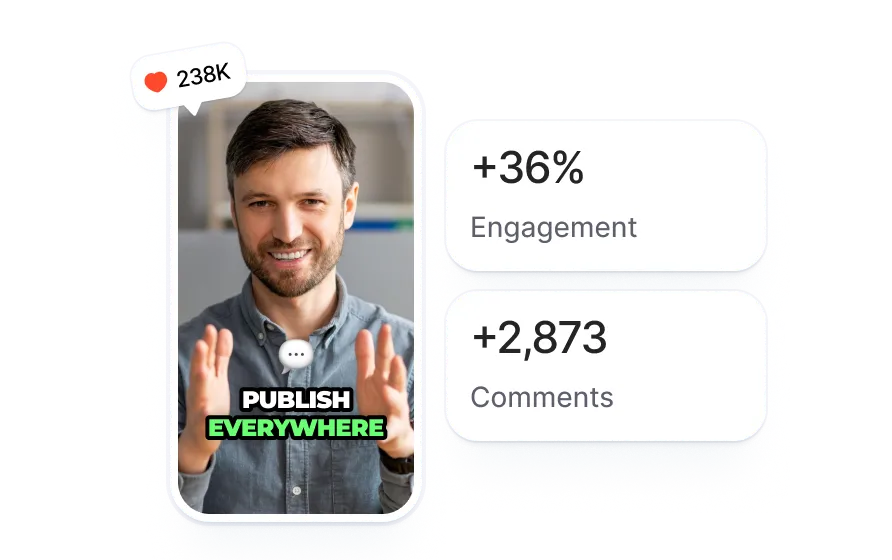
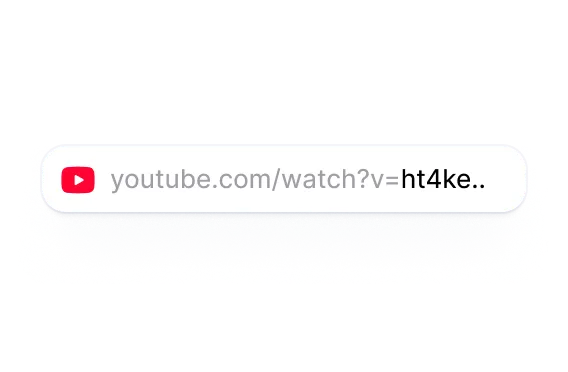
Upload any video or paste a YouTube link. Submagic adds captions, B-roll, effects, and sound.
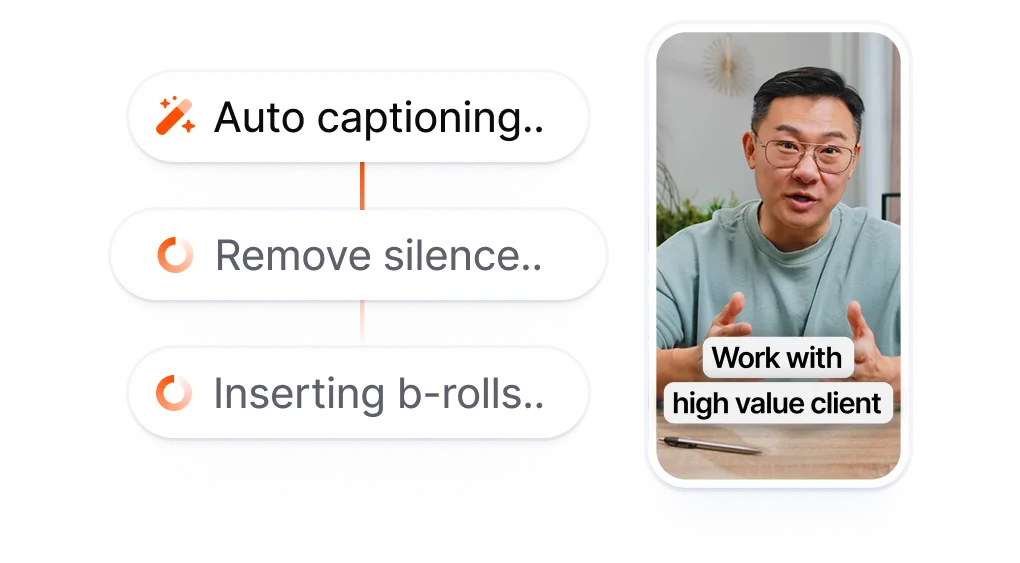
Select LinkedIn alongside TikTok, Instagram, or YouTube. Set your date and time. AI writes tailored copy for each channel.
Submagic publishes on schedule. Your video goes live on LinkedIn, TikTok, Instagram, and YouTube at the time you set.
Existing LinkedIn post schedulers are built for text updates and image carousels. Submagic is built for video. Edit with AI captions, B-roll, and effects, then schedule to LinkedIn without exporting and re-uploading.
LinkedIn schedulers handle text, not video editing.
Three apps for one
LinkedIn video.
vs
Edit with AI. Toggle LinkedIn.
Schedule with professional-tone copy.
When LinkedIn ships, your video goes from AI captions, B-roll, and effects straight to a scheduled LinkedIn post, no export step in between.
When LinkedIn launches, AI will generate a LinkedIn-specific title, description, and hashtags tuned for a professional audience. TikTok gets trending hashtags, YouTube gets searchable titles, and LinkedIn will get the tone it needs.
LinkedIn joins TikTok, Instagram, and YouTube in Submagic. Schedule to all four from one screen. Each one gets its own tailored content.

State aggiornando il servizio rapidamente e aggiungete costantemente nuove funzionalità, come la musica, il taglio dei video e altro ancora.

Submagic è fantastico e il team di assistenza è di gran lunga il migliore che abbia mai visto tra tutte le app che ho usato finora.

L'interfaccia è intuitiva, i sottotitoli sono accurati e mi fa risparmiare tantissimo tempo.

Mi fa risparmiare tantissimo tempo ogni singolo giorno. Il flusso di lavoro è davvero ben congegnato.



Submagic edits your video with AI captions, B-roll, and effects, then publishes to TikTok, Instagram, YouTube, and LinkedIn.


Yes. Submagic supports scheduling and publishing to TikTok, Instagram (Reels and Stories), YouTube Shorts, and LinkedIn. Edit your video with AI, then schedule it to LinkedIn alongside TikTok, Instagram, and YouTube.
Most LinkedIn scheduling tools are built around text posts and image carousels, not video. Submagic is a video editor first. You add AI captions, B-roll, and effects to your LinkedIn video inside the same tool that schedules it, so there is no export-download-reupload step between editing and posting.
Video. Submagic is a video editor first. Edit your video with AI captions, B-roll, and effects inside Submagic, then schedule it to LinkedIn without downloading. Text-only LinkedIn posts are not planned.
TikTok, Instagram (Reels and Stories), YouTube Shorts, and LinkedIn. You can publish to multiple platforms at once from a single screen. Each platform gets its own AI-generated title, caption, and tags.
Yes, with limits. Free accounts can publish one video via Publish Now, no credit card required. Scheduling posts for a future date and time requires a Pro or Business plan. Scheduling is included in the subscription, not a separate charge.
Yes. AI generates tailored titles, descriptions, and hashtags for TikTok, Instagram, YouTube, and LinkedIn. LinkedIn copy uses professional tone and relevant hashtags.
Yes. Submagic's publish screen supports multi-platform scheduling for TikTok, Instagram, YouTube, and LinkedIn. Select LinkedIn alongside your other platforms, customize each post, and schedule them all at once.
Edit your LinkedIn video with AI captions, B-roll, and effects inside Submagic, then schedule it directly. AI generates LinkedIn-specific descriptions with professional tone. Multi-platform scheduling lets you publish to LinkedIn alongside TikTok, Instagram, and YouTube from one screen.
Peak engagement on LinkedIn typically falls on Tuesday through Thursday, 8-10 AM, with strong performance during business hours (9 AM-5 PM) in your audience's timezone. LinkedIn's professional audience is most active during the work week. Submagic lets you schedule for any time and timezone, so you can test different posting windows.
Submagic è il miglior strumento AI per creare video accattivanti short-form in pochi secondi per team e aziende.