




Submagic هي أفضل أداة ذكاء اصطناعي لإنشاء مقاطع فيديو جذابة short-form في ثوانٍ لفرق العمل والشركات.



Schedule TikTok videos from the same editor where you add AI captions, effects, and sounds.
تثق هذه الشركات في الترجمة التلقائية من Submagic AI وتحبها.


AI edits your video, generates TikTok-ready details, and publishes on schedule.
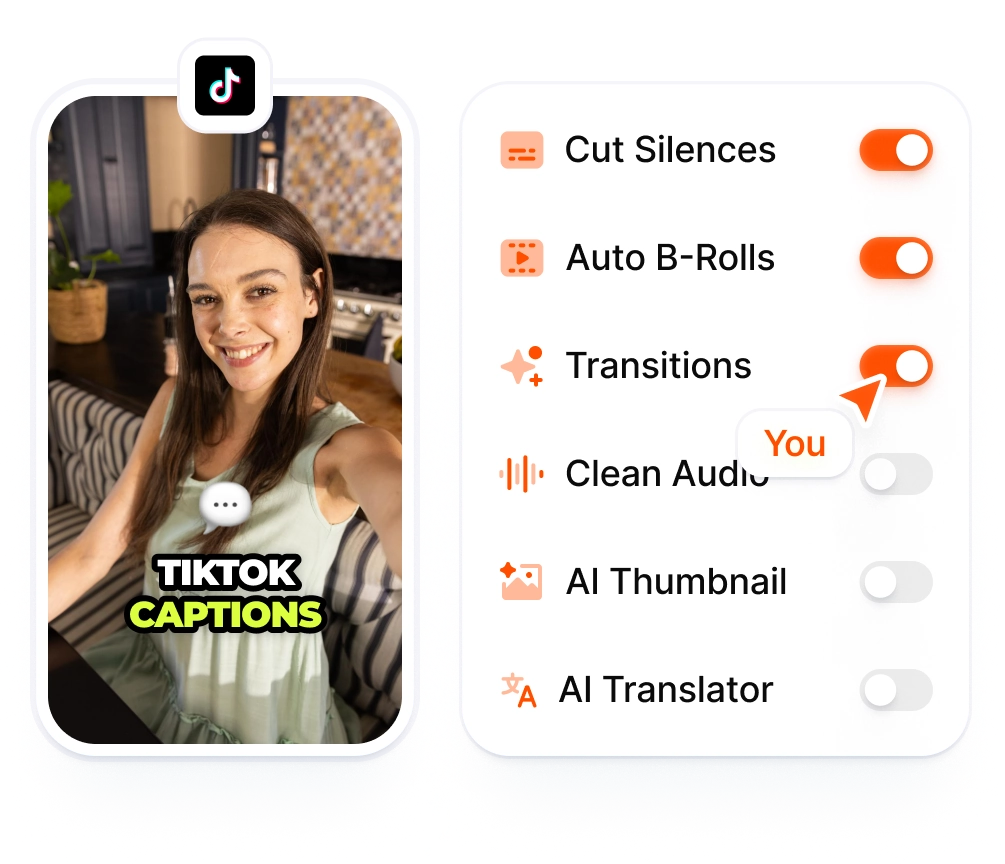
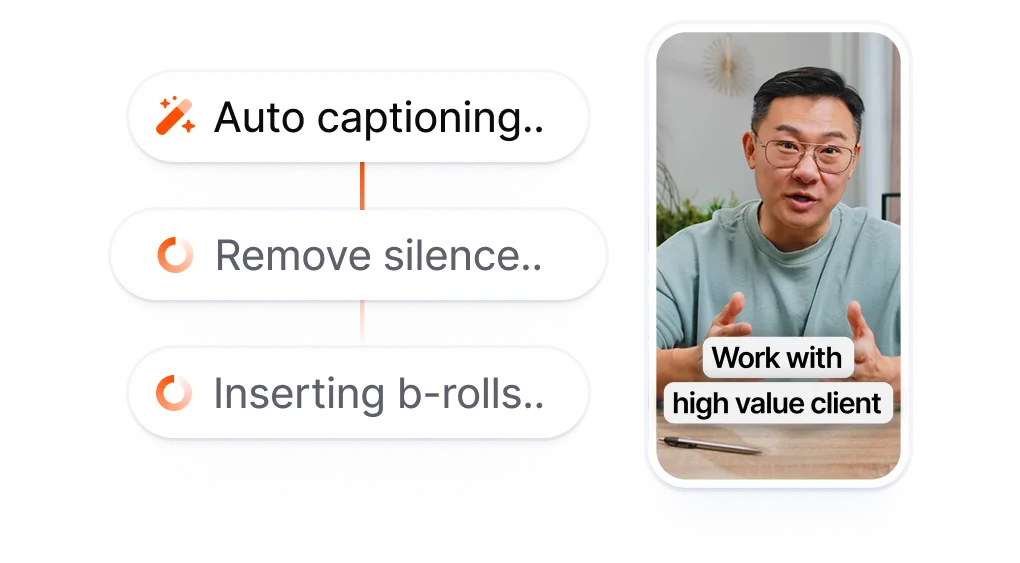
Your TikTok gets AI captions, B-roll, effects, and sounds in the same editor that publishes it. Drop in a clip, finish the edit, and post directly to TikTok.

Your title, description, and tags are pre-filled by AI from your transcript. Review everything in the publish screen, adjust any detail, and preview before posting.
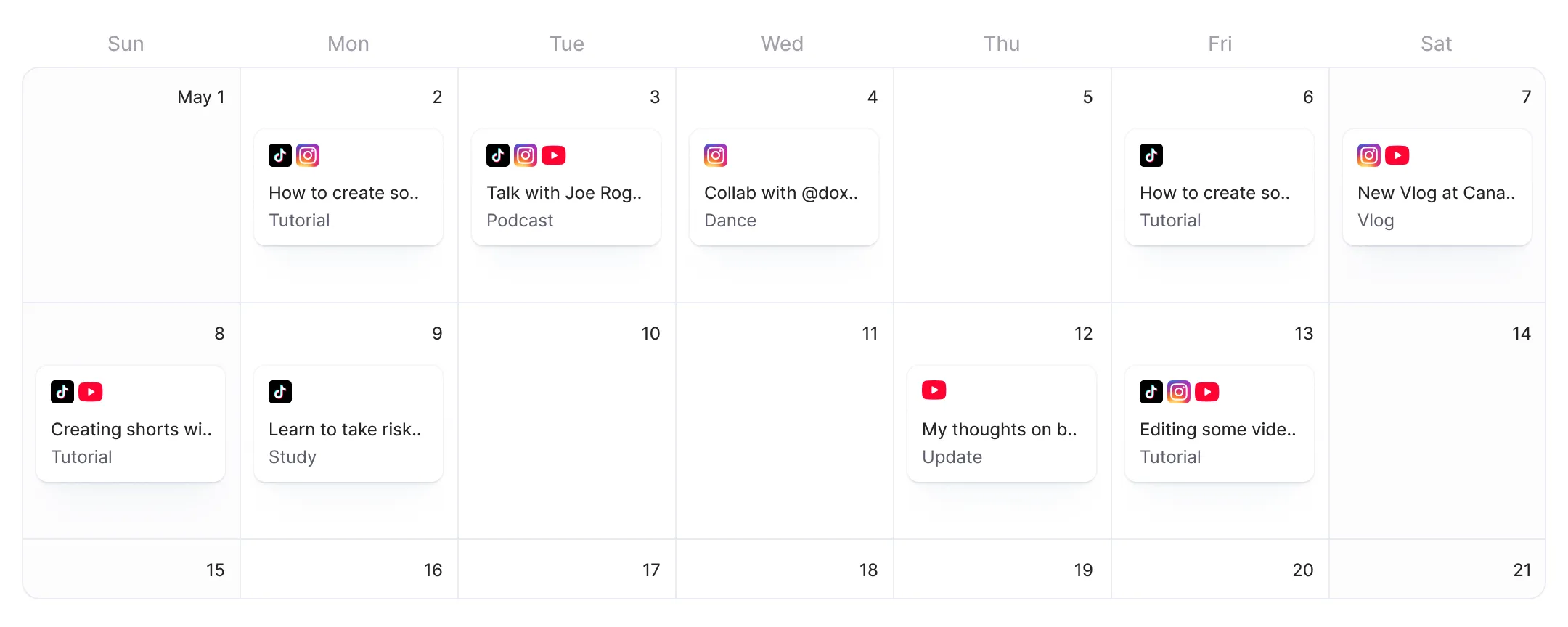
Set your posting time and timezone, and Submagic publishes your TikTok on schedule. The live preview shows exactly how your video will look on TikTok before you hit publish.
Start with your raw footage or paste a link. Add AI captions, B-roll, effects, and sounds to your TikTok video.
AI generates your title, description, and tags. Toggle TikTok on in the publish screen, review what AI wrote, and approve.
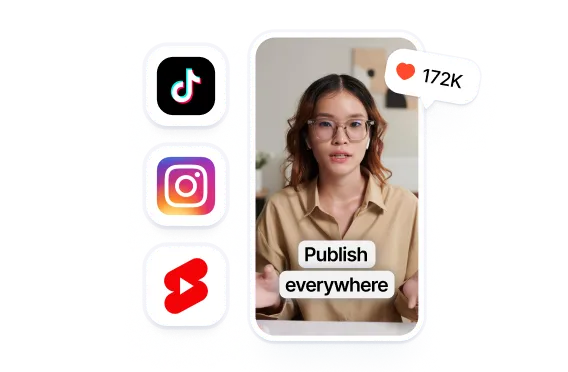
Pick a date and time, or go live right away. Your TikTok publishes automatically at the time you set.
Other TikTok schedulers start after you finish editing. You export your video, download it, open a separate app, upload it again, and fill in the details. Submagic starts at the edit. Add AI captions, effects, and sound, then publish directly to TikTok without downloading.
Every TikTok means editing, exporting, and re-uploading separately.
All that before you even hit Post
on TikTok.
مقابل
Edit with AI. Toggle TikTok.
Post directly from the editor.
Drop in your clip, add AI captions and trending effects, and post straight to TikTok from the timeline. The video never leaves the editor.
AI turns your transcript into a TikTok-ready title, description, and tags. Tweak what you want, skip what you don't.
The live preview panel shows a TikTok-specific mockup of your post, captions, effects, and all. Catch formatting issues before you publish, not after.

أنتم تعملون على تحديث التطبيق بسرعة وتضيفون باستمرار ميزات جديدة مثل الموسيقى والتقطيع وغير ذلك.

تطبيق Submagic رائع حقًّا، وفريق الدعم هو الأفضل على الإطلاق مقارنةً بجميع التطبيقات التي استخدمتها من قبل.

الواجهة بسيطة، والترجمة دقيقة، كما أنها توفر عليّ الكثير من الوقت.

إنه يوفر لي وقتًا هائلاً كل يوم. وقد تم تصميم سير العمل بشكل مدروس للغاية.



Submagic is built for creators who edit and post their own TikToks. Add AI captions, effects, and sounds, then publish directly from the editor.


Yes. Submagic connects to your TikTok account via OAuth and publishes or schedules videos on your behalf. You pick the date, time, and timezone. Submagic posts your video automatically at the scheduled time.
Yes. Connect your TikTok account in Submagic, edit your video with AI captions and effects, then hit Publish Now or pick a scheduled time. Submagic handles the upload and posting without manual intervention.
TikTok offers basic scheduling in its desktop app. Submagic adds AI editing on top: captions, B-roll, effects, and sound applied to your video before scheduling. You edit and schedule from one workspace instead of two.
Yes, if you post regularly. A scheduler lets you batch-edit multiple videos, set publish times in advance, and publish from one workspace. Submagic combines the editing and scheduling steps, so you spend less time switching between apps.
TikTok periodically changes its API access and scheduling features. Third-party tools like Submagic use TikTok's official API with OAuth authentication, which provides authorized, always-on access for scheduling. If your TikTok account disconnects, reconnect it in Submagic's Connect Platforms screen.
No, when using a tool that connects via TikTok's official API. Submagic authenticates through OAuth (the same method TikTok uses for verified apps). Your login credentials are not stored. You can disconnect your account at any time from the Connect Platforms screen.
The free tier lets you publish one video with Publish Now. To schedule posts or publish more, upgrade to Pro or Business. No credit card required to start.
Yes. AI generates tailored titles, descriptions, and tags for each channel in the editor. In the publish screen, toggle on both TikTok and Instagram, review the pre-filled fields, schedule once, and Submagic publishes to both platforms at the set time.
Common high-engagement windows for TikTok are Tuesday through Thursday, 2-5 PM, with evenings (7-9 PM) also performing well in your audience's timezone. Engagement patterns vary by niche, so testing different windows matters. Submagic lets you schedule for any time and timezone, so you can experiment with different posting windows.
Submagic هي أفضل أداة ذكاء اصطناعي لإنشاء مقاطع فيديو جذابة short-form في ثوانٍ لفرق العمل والشركات.