




Submagic هي أفضل أداة ذكاء اصطناعي لإنشاء مقاطع فيديو جذابة short-form في ثوانٍ لفرق العمل والشركات.



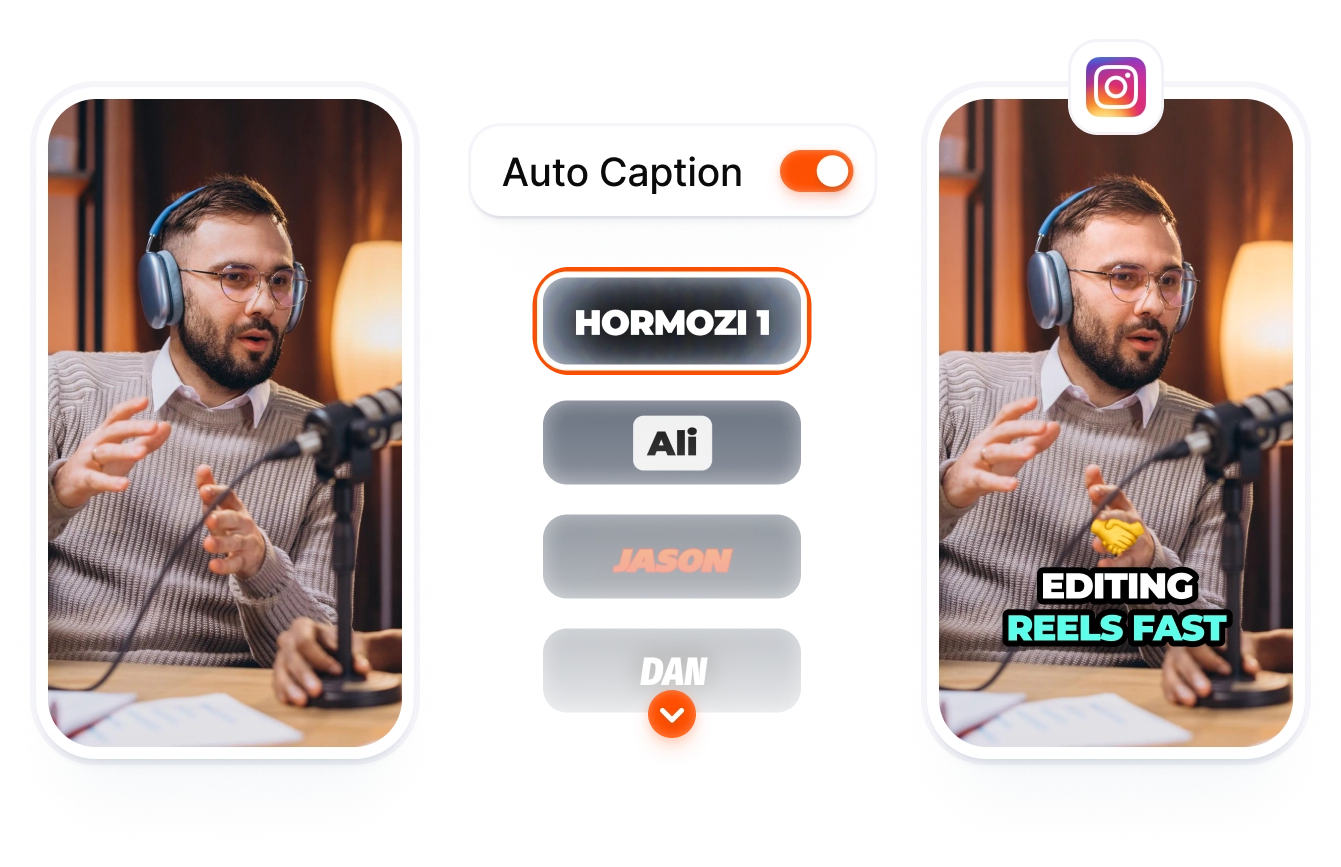
قم بجدولة نشر مقاطع Reels «Stories» على إنستغرام من نفس أداة التحرير التي تضيف فيها التعليقات التي يكتبها الذكاء الاصطناعي ومقاطع الفيديو الإضافية والتأثيرات.
تثق هذه الشركات في الترجمة التلقائية من Submagic AI وتحبها.


يتولى محرر واحد إدارة كلا التنسيقين. ويقوم الذكاء الاصطناعي بكتابة التعليبات وفقًا لكل تنسيق ونشرها مباشرةً.
You get one workspace for editing and publishing. Submagic adds AI captions in 123 languages, layers effects, and publishes your Reel or Story directly.
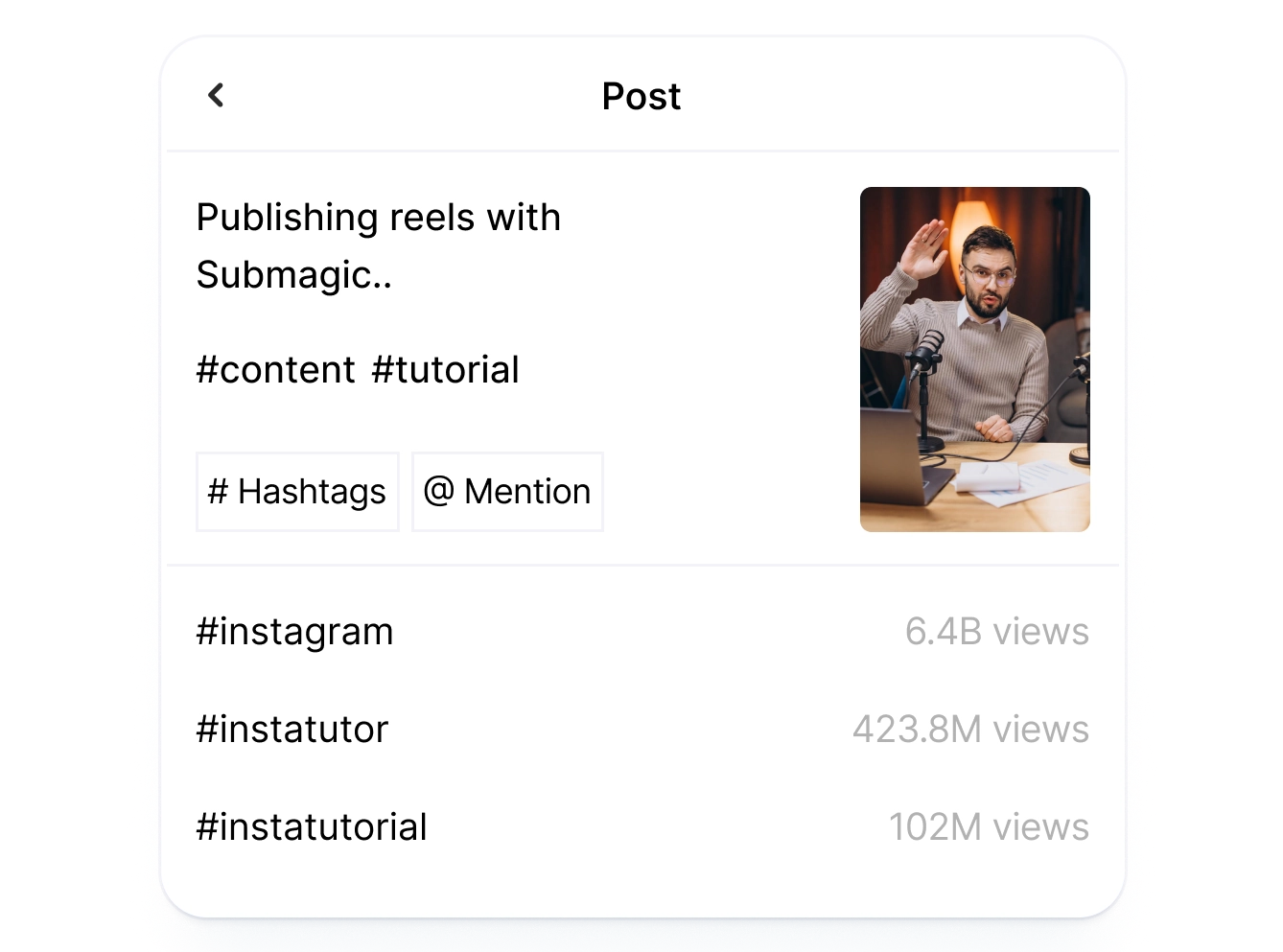
يمكنك الحصول على نصوص مخصصة لكل تنسيق دون الحاجة إلى كتابتها بنفسك. يقوم الذكاء الاصطناعي بإنشاء تعليق مع وسم Reels وتعليق لـ«Stories»، ويمكن مراجعة كل ذلك في نافذة النشر.
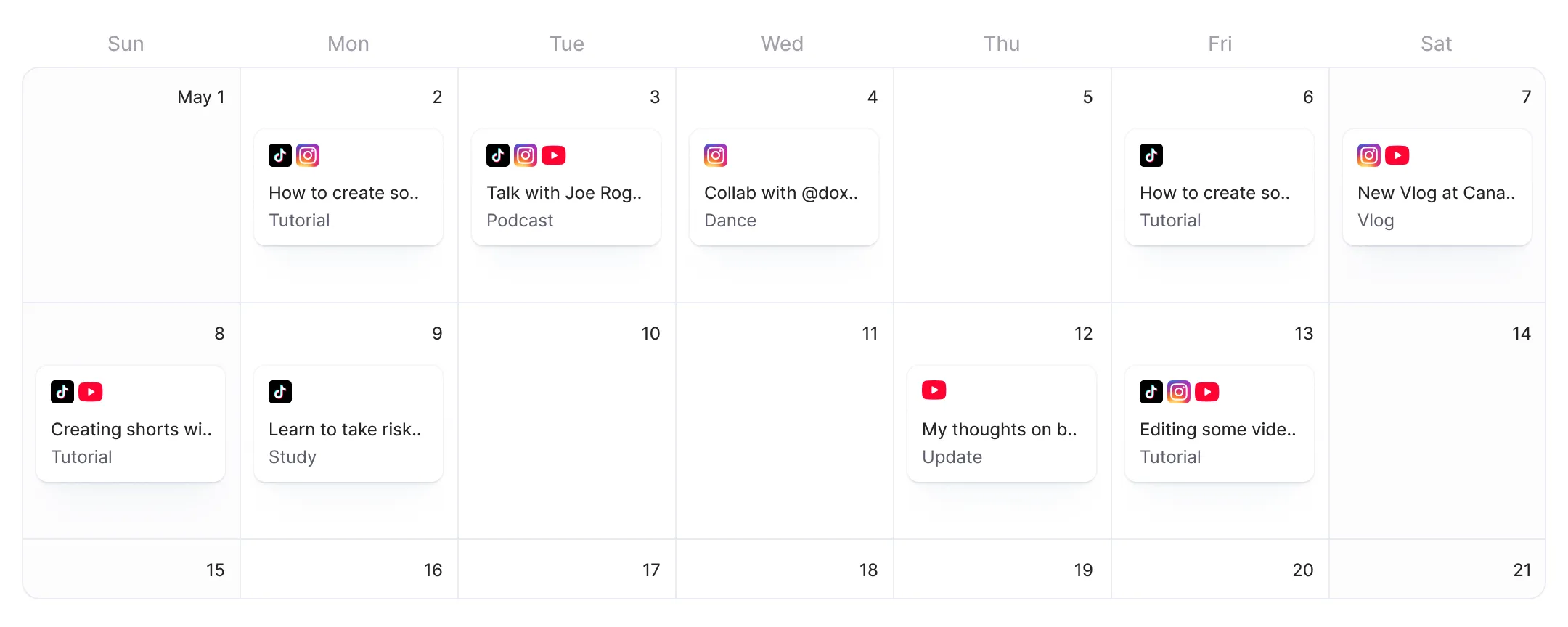
يتم نشر Reels «Stories» الخاصة بك في الأوقات التي تختارها. حدد التاريخ والوقت والمنطقة الزمنية، ثم قم بمعاينة الشكل الذي ستظهر به كل منشور على Instagram قبل نشره.

قم بتحميل مقطع الفيديو الخاص بك، مهما كانت نسبة العرض إلى الارتفاع. أضف تعليقات نصية مدعومة بالذكاء الاصطناعي، ومشاهد إضافية، وتأثيرات، وصوتًا إلى مقطع الفيديو الخاص بك على إنستغرام.
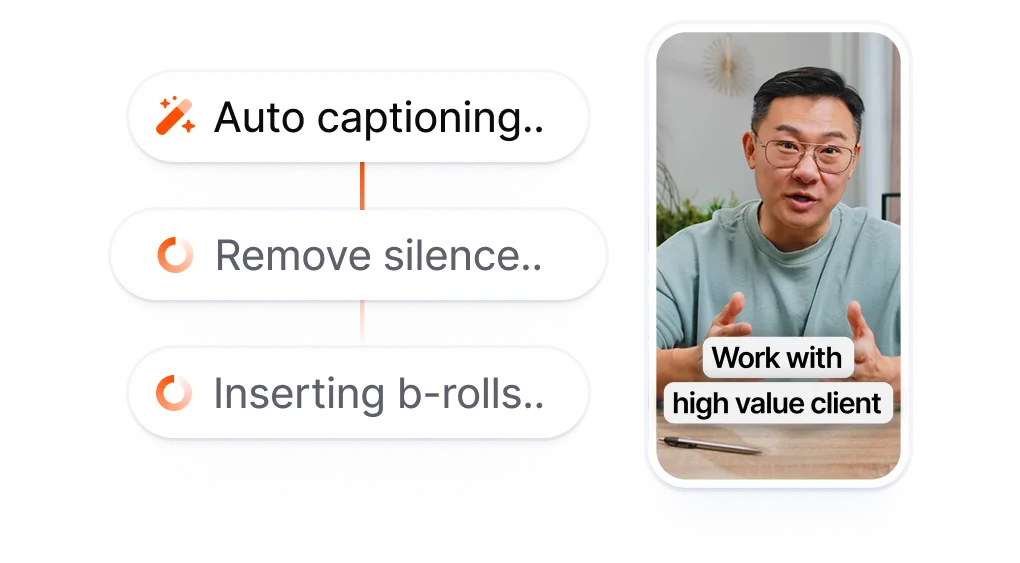
اختر «Reel» أو «Story». يقوم الذكاء الاصطناعي بإنشاء التعليق المصاحب والصورة والتعليق الأول. قم بالتحرير أو الموافقة.
اختر تاريخًا ووقتًا، أو ابدأ البث المباشر على الفور. سيتم نشر مقطع «Reel» أو «Story» الخاص بك تلقائيًّا في الوقت الذي تحدده.
تبدأ أدوات جدولة المنشورات الأخرى على إنستغرام عملها بعد الانتهاء من التحرير. فأنت تقوم بتصدير الفيديو وتنزيله، ثم تفتح تطبيق جدولة منفصل، وتحمّله مرة أخرى، وتكتب التعليق. أما Submagic فيبدأ العمل منذ مرحلة التحرير. أضف تعليقات باستخدام الذكاء الاصطناعي وتأثيرات وصوتًا، ثم انشر مباشرةً على إنستغرام دون الحاجة إلى التنزيل.
كل تنسيق يعني تطبيقًا مختلفًا وعملية تحميل منفصلة.
تطبيق مختلف لكل مقطع في «
» و«Stories».
مقابل
التحرير باستخدام الذكاء الاصطناعي. اختر التنسيق.
انشر Reels و«Stories» مباشرةً.
قم بتحرير مقطع «ريل» أو «ستوري» باستخدام التسميات التوضيحية التي يولدها الذكاء الاصطناعي، ومقاطع الفيديو الإضافية، والتأثيرات، ثم انشر كلا التنسيقين على «إنستغرام» من نفس خط الزمن.
ستحصل على تعليق توضيحي وتعليق أول لكل تنسيق دون الحاجة إلى كتابتهما. حيث يقوم الذكاء الاصطناعي بملء كليهما مسبقًا في نافذة النشر، ليكونا جاهزين للمراجعة أو التعديل.
اطلع على الشكل الدقيق الذي سيظهر به مقطع «Reel» أو «Story» الخاص بك على إنستغرام قبل نشره. تعرض المعاينة المباشرة نماذج تجريبية مخصصة لكل تنسيق، مما يتيح لك التحقق من التعليقات والتأثيرات والتصميم.

أنتم تعملون على تحديث التطبيق بسرعة وتضيفون باستمرار ميزات جديدة مثل الموسيقى والتقطيع وغير ذلك.

تطبيق Submagic رائع حقًّا، وفريق الدعم هو الأفضل على الإطلاق مقارنةً بجميع التطبيقات التي استخدمتها من قبل.

الواجهة بسيطة، والترجمة دقيقة، كما أنها توفر عليّ الكثير من الوقت.

إنه يوفر لي وقتًا هائلاً كل يوم. وقد تم تصميم سير العمل بشكل مدروس للغاية.



يمكنك تعديل Reels «Stories» وجدولتها في مساحة عمل واحدة. أضف تعليقات توضيحية وتأثيرات باستخدام الذكاء الاصطناعي، واختر التنسيق، وانشرها مباشرةً على Instagram.


نعم. يتصل Submagic بحسابك على Instagram عبر OAuth ويقوم بنشر أو جدولة Reels Stories نيابة عنك. اختر التاريخ والوقت والمنطقة الزمنية. يقوم Submagic بنشر الفيديو الخاص بك تلقائيًا في الوقت المحدد.
نعم. Submagic هو برنامج لتحرير الفيديو يتيح أيضًا جدولة منشورات Instagram. يمكنك تحرير الفيديو باستخدام التسميات التوضيحية المدعومة بالذكاء الاصطناعي ومقاطع الفيديو الإضافية والتأثيرات، ثم جدولة نشره مباشرةً على Instagram من نفس مساحة العمل. ولا حاجة إلى تطبيق منفصل للجدولة.
يقوم Instagram بتغيير ميزات الجدولة والوصول إلى واجهة برمجة التطبيقات (API) بشكل دوري. تستخدم الأدوات الخارجية مثل Submagic واجهة برمجة التطبيقات (API) الرسمية لـ Instagram مع مصادقة OAuth، مما يوفر وصولاً مستقرًا ومصرحًا به لجدولة Reels . إذا انقطع اتصال حسابك على Instagram، فقم بإعادة ربطه من خلال شاشة «Connect Platforms» في Submagic.
Reels Stories. يقوم الذكاء الاصطناعي بإنشاء تعليق توضيحي وتعليق أول لكل تنسيق في المحرر. اختر التنسيق الذي تريده في شاشة النشر، وراجع الحقول المملوءة مسبقًا، وقم بالتحرير قبل النشر. للحصول على نصائح خاصة بكل تنسيق، راجع الصفحتين المخصصتين «جدولة Reels Instagram Reels «جدولة منشورات Instagram Stories».
نعم. يقوم الذكاء الاصطناعي بإنشاء محتوى مخصص لكل قناة في المحرر. في شاشة النشر، قم بتفعيل كل من Instagram وTikTok، وراجع الحقول التي تم ملؤها مسبقًا، وقم بجدولة النشر مرة واحدة، وسيقوم Submagic بالنشر على كلا المنصتين في الوقت المحدد.
نعم. تحتوي شاشة النشر على لوحة معاينة مباشرة تُظهر بالضبط كيف سيظهر مقطع «Reel» أو «Story» الخاص بك على إنستغرام، بما في ذلك التعليقات والتأثيرات والتنسيق. يمكنك مراجعة المحتوى وتعديله قبل النشر أو جدولة النشر.
يمكن للمستخدمين المجانيين ربط حسابهم بـ Instagram ونشر منشور واحد عبر ميزة «النشر الآن»، دون الحاجة إلى بطاقة ائتمان. أما جدولة المنشورات لتاريخ ووقت مستقبليين فتتطلب الاشتراك في خطة Pro أو Business. وتُعد ميزة الجدولة جزءًا من الاشتراك، ولا يتم احتساب رسوم إضافية عليها.
تُعد «Later» و«Buffer» أدوات مخصصة للجدولة فقط. حيث تقوم بتحرير الفيديو في تطبيق منفصل، ثم تنزله، وبعد ذلك تحمّله إلى أداة الجدولة. أما «Submagic» فتتولى مهام التحرير والجدولة في مساحة عمل واحدة. يمكنك إضافة تعليقات نصية مدعومة بالذكاء الاصطناعي، ومقاطع فيديو إضافية (B-roll)، وتأثيرات، واختيار «Reel» أو «Story»، والنشر مباشرةً على «Instagram» دون الحاجة إلى التصدير.
تتمثل الفترات الشائعة التي تشهد تفاعلًا مرتفعًا على إنستغرام في الفترة من الاثنين إلى الجمعة، من الساعة 9 صباحًا حتى 1 ظهرًا، مع تسجيل تفاعل قوي أيضًا في المساء (من 7 إلى 9 مساءً) وفقًا للتوقيت المحلي لجمهورك. Reels خلال فترات تصفح المحتوى في أوقات الغداء والمساء، بينما تحقق «Stories» أفضل أداء خلال رحلات الذهاب إلى العمل في الصباح. تتيح لك منصة Submagic جدولة المنشورات في أي وقت وفي أي توقيت محلي، مما يتيح لك اختبار فترات نشر مختلفة.
Submagic هي أفضل أداة ذكاء اصطناعي لإنشاء مقاطع فيديو جذابة short-form في ثوانٍ لفرق العمل والشركات.