




Submagic هي أفضل أداة ذكاء اصطناعي لإنشاء مقاطع فيديو جذابة short-form في ثوانٍ لفرق العمل والشركات.



قم بجدولة Reels «Facebook Reels أداة التحرير، حيث يمكنك إضافة تعليقات نصية مدعومة بالذكاء الاصطناعي ومقاطع فيديو إضافية وتأثيرات. قم بالتحرير مرة واحدة، وانشر مباشرةً.
تثق هذه الشركات في الترجمة التلقائية من Submagic AI وتحبها.


تقوم الذكاء الاصطناعي بتحرير الفيديو الخاص بك، وكتابة تعليقات Reels»، ونشره على فيسبوك مباشرةً.
تنتهي معظم عمليات إنتاج مقاطع الفيديو على فيسبوك بملف نهائي. أما Submagic فيبدأ قبل ذلك، حيث يقوم بتطبيق الترجمة الآلية باستخدام الذكاء الاصطناعي، ومقاطع الفيديو الإضافية (B-roll)، والتأثيرات داخل المحرر الذي ينشر المحتوى مباشرةً على صفحتك.

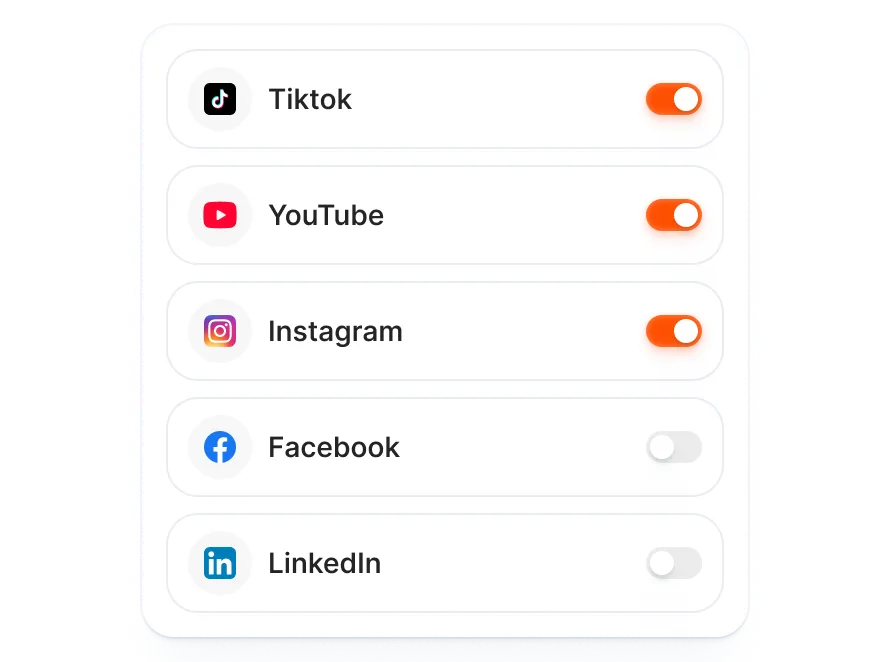
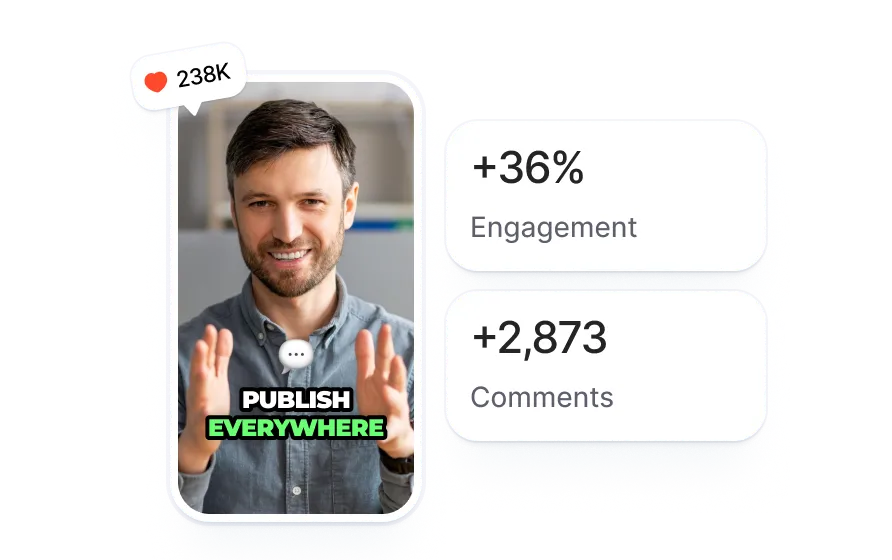
قم بالتحرير مرة واحدة وانشر المحتوى على فيسبوك إلى جانب تيك توك وإنستغرام ويوتيوب. يقوم الذكاء الاصطناعي بتعديل نص كل منشور وهاشتاغاته وتنسيقه ليتناسب مع كل منصة.
تستخرج الذكاء الاصطناعي اللحظات الرئيسية من النص المكتوب لمقطع الفيديو الخاص بك، وتكتب تعليقات Reels مع وسمات مخصصة لتناسب الطريقة التي يعرض بها فيسبوك Reels»، وليست نسخة من منشورك على إنستغرام.

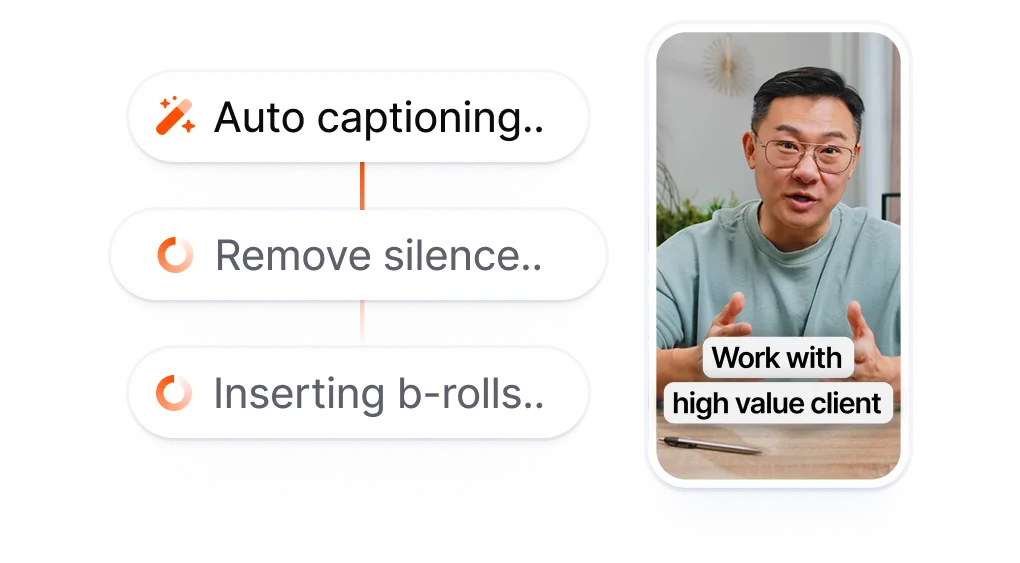
قم بتحميل مقطع فيديو أو لصق رابط. يقوم Submagic بإنشاء تعليقات توضيحية من النص المكتوب وإضافة لقطات إضافية وتأثيرات وصوت، بحيث يتم تحرير الفيديو بالكامل قبل جدولته للنشر على أي منصة.
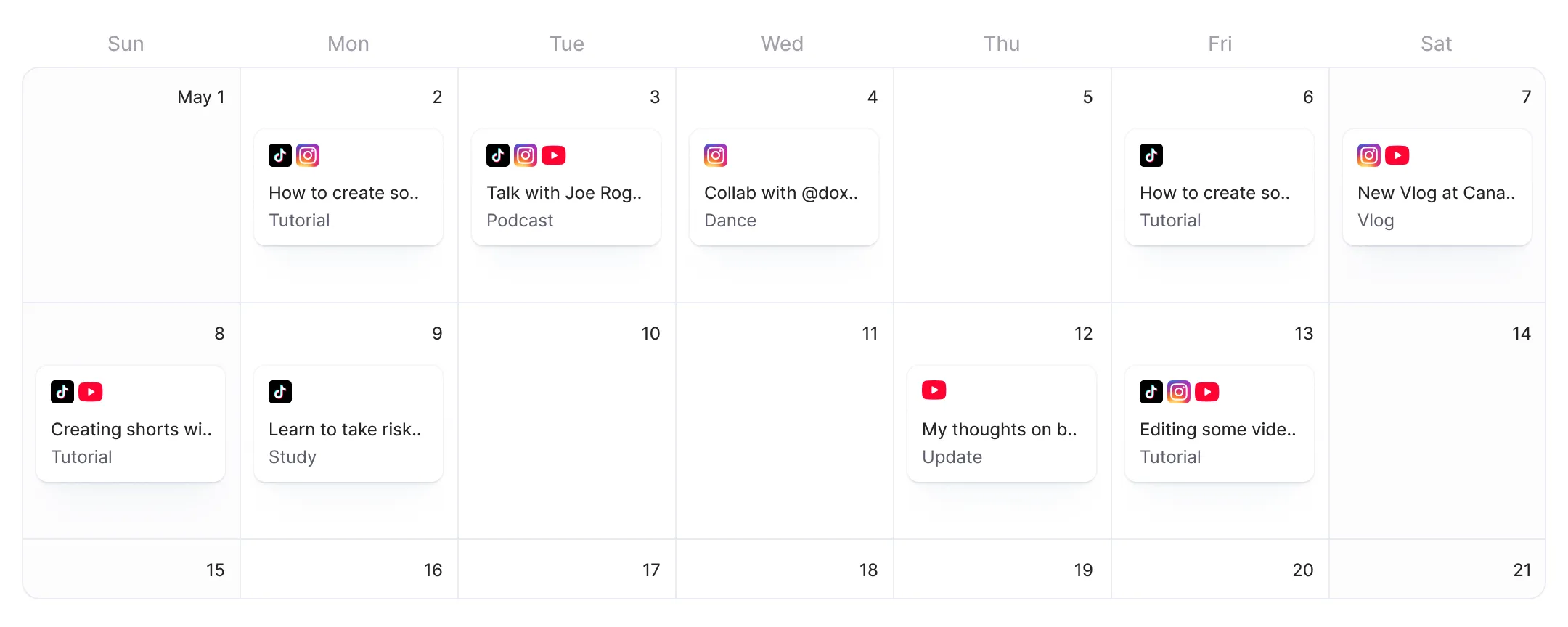
عندما يصدر فيسبوك التحديث، قم بتشغيله في نافذة النشر المؤقتة واختر تاريخًا. وسيقوم الذكاء الاصطناعي بكتابة وصف وهاشتاغات Reels استنادًا إلى النص الذي أدخلته.

عندما يتم النشر على فيسبوك، ستقوم Submagic بالنشر في الوقت الذي حددته. وسيتم نشر مقطع «Reel» الخاص بك على فيسبوك في الموعد المحدد.
Reels على فيسبوك انتشارًا أوسع مقارنةً بالمنشورات النصية أو المصورة، لكن معظم أدوات جدولة النشر تعامل الفيديو كملف يتم إرفاقه لاحقًا. أما Submagic فتقوم أولاً بتحرير الفيديو باستخدام التسميات التوضيحية المدعومة بالذكاء الاصطناعي، ومقاطع الفيديو الإضافية (B-roll)، والتأثيرات، ثم تنشر Reels فيسبوك دون الحاجة إلى تصديرها أو إعادة تحميلها.
تقبل أدوات جدولة المنشورات على فيسبوك الملفات النهائية التي لا تحتوي على أدوات تحرير.
ينتهي بك الأمر إلى التوفيق بين ثلاث أدوات لإنتاج مقطع فيديو واحد
، ومع ذلك لا تتمتع بأي سيطرة على عملية التحرير.
مقابل
التحرير باستخدام الذكاء الاصطناعي. إضافة فيسبوك.
نشر Reels التصدير.
ينتقل مقطع الفيديو الذي قمت بتحريره من التسميات التوضيحية والتأثيرات التي تم إنشاؤها بواسطة الذكاء الاصطناعي إلى مقطع «Facebook Reel» مجدول دون الحاجة إلى مغادرة أداة التحرير، كل ذلك في عملية سلسة واحدة.
تقوم الذكاء الاصطناعي بصياغة الأوصاف والهاشتاغات بما يتناسب مع الطريقة التي يعرض بها فيسبوك Reels وليس نصوصًا عامة معاد استخدامها من منصة أخرى.
يُضاف «فيسبوك» إلى قائمة المنصات التي تنشر عليها، إلى جانب «تيك توك» و«إنستغرام» و«يوتيوب». ويقوم الذكاء الاصطناعي بتعديل التنسيق والتعليقات والهاشتاغات وفقًا لكل قناة.

أنتم تعملون على تحديث التطبيق بسرعة وتضيفون باستمرار ميزات جديدة مثل الموسيقى والتقطيع وغير ذلك.

تطبيق Submagic رائع حقًّا، وفريق الدعم هو الأفضل على الإطلاق مقارنةً بجميع التطبيقات التي استخدمتها من قبل.

الواجهة بسيطة، والترجمة دقيقة، كما أنها توفر عليّ الكثير من الوقت.

إنه يوفر لي وقتًا هائلاً كل يوم. وقد تم تصميم سير العمل بشكل مدروس للغاية.




تقوم Submagic بإضافة تعليقات نصية مدعومة بالذكاء الاصطناعي ومقاطع فيديو إضافية وتأثيرات إلى مقطع الفيديو الخاص بك، ثم تنشره على TikTok وInstagram وYouTube وFacebook Reels.


نعم. تتيح لك منصة Meta Business Suite جدولة نشر مقاطع فيديو مسجلة مسبقًا على صفحة فيسبوك، بما في ذلك Reels. ولا تدعم الحسابات الشخصية ميزة جدولة نشر مقاطع الفيديو بشكل مدمج. وفي Submagic، يمكنك تحرير مقطع الفيديو الخاص بك باستخدام الترجمة الآلية والتأثيرات المدعومة بالذكاء الاصطناعي، ثم جدولة نشره مباشرةً دون الحاجة إلى التبديل بين الأدوات.
افتح Meta Business Suite، واختر صفحتك، وانقر على «إنشاء منشور»، وقم بتحميل ملف الفيديو الخاص بك، واختر «جدولة» بدلاً من «نشر». قم بتحديد التاريخ والوقت، وستقوم Meta بنشره تلقائيًا. أما في Submagic، فتختفي خطوة التحميل لأن الفيديو الخاص بك يكون موجودًا بالفعل داخل المحرر بعد إضافة التسميات التوضيحية ومقاطع الفيديو الإضافية والتأثيرات.
في Meta Business Suite، انتقل إلى «مخطط المحتوى»، واختر «إنشاء ريل»، وقم بتحميل مقطع الفيديو الخاص بك، ثم حدد تاريخًا للنشر. يوصي فيسبوك باستخدام مقاطع فيديو عمودية (9:16) لـ Reels»، على الرغم من قبول نسب عرض إلى ارتفاع أخرى. في Submagic، يتم تنسيق الفيديو الخاص بك وإضافة التسميات التوضيحية له وجدولته للنشر على Reels فيسبوك Reels نفس المحرر الذي تضيف فيه المؤثرات ومقاطع الفيديو الإضافية.
يتيح «فيسبوك» إمكانية جدولة المنشورات عبر «Meta Business Suite» للصفحات وحسابات الوضع الاحترافي. أما الحسابات الشخصية، فلا يمكنها جدولة المنشورات بشكل مباشر. يدعم «Meta Business Suite» النصوص والصور ومقاطع الفيديو، لكنه لا يحتوي على أدوات لتحرير الفيديو. لذا، يتعين عليك تحرير الفيديو في مكان آخر، ثم تصديره، ثم تحميل الملف النهائي إلى «Meta Business Suite» لجدولته.
تتوفر «Meta Business Suite» مجانًا لأي شخص يدير صفحة على «فيسبوك» أو حسابًا تجاريًّا على «إنستغرام». وهي تغطي ميزات جدولة المنشورات وصندوق الوارد والتحليلات الأساسية دون أي تكلفة. لكن هناك قيدًا يتعلق بسير العمل: لا تتيح «Meta Business Suite» تحرير مقاطع الفيديو، لذا ستحتاج إلى أداة تحرير منفصلة قبل التحميل. أما «Submagic» فتجمع بين خطوات التحرير والجدولة في أداة واحدة مخصصة لـ «TikTok» و«إنستغرام» و«يوتيوب» و«فيسبوك».
يقوم تطبيق Meta Business Suite بجدولة المنشورات ولكنه لا يقوم بتحرير مقاطع الفيديو. فأنت تُنجز مقطع الفيديو الخاص بك في محرر منفصل، ثم تقوم بتصديره، ثم تحمّل الملف إلى تطبيق Meta Business Suite. أما تطبيق Submagic فيقوم أولاً بإضافة الترجمة الآلية باستخدام الذكاء الاصطناعي، ومقاطع الفيديو الإضافية (B-roll)، والتأثيرات إلى مقطع الفيديو الخاص بك، ثم يقوم بجدولته على فيسبوك دون الحاجة إلى خطوة التصدير أو إعادة التحميل. ويتم إجراء عمليات التحرير والنشر في مساحة عمل واحدة.
قم بتشغيل Facebook جنبًا إلى جنب مع TikTok وInstagram وYouTube في شاشة نشر واحدة. يقوم الذكاء الاصطناعي بإنشاء تعليقات وهاشتاغات وتنسيقات مخصصة لكل قناة. حدد جدولًا زمنيًا واحدًا أو قم بتوزيع الأوقات حسب كل منصة، وستتولى Submagic الباقي.
نعم. Reels على فيسبوك Reels التنسيق المدعوم. Reels مقاطع فيديو عمودية (9:16)، والتي يقوم Submagic أيضًا بتحويلها إلى التنسيق المناسب لتطبيقات TikTok وInstagram. يمكنك تحرير مقطع الفيديو الخاص بك باستخدام التسميات التوضيحية والتأثيرات المدعومة بالذكاء الاصطناعي، ثم جدولة نشره كمقطع «Reels» على فيسبوك مباشرةً.
أزال فيسبوك ميزة الجدولة المدمجة من الملفات الشخصية. ولا يمكن الجدولة إلا من خلال «Meta Business Suite» للصفحات والملفات الشخصية التي تعمل في الوضع الاحترافي. كما تتطلب أدوات الجهات الخارجية مثل «Buffer» و«Hootsuite» ربط صفحة. ويتبع نظام النشر على فيسبوك في «Submagic» نفس قيود واجهة برمجة التطبيقات (API) التي يفرضها فيسبوك على تطبيقات الجهات الخارجية.
Submagic هي أفضل أداة ذكاء اصطناعي لإنشاء مقاطع فيديو جذابة short-form في ثوانٍ لفرق العمل والشركات.