




O Submagic é a melhor ferramenta de IA para criar vídeos curtos envolventes em segundos para equipes e empresas.



Schedule Facebook Reels from the editor where you add AI captions, B-roll, and effects. Edit once, publish directly.
Essas empresas confiam e adoram as legendas geradas pela IA da Submagic.


AI edits your video, writes Reels-ready captions, and publishes to Facebook directly.
Most Facebook video workflows end at a finished file. Submagic starts earlier, applying AI captions, B-roll, and effects inside the editor that publishes to your Page.
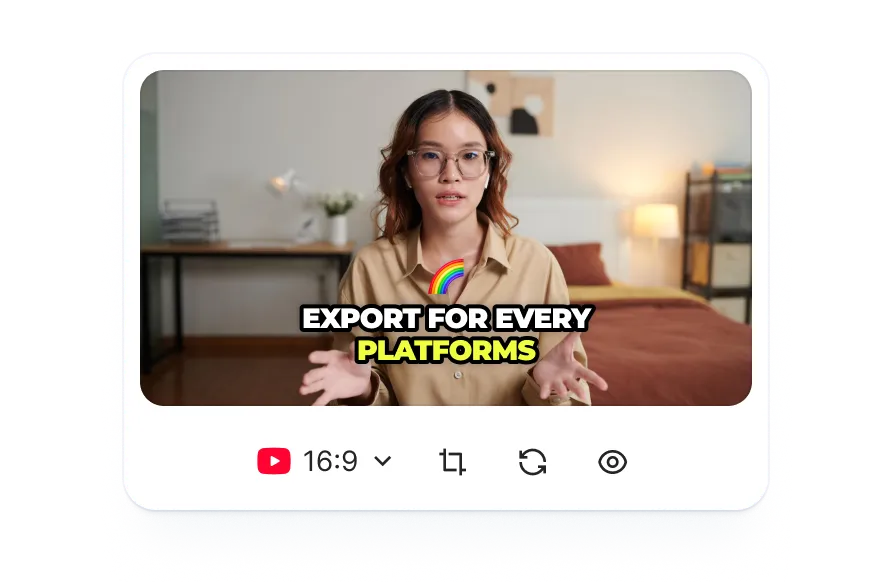
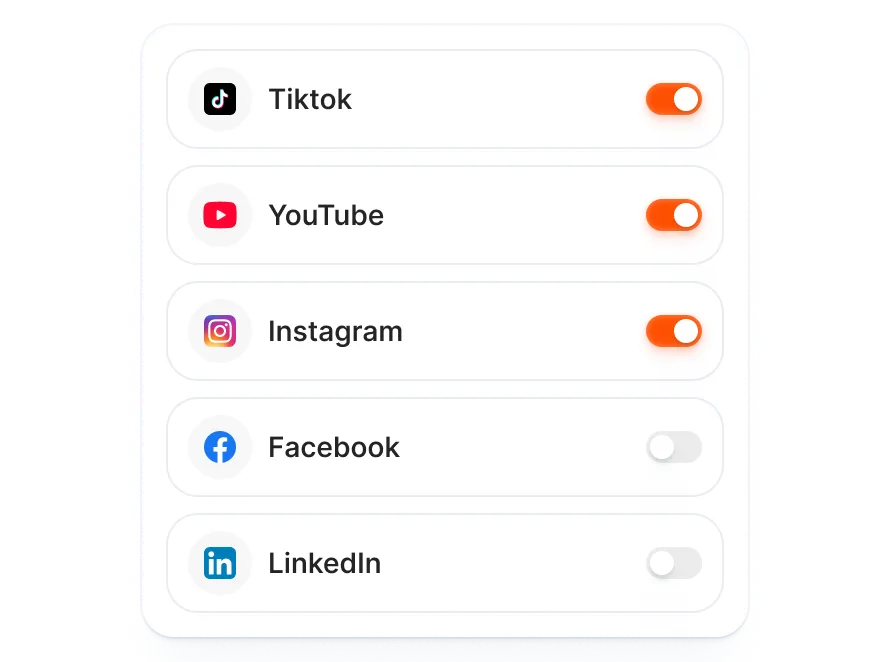
Edit once and distribute to Facebook alongside TikTok, Instagram, and YouTube. AI adjusts each post's copy, hashtags, and format to match the platform.
AI extracts key moments from your transcript and writes Reels-ready captions with hashtags tuned for how Facebook surfaces Reels, not copied from your Instagram post.
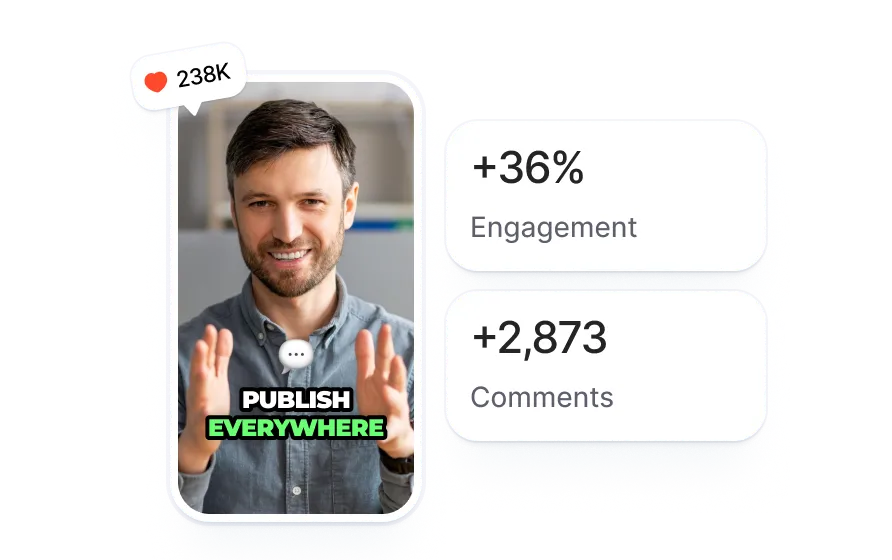
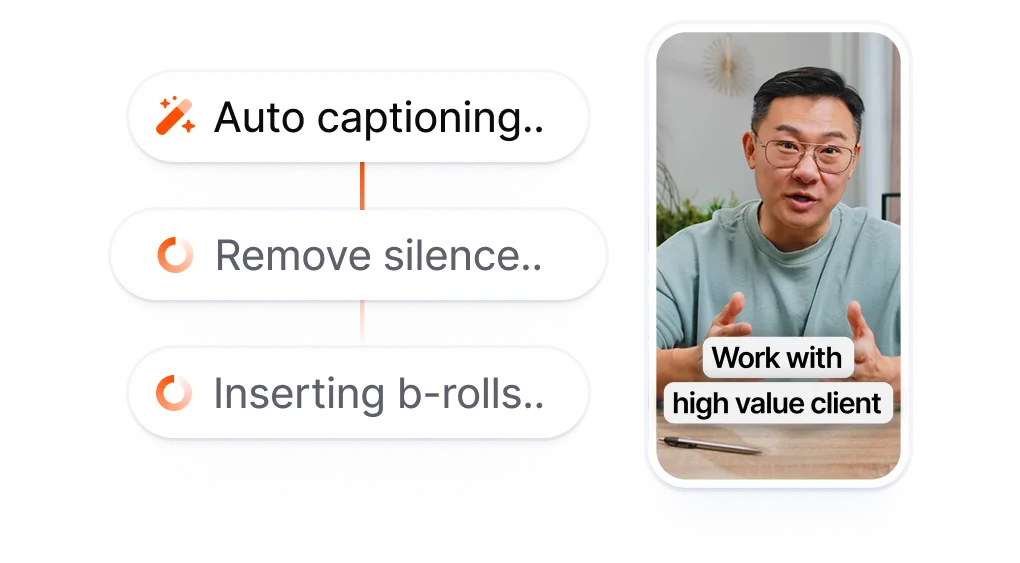
Upload footage or paste a link. Submagic generates captions from the transcript and adds B-roll, effects, and sound so your video is fully edited before scheduling to any platform.
When Facebook ships, turn it on in the publish modal and pick a date. AI will write a Reels-ready description and hashtags from your transcript.
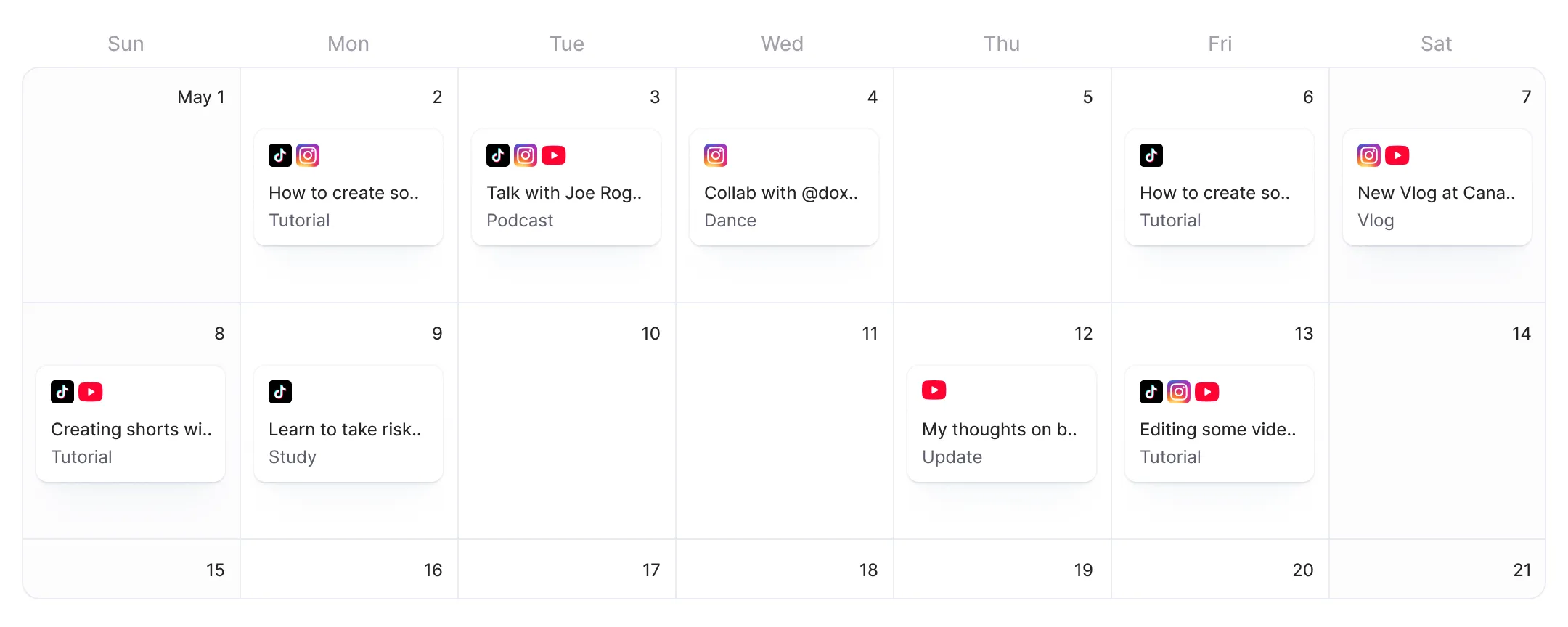
When Facebook ships, Submagic will publish at the time you set. Your Reel goes live on Facebook on schedule.
Facebook Reels drive more reach than text or image posts, but most scheduling tools treat video as a file to attach after the fact. Submagic edits the video first with AI captions, B-roll, and effects, then publishes Reels to Facebook without an export or re-upload step.
Facebook schedulers accept finished files with no editing tools.
You end up juggling three tools for one video
and still have zero editing control.
vs
Edit with AI. Add Facebook.
Publish Reels without exporting.
Your edited video goes from AI captions and effects to a scheduled Facebook Reel without leaving the editor, all in one flow.
AI drafts descriptions and hashtags tuned for how Facebook surfaces Reels, not generic copy recycled from another platform.
Facebook joins your publish list next to TikTok, Instagram, and YouTube. AI adjusts format, captions, and hashtags for each channel.

Vocês estão atualizando rapidamente e adicionando constantemente novos recursos, como música, edição de vídeo e muito mais.

O Submagic é incrível, e a equipe de suporte é, de longe, a melhor que já vi entre todos os aplicativos que usei até agora.

A interface é simples, as legendas são precisas e isso me poupa muito tempo.

Isso me poupa uma quantidade enorme de tempo todos os dias. O fluxo de trabalho é extremamente bem planejado.



Submagic adds AI captions, B-roll, and effects to your video, then publishes to TikTok, Instagram, YouTube, and Facebook Reels.


Yes. Meta Business Suite lets you schedule pre-recorded video to a Facebook Page, including Reels. Personal profiles do not support native video scheduling. In Submagic, you edit your video with AI captions and effects, then schedule it directly without switching tools.
Open Meta Business Suite, select your Page, click "Create post," upload your video file, and choose "Schedule" instead of "Publish." You set the date and time, and Meta publishes it automatically. In Submagic, the upload step disappears because your video is already inside the editor after adding captions, B-roll, and effects.
In Meta Business Suite, go to Content Planner, select "Create Reel," upload your clip, and pick a scheduled date. Facebook recommends vertical video (9:16) for Reels, though other aspect ratios are accepted. In Submagic, your video is formatted, captioned, and scheduled to Facebook Reels from the same editor where you add effects and B-roll.
Facebook offers scheduling through Meta Business Suite for Pages and professional-mode profiles. Personal profiles cannot schedule posts natively. Meta Business Suite handles text, images, and video, but it has no video editing tools. You edit elsewhere, export, then upload the finished file to Meta Business Suite to schedule it.
Meta Business Suite is free for anyone managing a Facebook Page or Instagram business account. It covers scheduling, inbox, and basic analytics at no cost. The limitation is workflow: Meta Business Suite does not edit video, so you need a separate editor before uploading. Submagic combines the editing and scheduling steps into one tool for TikTok, Instagram, YouTube, and Facebook.
Meta Business Suite schedules posts but does not edit video. You finish your video in a separate editor, export it, and upload the file to Meta Business Suite. Submagic adds AI captions, B-roll, and effects to your video first, then schedules it to Facebook without an export or re-upload step. The editing and publishing happen in one workspace.
Toggle Facebook on alongside TikTok, Instagram, and YouTube in one publish screen. AI generates tailored captions, hashtags, and formatting for each channel. Set one schedule or stagger times per platform, and Submagic handles the rest.
Yes. Facebook Reels are the supported format. Reels use vertical video (9:16), which Submagic also formats for TikTok and Instagram. You edit your video with AI captions and effects, then schedule it as a Facebook Reel directly.
Facebook removed native scheduling from personal profiles. Only Pages and professional-mode profiles can schedule through Meta Business Suite. Third-party tools like Buffer and Hootsuite also require a connected Page. Submagic's Facebook publishing follows the same API restrictions that Facebook sets for third-party apps.
O Submagic é a melhor ferramenta de IA para criar vídeos curtos envolventes em segundos para equipes e empresas.