
.png)





Submagic is de beste AI-tool om in een paar seconden boeiende short-form video's te maken voor teams en bedrijven.



Vertrouwd door de beste bureaus en videobewerkers ter wereld



Zet je stem om in weergaven. Meer dan 50 talen en viral die bij je merk passen — of maak je eigen stijl.


Bewerk, tijd en pas aan met AI die begrijpt wat je precies wilde doen. Geen stress meer. Geen late avonden meer.


Submagic leest je script en voegt relevante b-roll toe b-roll je ‘engagementpiek’ kunt zeggen.
Je gezicht? De clou? We zoomen precies in op het moment dat het ertoe doet. Trekt meteen de aandacht.


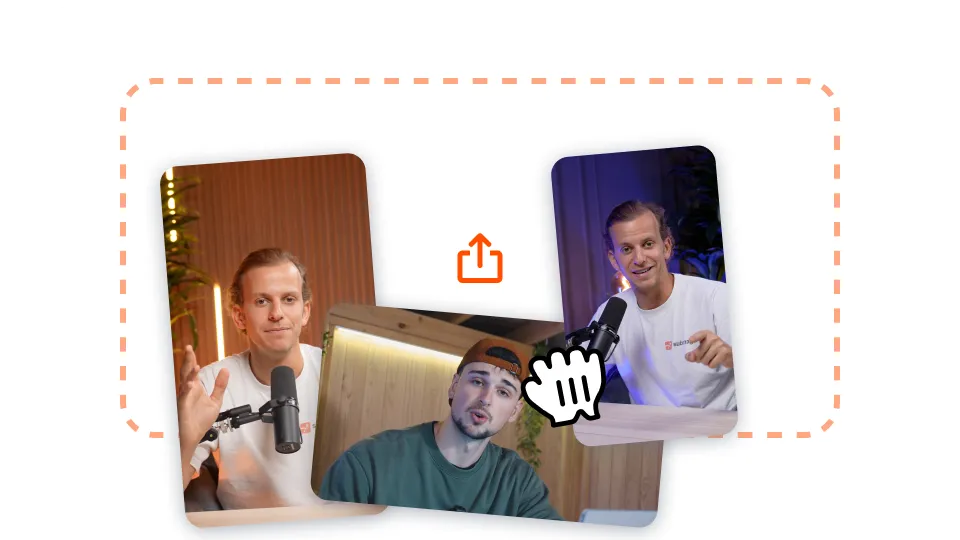
Upload je lange video naar Submagic of plak gewoon een YouTube-videolink.

Voeg auto-zooms toe, maak met één klik stockbeelden generaties op je video en nog veel meer!
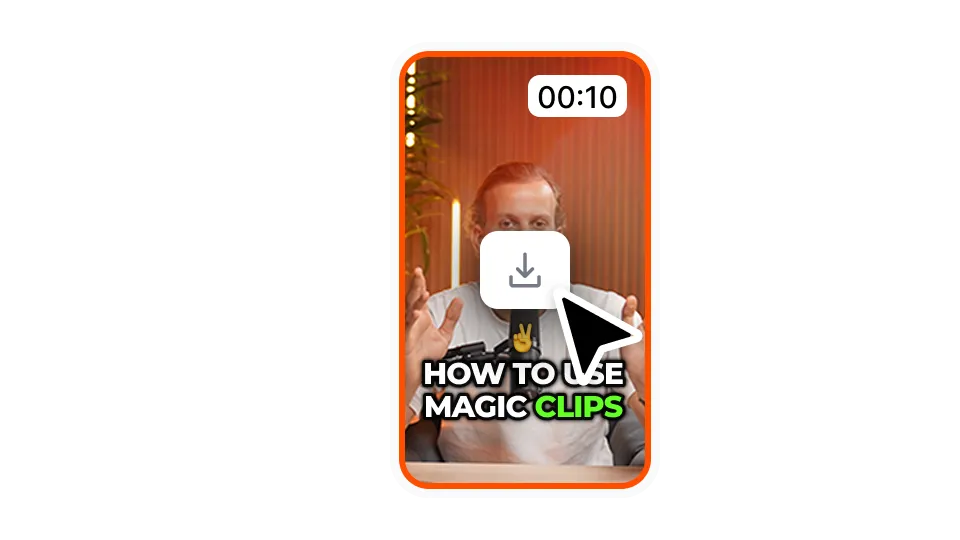
Exporteer je video met de ondertitels door op 'Downloaden' te klikken. Je kunt je eerste video's gratis exporteren.
Download ondertitels in SRT-, VTT- of hardcoded-formaat. Kies het juiste formaat voor elk doel.
Bekijk de ondertitels vooraf en pas ze bij voordat je ze exporteert. Zorg ervoor dat elk woord klopt.
Bureaus zijn dol op het gebruiksgemak bij het exporteren. Snel, nauwkeurig en direct klaar om aan klanten te leveren.
Bekijk de prijzen en begin vandaag nog!
Genereer je ondertitels in enkele minuten. Geanimeerde emoji's, kleuren en GIF's toevoegen
Voeg rechtenvrije B-Roll toe aan je video of importeer je eigen clips met één klik.
Maak vloeiende overgangen tussenB-rolls, animeer emoji's met geluid.
Genereer 5-sterren overgangen tussen clips om dynamische video's te maken.
Verwijder alle stilte uit je video met een toverstokje.
Geef je video meer energie door afbeeldingen en GIF's toe te voegen met slechts één klik
Voeg geluidseffecten toe om een sfeer te creëren en belangrijke momenten te benadrukken.
Voeg als kers op de taart in een paar seconden een muziekachtergrond toe aan je video.
Genereer een beschrijving en hashtags voor het optimaliseren van je video's op sociale media.
Maak met een paar klikken korte, boeiende videoclips van je langere inhoud.
Haal de beste momenten uit je video's en verbeter ze voor een maximale impact.
Laat AI je video’s verbeteren met professionele overgangen en aanpassingen in de timing.
Vertaal je video’s in een paar seconden met ondertitels die zijn afgestemd op je stem en stijl.
Submagic is de beste AI-tool om in een paar seconden boeiende short-form video's te maken voor teams en bedrijven.