




Submagic is de beste AI-tool om in een paar seconden boeiende short-form video's te maken voor teams en bedrijven.



Schedule video to X from the same editor where you add AI captions, effects, and sounds. Captions and hashtags built from your transcript.
Deze bedrijven vertrouwen op en zijn dol op de AI-ondertitels van Submagic.


AI edits your video, writes tweet-length captions and hashtags, and schedules to X.
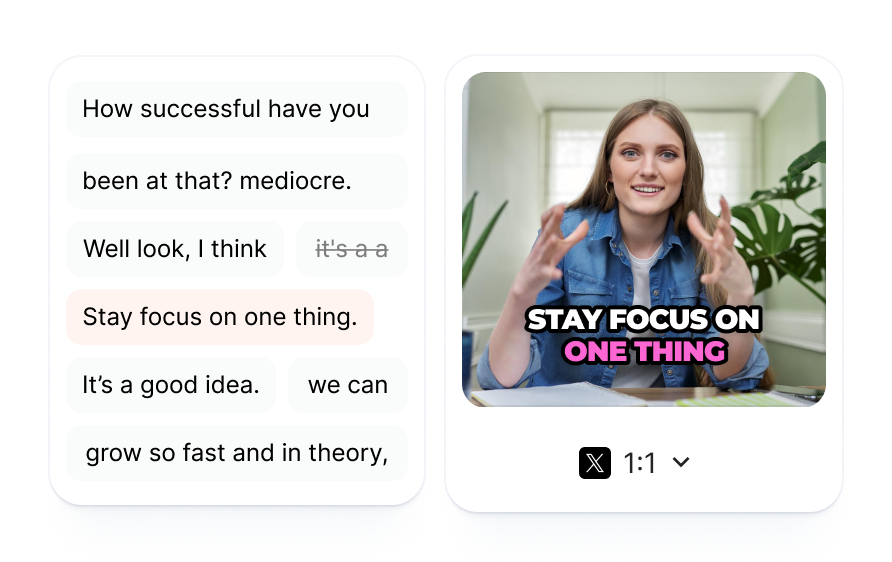
Your video gets AI captions, B-roll, and effects before you schedule tweets, all without leaving Submagic or exporting to a separate tool.
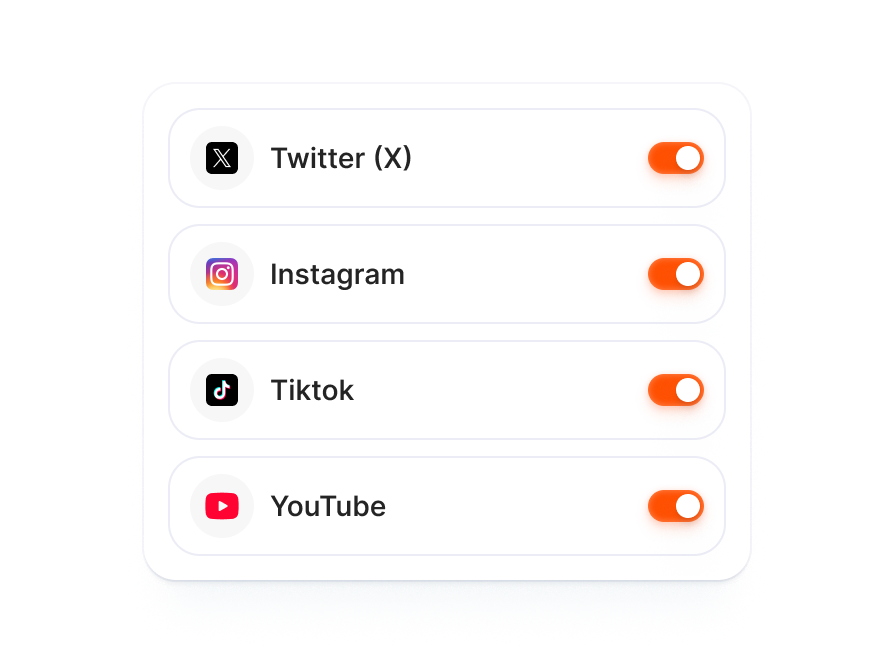
AI writes tailored copy for each platform from one edit. Toggle X on beside TikTok, Instagram, and YouTube in the publish modal.
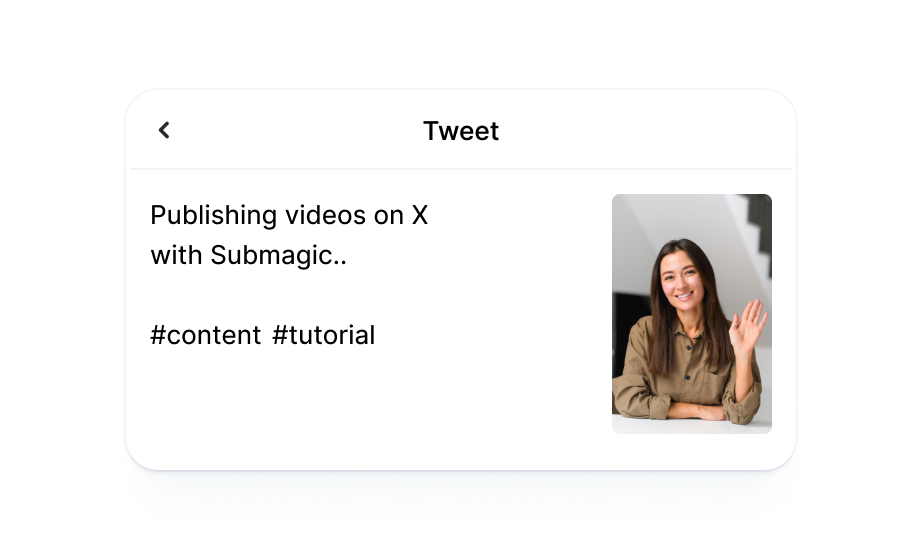
AI turns your video transcript into a tweet-length caption and relevant hashtags tuned for how people read on X.

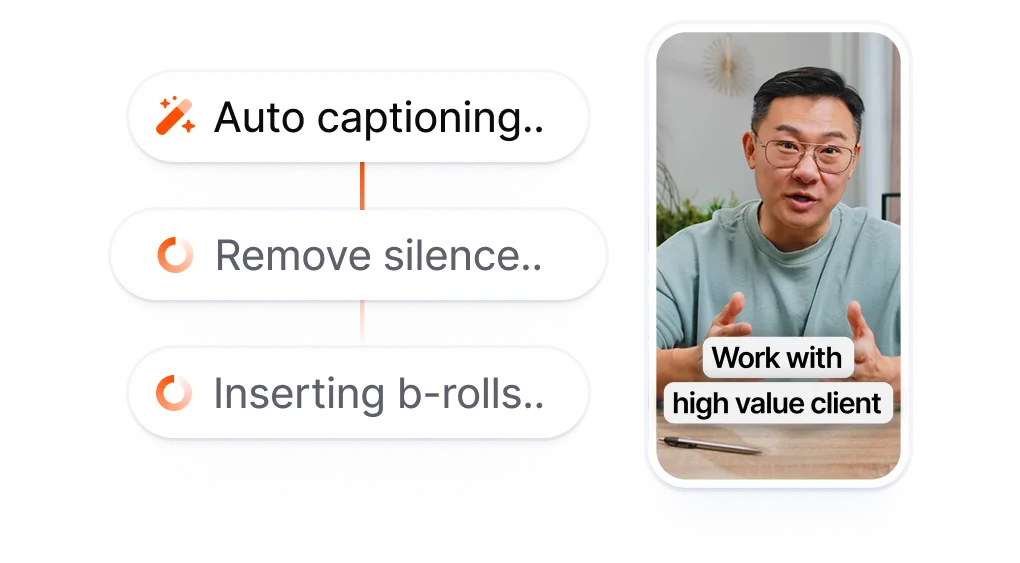
Drop in your footage or paste a link. Submagic generates captions from the transcript and layers in B-roll, effects, and sound.
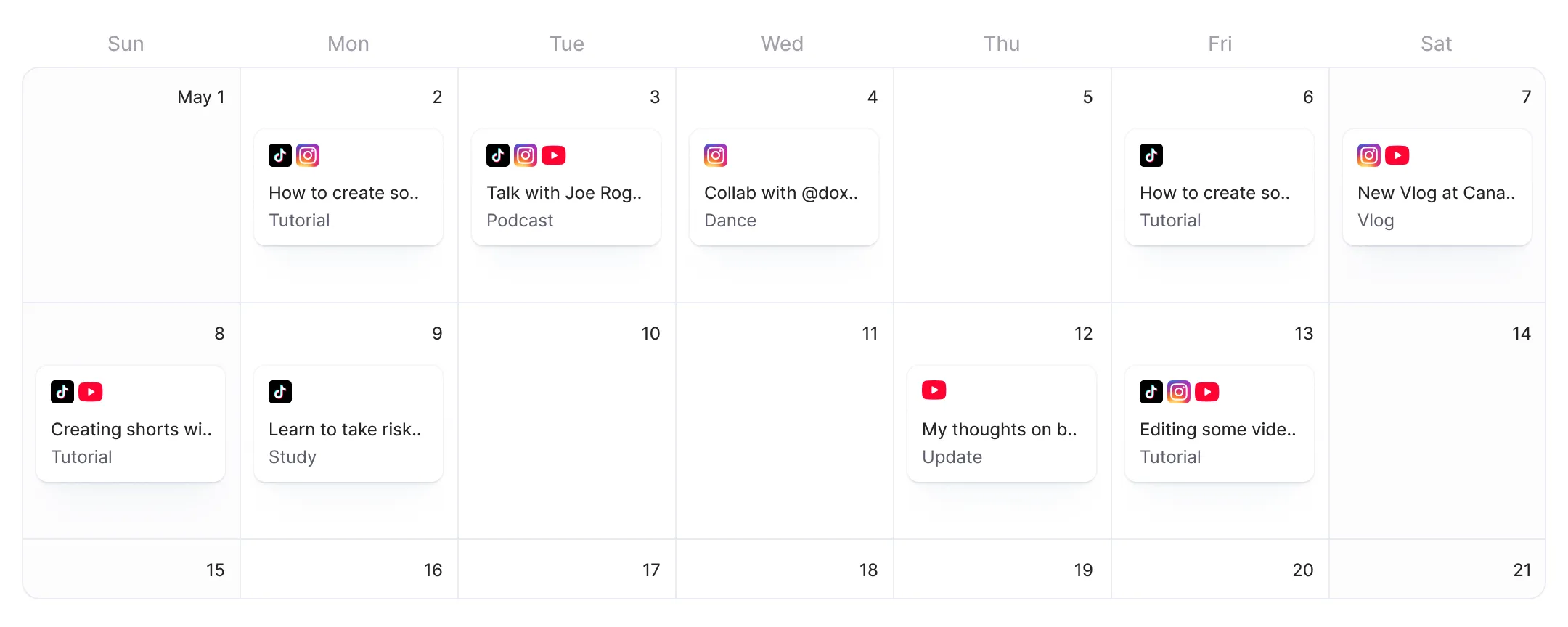
When X ships, add it to your publish list, pick a date and time, and let AI draft a tweet-length caption with hashtags pulled from your transcript.
Your video goes live on X at the scheduled time. See your published posts from the Submagic dashboard.
Most X (Twitter) scheduling tools handle text tweets and image uploads. Video is an afterthought: you edit elsewhere, export, upload the file, and type a caption from scratch. Submagic keeps everything in one workspace so your video goes from transcript to scheduled X post without leaving the editor.
X schedulers handle text tweets, not video editing.
That is three tools before a single
video tweet goes live.
vs
Edit with AI. Toggle X.
Post video tweets on schedule.
Submagic turns your video's transcript into AI captions, B-roll, and effects, then queues the post to X without an export or re-upload step.
AI writes tweet-length copy and hashtags from your transcript, tuned for how people scan on X.
Flip X on in the publish screen alongside TikTok, Instagram, and YouTube. AI adjusts caption length and hashtags for each platform.

Jullie werken de app snel bij en voegen voortdurend nieuwe functies toe, zoals muziek, knippen en nog veel meer.

Submagic is geweldig, en het ondersteuningsteam is veruit het beste dat ik ooit ben tegengekomen bij alle apps die ik eerder heb gebruikt.

De interface is overzichtelijk, de ondertitels zijn nauwkeurig en het bespaart me enorm veel tijd.

Het bespaart me elke dag ontzettend veel tijd. De workflow is buitengewoon goed doordacht.



Submagic turns your video transcript into tweet-length captions and hashtags using AI. Edit and schedule video to X from the same workspace.


Yes. X (formerly Twitter) supports basic post scheduling through its web interface and X Pro (formerly TweetDeck, now requires X Premium at $8/month). Submagic adds AI video editing on top: captions, B-roll, effects, and sound applied to your video before scheduling. Edit and schedule from one workspace instead of two.
X's built-in scheduler on the web is free for basic tweets. X Pro (TweetDeck) requires a Premium subscription. Third-party tools like Buffer offer free tiers with limits, while Hootsuite starts at $99/month after a 30-day trial. Submagic's free tier includes Publish Now for one video. Scheduling for a future date and time requires a Pro or Business plan.
Yes. AI tools generate tweet copy and suggest hashtags. Submagic's AI turns your video transcript into tweet-length captions and relevant hashtags tuned for X's format, then schedules the post automatically at the time you set.
TweetDeck was absorbed into X Pro, which requires an X Premium subscription ($8/month or $84/year). The free standalone TweetDeck no longer exists. Third-party scheduling tools (Buffer, Hootsuite, Typefully, Hypefury) fill the gap for users who want free or lower-cost scheduling.
X does not penalize scheduled posts. The algorithm ranks tweets by relevance, recency, and engagement signals, regardless of whether you posted manually or through a scheduling tool. Batch-scheduling video tweets during high-traffic windows (weekday mornings and early evenings) often outperforms posting sporadically when you happen to be online.
Yes, using third-party tools. Buffer, Hootsuite, Typefully, and Hypefury all offer tweet scheduling without requiring X Premium. X's built-in web scheduler also works without Premium for basic tweets. X Pro (TweetDeck) is the only scheduling method that requires a Premium subscription.
X's mobile app only supports drafts, not scheduled posting. To schedule from a phone, use a third-party tool (Buffer, Hootsuite, Typefully) or access X Pro through a mobile browser. Submagic's X scheduling works from any device through the web editor.
Yes. Edit your video with AI captions, B-roll, and effects, then toggle X on in the publish screen. AI generates a tweet-length caption and hashtags from your transcript. Set a date and time, and Submagic posts automatically.
Video posts with AI-generated captions and hashtags. Edit your video with AI captions, B-roll, and effects, then schedule it directly to X from the same workspace.
Submagic is de beste AI-tool om in een paar seconden boeiende short-form video's te maken voor teams en bedrijven.